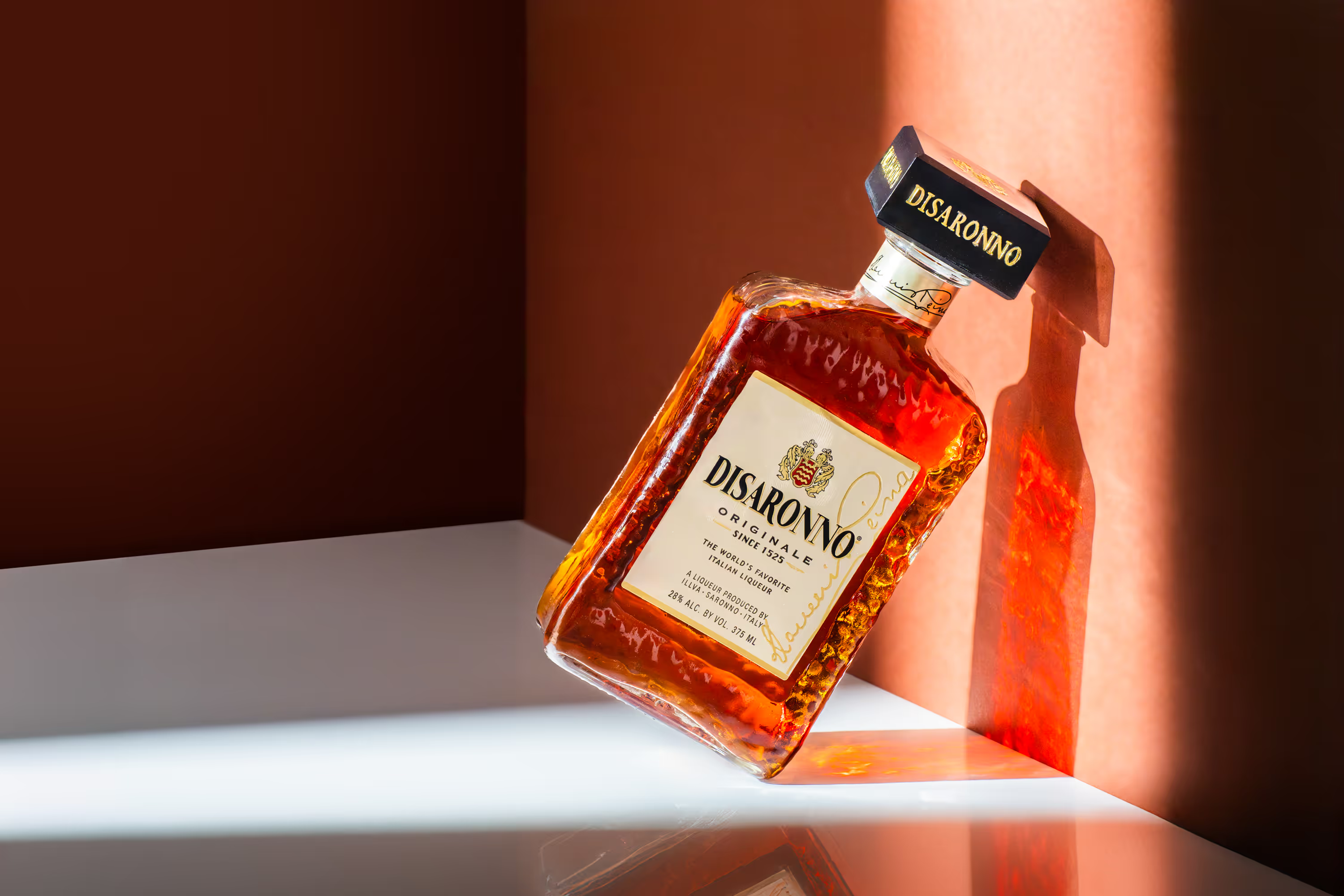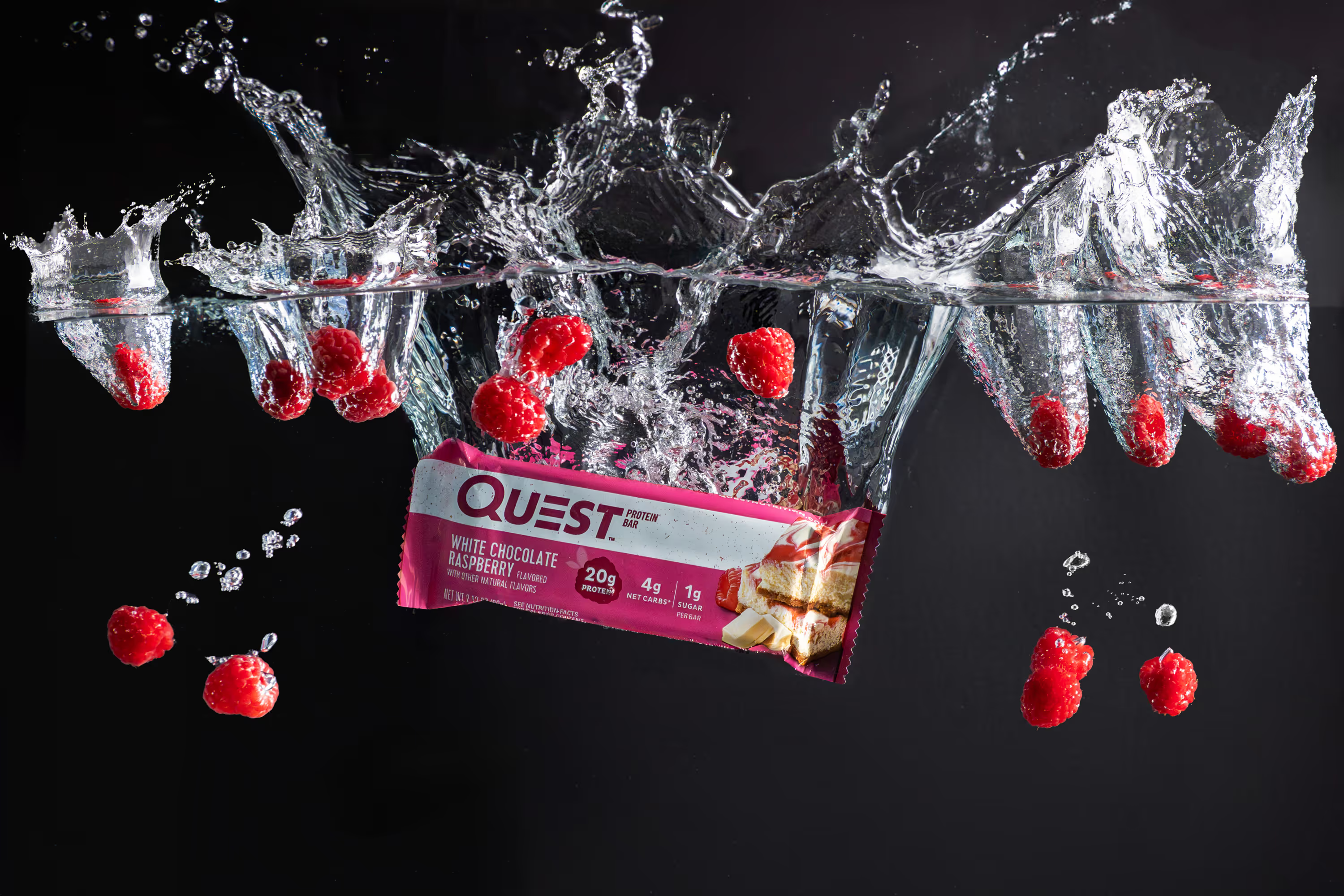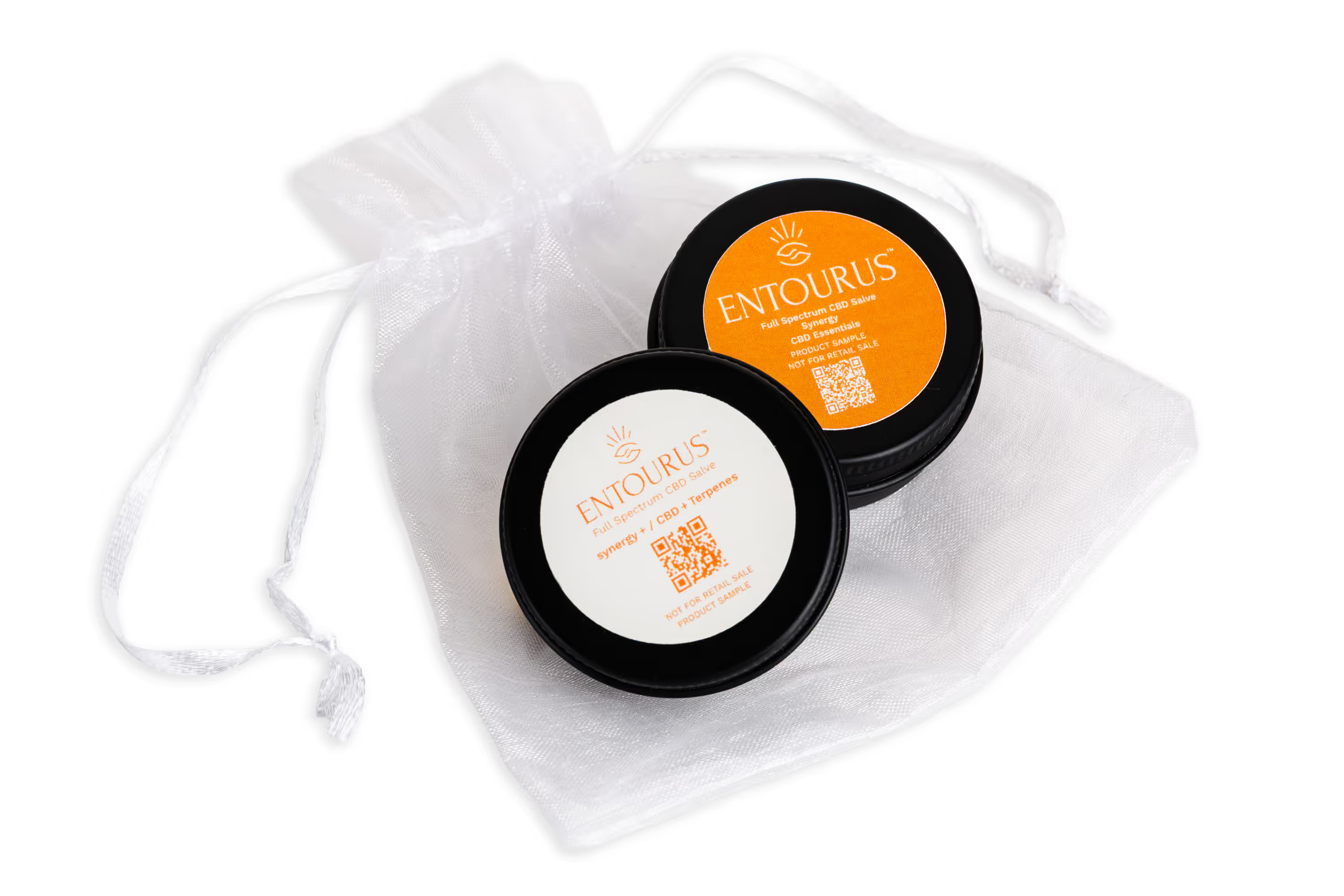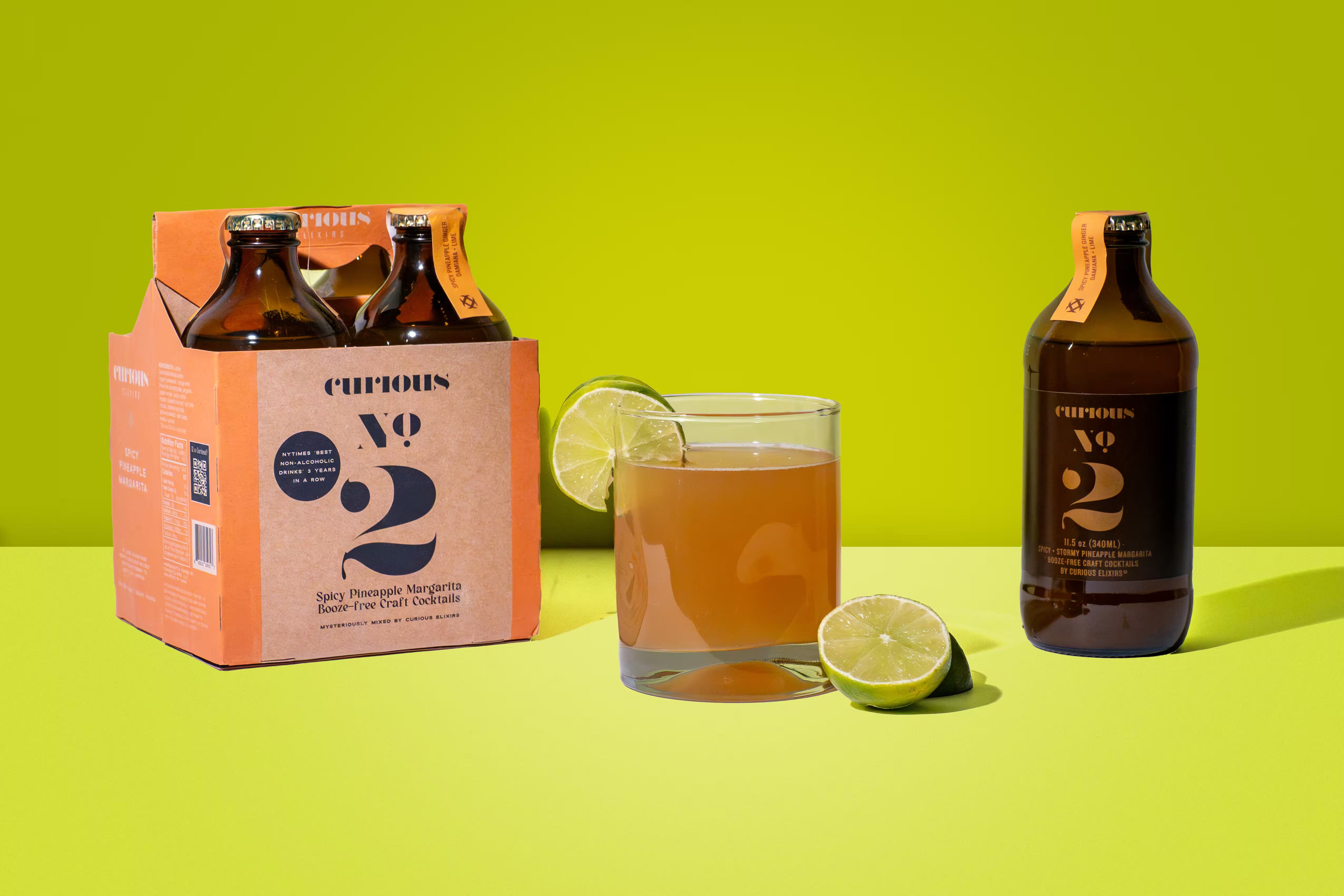
If your product photos look amazing but aren’t bringing in traffic, it’s usually not a “photo quality” problem. It’s an Image SEO problem. Search engines can’t see your images the way people do. They rely on text signals (like filenames and alt text) + page context to understand what your photo is about. And when those signals are missing or messy, you’re basically hiding your best-performing content from Google.
Why Image SEO Matters for Product Photos
Your product images can show up in Google Images, standard search results, and even discovery surfaces like Google Lens. That’s high-intent traffic of people actively searching for what you sell. And from a pure marketing perspective: content with images tends to perform better. HubSpot cites a stat that articles with images can get 94% more views than those without. The takeaway is simple: If your photos load fast and communicate clearly to search engines, they can drive clicks before someone ever sees your homepage.
The 3-Part Image SEO Stack (That Actually Moves the Needle)
For most CPG brands, traffic gains come from three things:
- Descriptive filenames (before you upload)
- Clear, helpful alt text (for accessibility + Google)
- Smart metadata + context (captions, structured data, and sitemaps)
Google itself recommends descriptive filenames, alt text, and placing images near relevant text so it can understand them better.
1) Filenames: The Easiest Win You’re Probably Skipping
If your images are called: IMG_4829.jpg, DSC_01933.png, or final_final_use-this-one.webp
…you’re wasting a free ranking signal.
A filename is a tiny label that tells Google what the image is. And for product photography, that label should describe the product like a human would.
The Best Filename Format for Product Photos
Use this simple structure:
brand-product-variant-format-angle.jpg
Examples:
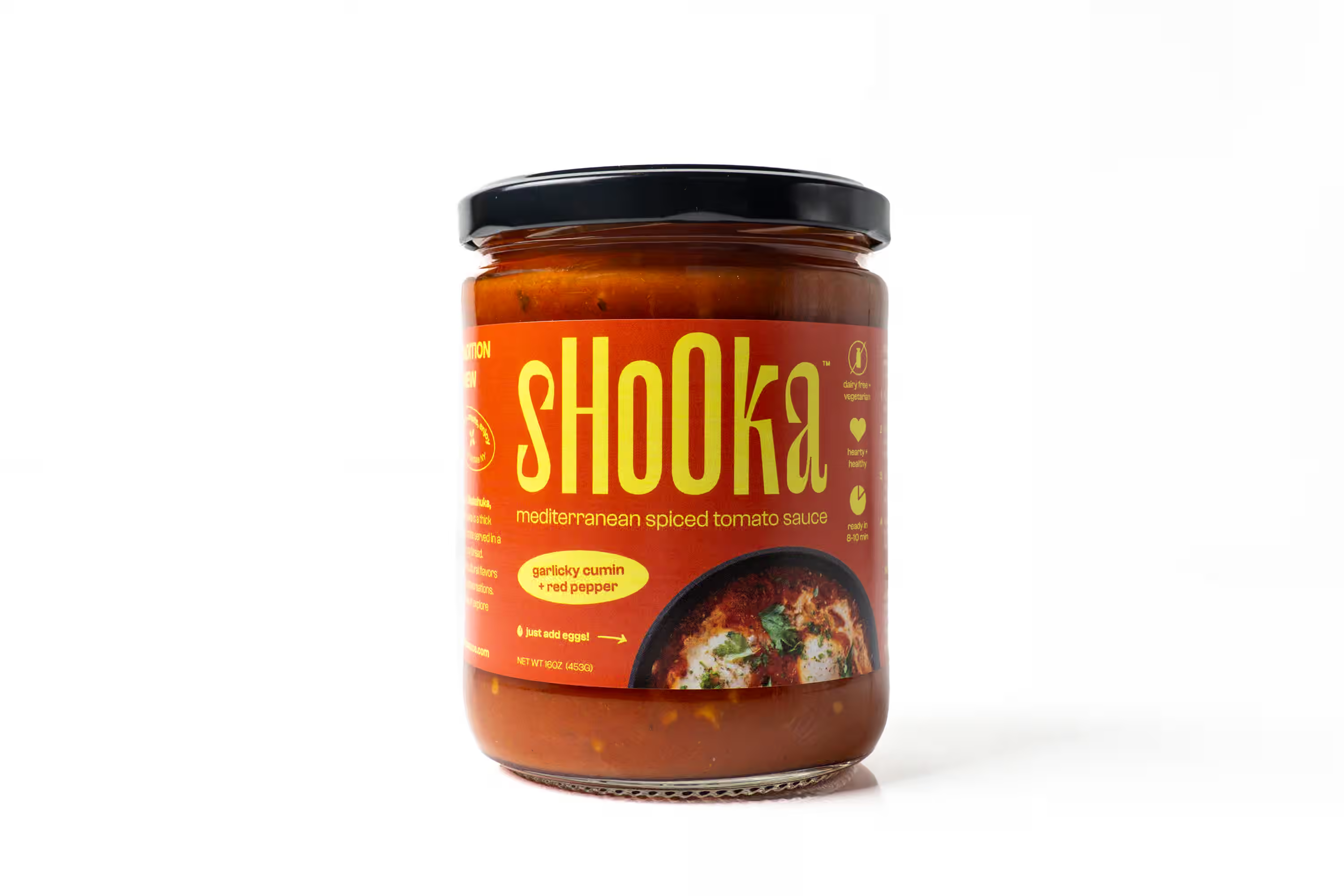
sparkling-water-lime-12oz-can-front.jpgprotein-bar-chocolate-chip-wrapper-closeup.jpghot-sauce-habanero-glass-bottle-pour-shot.jpg

Filename Rules (Keep It Clean)
- Use lowercase
- Use hyphens (not underscores)
- Keep it short, but descriptive
- Include the product and what’s visually unique (flavor, pack type, etc.)
You don’t need to write a novel. You just need something better than “IMG_1234.” Pro tip: Rename files before uploading. Many platforms keep the original name, and changing it later doesn’t always fix the SEO side cleanly.
2) Alt Text: The “Invisible Copy” That Gets You Found
Alt text is what displays when an image can’t load, and it’s what screen readers use to describe your content for visually impaired users.
It’s also one of the clearest ways to tell Google what your image shows.
The Alt Text Formula That Works for CPG
Alt text should describe the image as if you’re explaining it to someone who can’t see it.
Use this formula:
[Angle/Type] + [product] + [key visible details] + [optional context]
Examples that work:
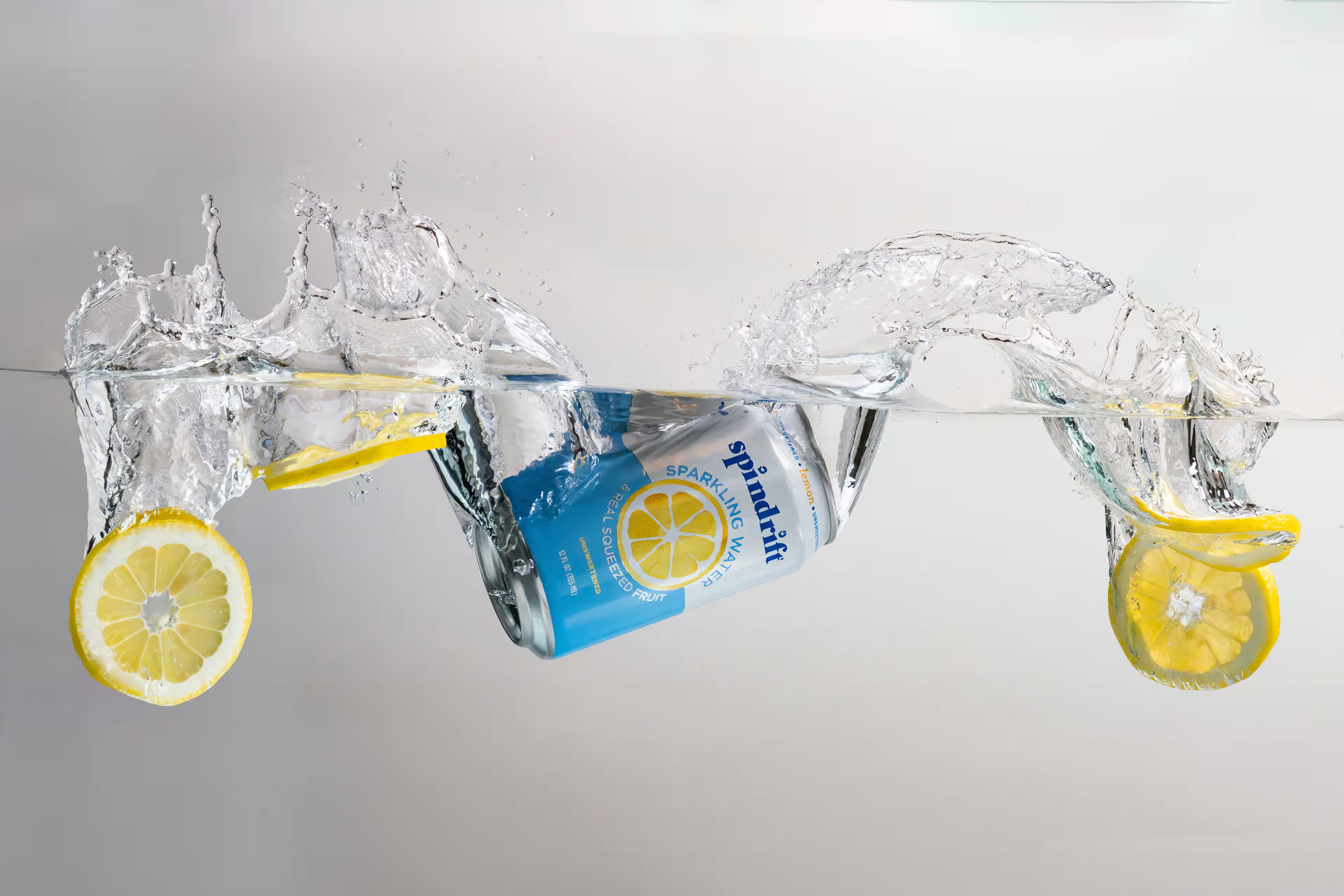
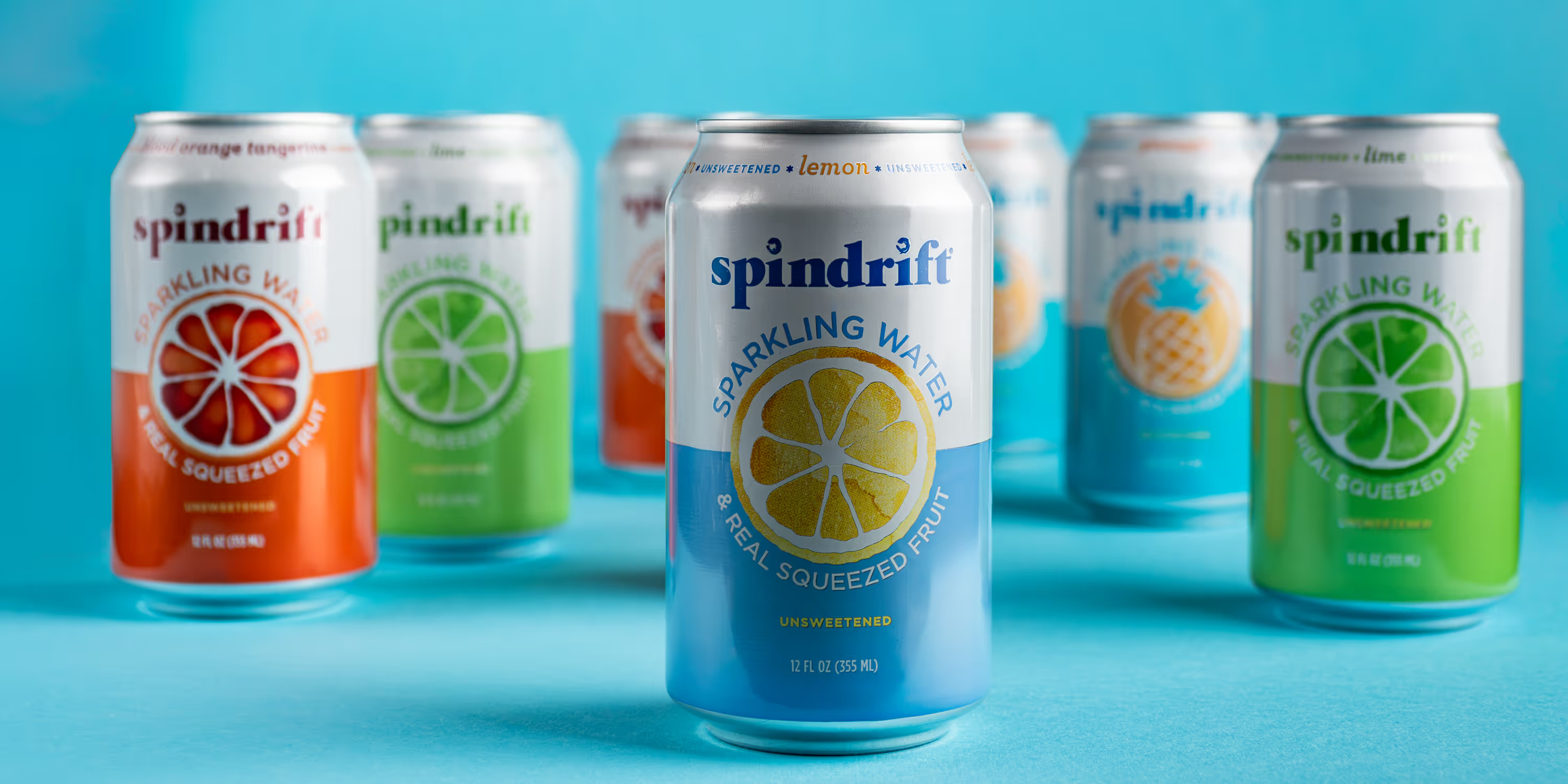
- “Overhead shot of a lemon sparkling water can with condensation on a white surface”
- “Hand holding a glass bottle of habanero hot sauce with a spicy food scene in the background”
- “Close-up of a chocolate protein bar wrapper with ingredients and nutrition label visible”
Alt Text Mistakes That Hurt Performance
Avoid these:
- Keyword stuffing: “best protein bar protein bar buy protein bar online”
- Being too vague: “product image” or “bottle”
- Copy-pasting the same alt text across multiple photos
- Describing what isn’t visible (“healthy,” “delicious,” “best-selling”) unless it’s literally shown
Google’s guidance is straightforward: use descriptive filenames and helpful alt text, and keep images near relevant text.
How Long Should Alt Text Be? There’s no perfect character count you need to obsess over. Aim for one sentence that’s clear and specific. If it feels helpful to a person, it’s usually helpful for SEO too.
3) Metadata + Context: The Part Most Brands Forget
Here’s the truth: Even perfect alt text won’t save you if Google can’t connect the image to the page topic. Google pulls meaning from:
- The surrounding copy
- Headings near the image
- Captions
- Structured data
- Sitemaps
If your CMS allows it, use captions when it makes sense, especially for:
- Before/after comparisons
- Product feature callouts
- Campaign imagery where the story matters
Captions help readers and add more context for search engines. A good caption example: “New hero images for our seasonal launch, optimized for PDPs, Meta ads, and Google Images.”
Structured Data: Tell Google “This Is the Product”
If you sell ecommerce products, structured data is one of the cleanest ways to connect:
product page → product info → product image
Google confirms that adding Product structured data can help your products appear in richer ways in search (including Google Images). You don’t need to code this from scratch. Shopify and many ecommerce platforms already generate it. But it’s worth checking that your pages include:
- product name
- image
- price + availability (if applicable)
Image Sitemaps: The Secret Weapon for Large Catalogs
If your site uses JavaScript galleries or loads images dynamically, Google might miss them. An image sitemap helps Google discover images it wouldn’t find otherwise. This matters a lot for:
- Big SKU counts
- Collection pages
- Lookbooks and “recent work” galleries
The Real Goal: Product Photos That Convert and Get Found
Image SEO isn’t about gaming Google. It’s about making sure your best visuals – your most expensive assets – actually show up where people are searching.
When your filenames are clean, your alt text is helpful, and your metadata supports the story, your product photos can drive:
- more qualified traffic
- more clicks from Google Images
- better PDP engagement
- stronger performance on paid + organic campaigns
And the best part? Once your system is in place, it takes minutes, not hours.
Ready for Traffic-Driving Product Photos?
If you want product photos that convert and an Image SEO setup that supports your launches, we can help. We handle the heavy lifting, from planning to final exports, so you get premium visuals that match your brand and your goals. Let’s create product photos you love (and Google understands).
FAQs
What is image SEO for product photos?
Image SEO is making your product images easy for search engines to understand and index using clear filenames, helpful alt text, and strong page context (near relevant copy, headings, captions, and structured data).
Do image filenames actually matter for rankings?
They’re a small but real signal. Google explicitly recommends descriptive filenames (alongside alt text and context). It won’t replace good pages, but it’s an easy win you should take.
Should I rename images before uploading, or can I change names later?
Rename before uploading whenever possible. Many platforms keep the original filename in the image URL, and changing it later doesn’t always update the SEO signals cleanly.
How should I write alt text for product photos?
Describe what’s visible like you’re explaining the image to someone who can’t see it: angle/type + product + key details (variant, packaging, size, material, notable props). Keep it natural—avoid keyword stuffing. Google recommends helpful, descriptive alt text.
How long should alt text be?
One clear sentence is usually enough. If it feels useful to a person, it’s typically useful for accessibility—and that’s the point.