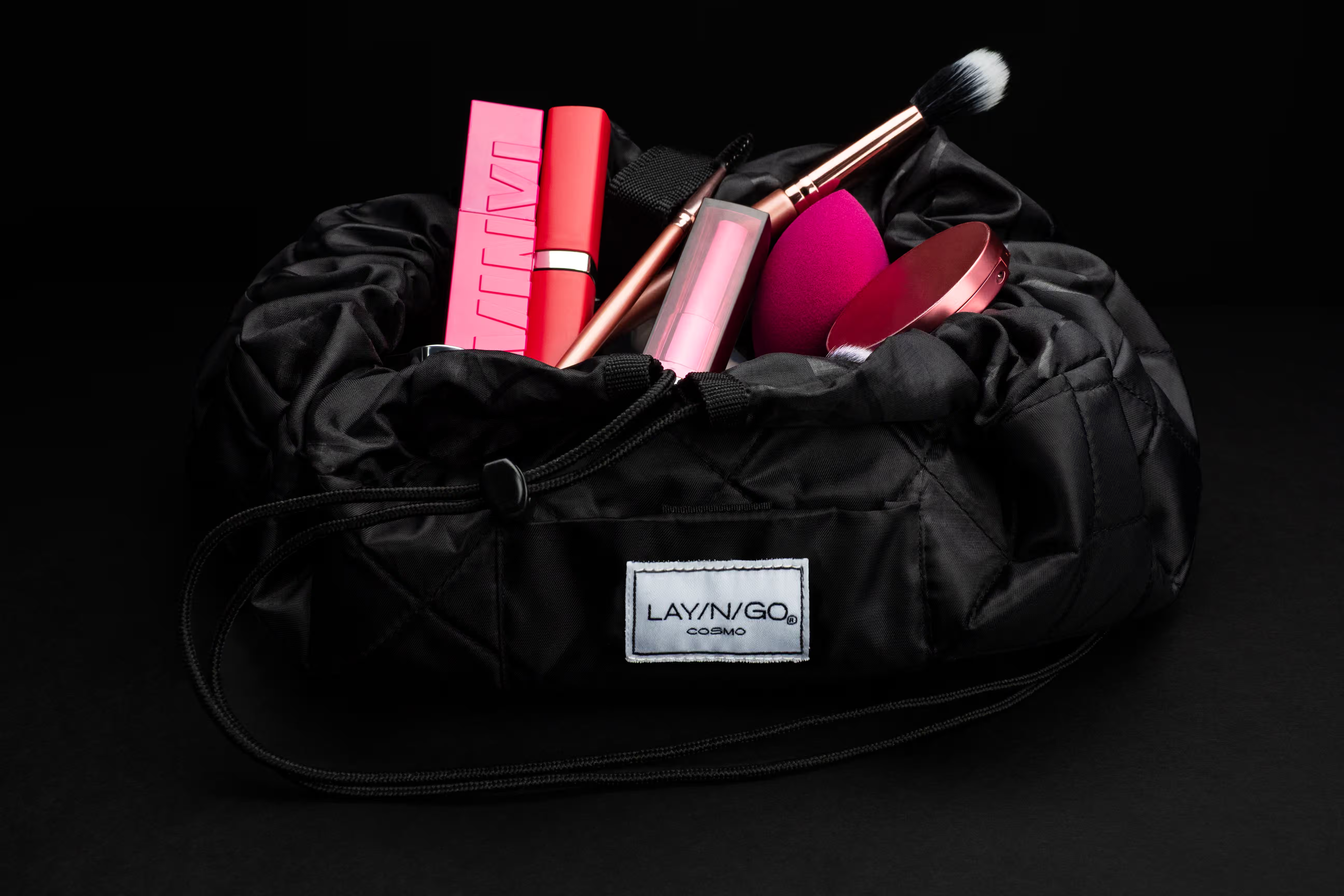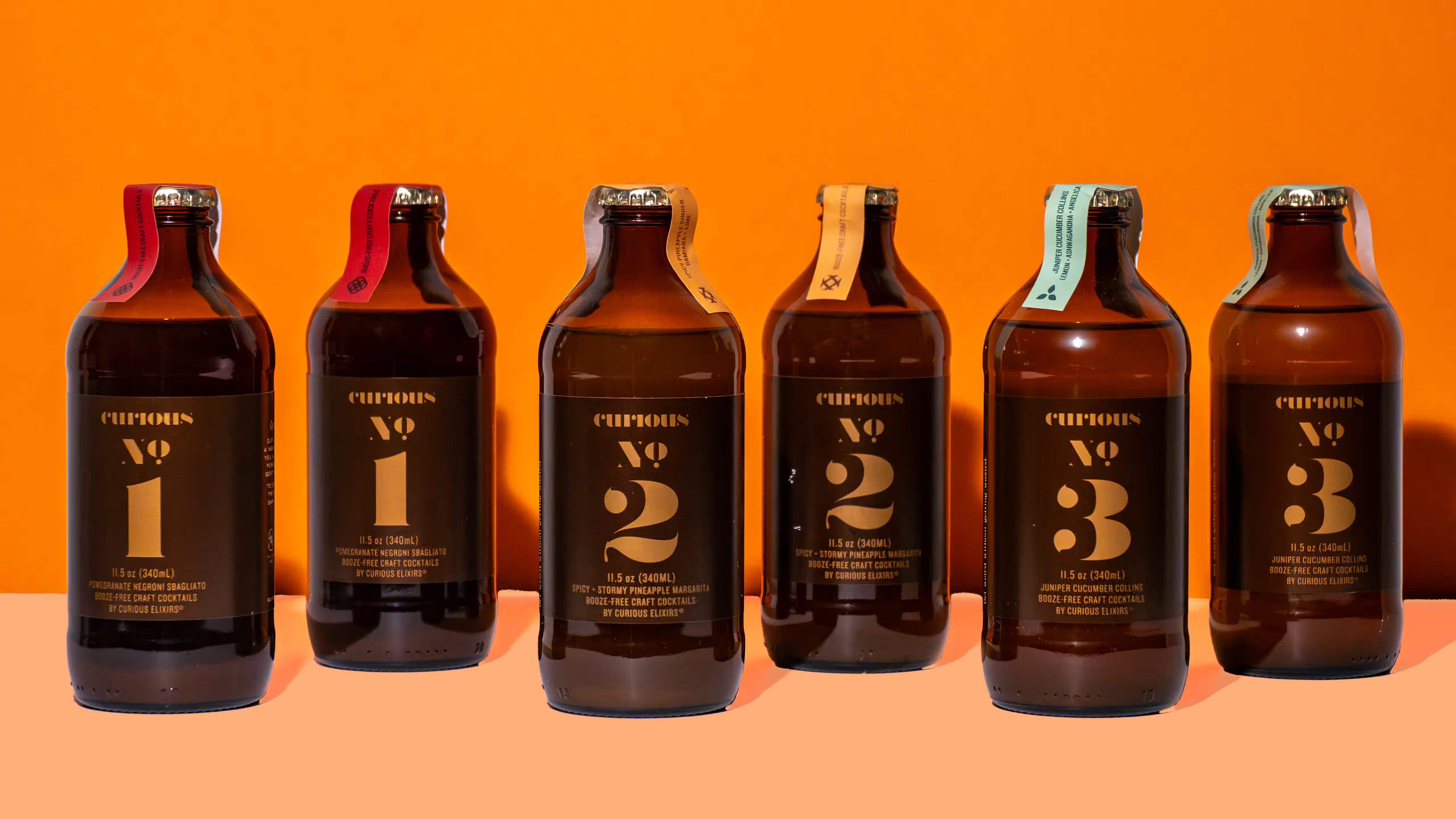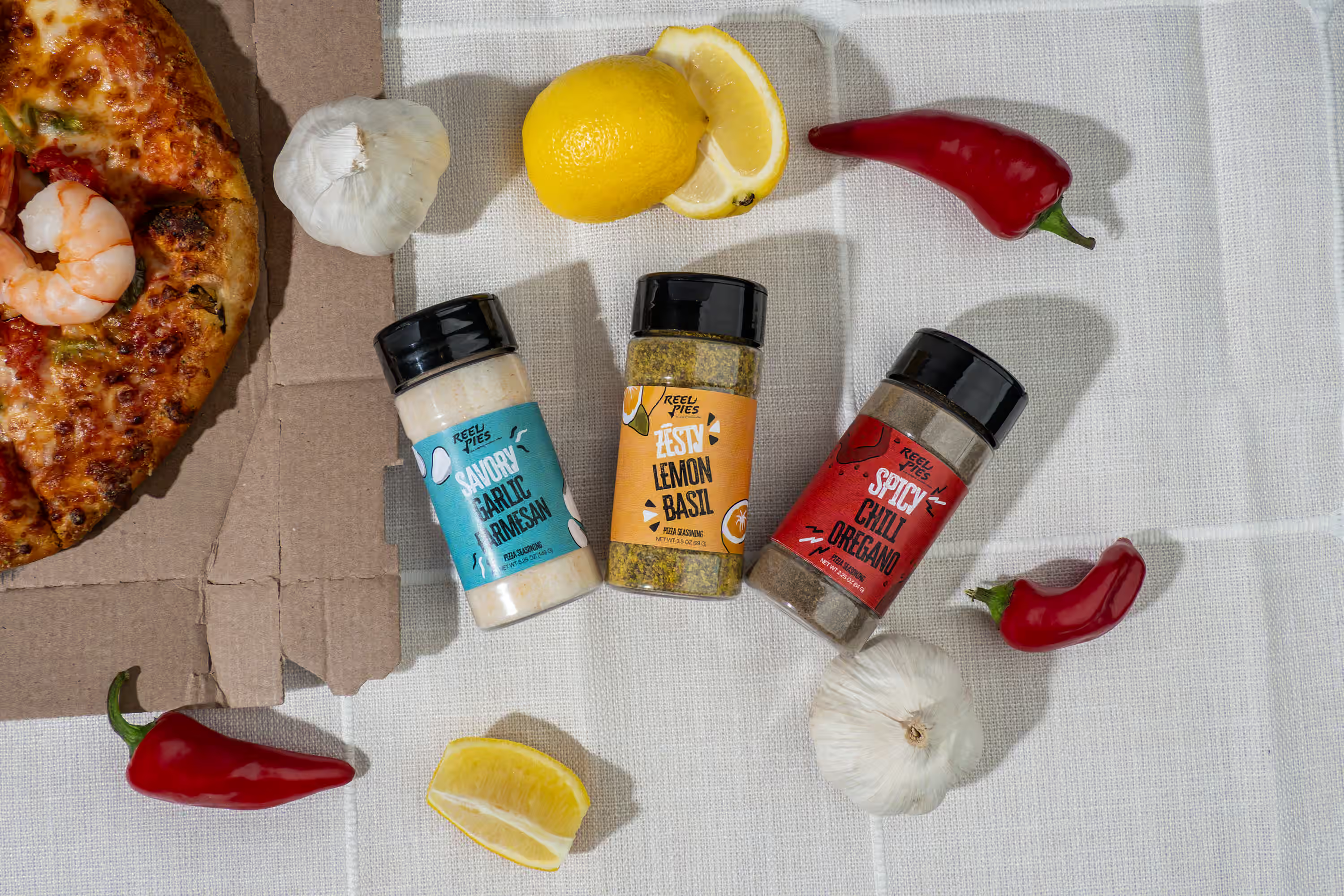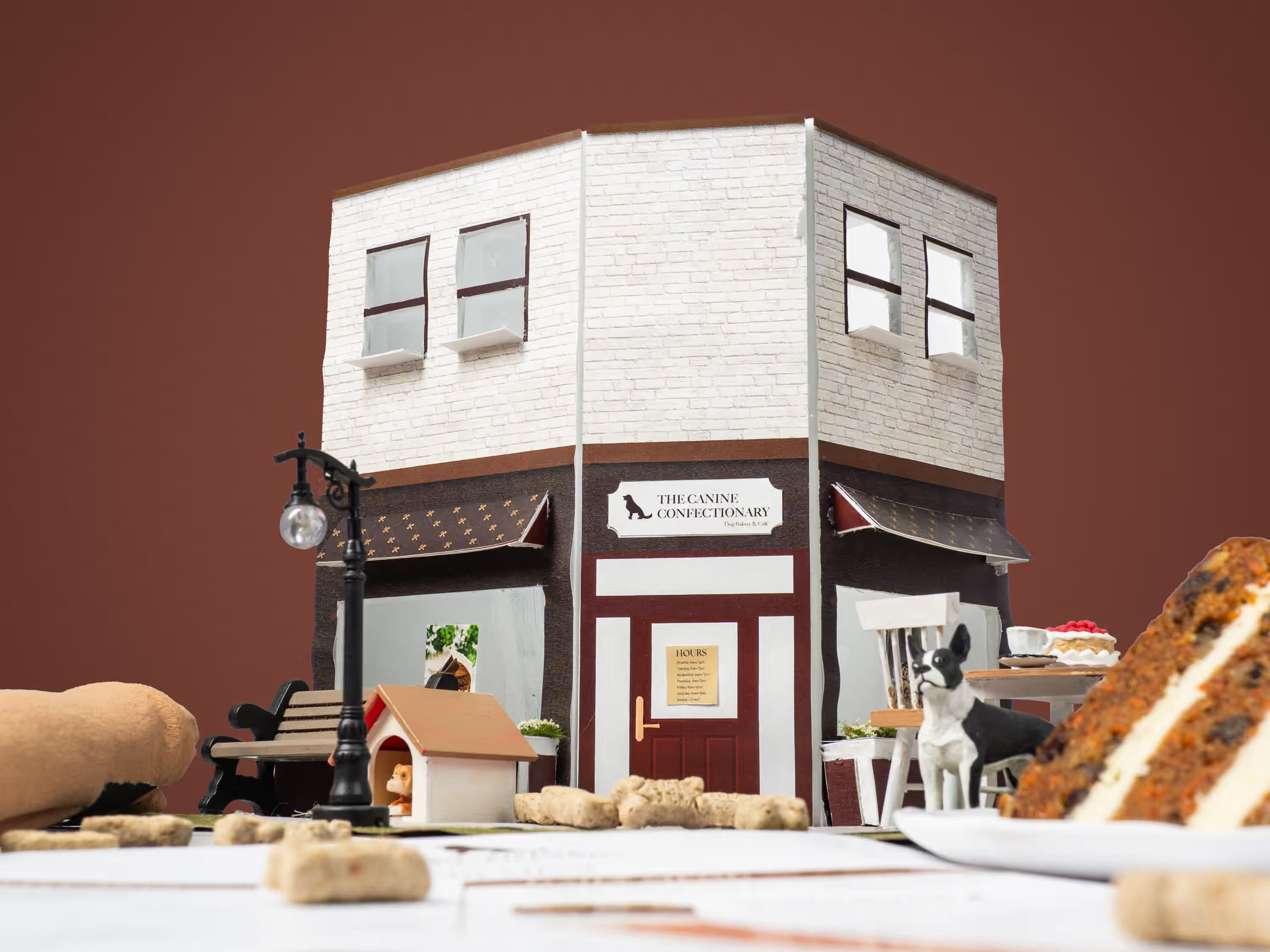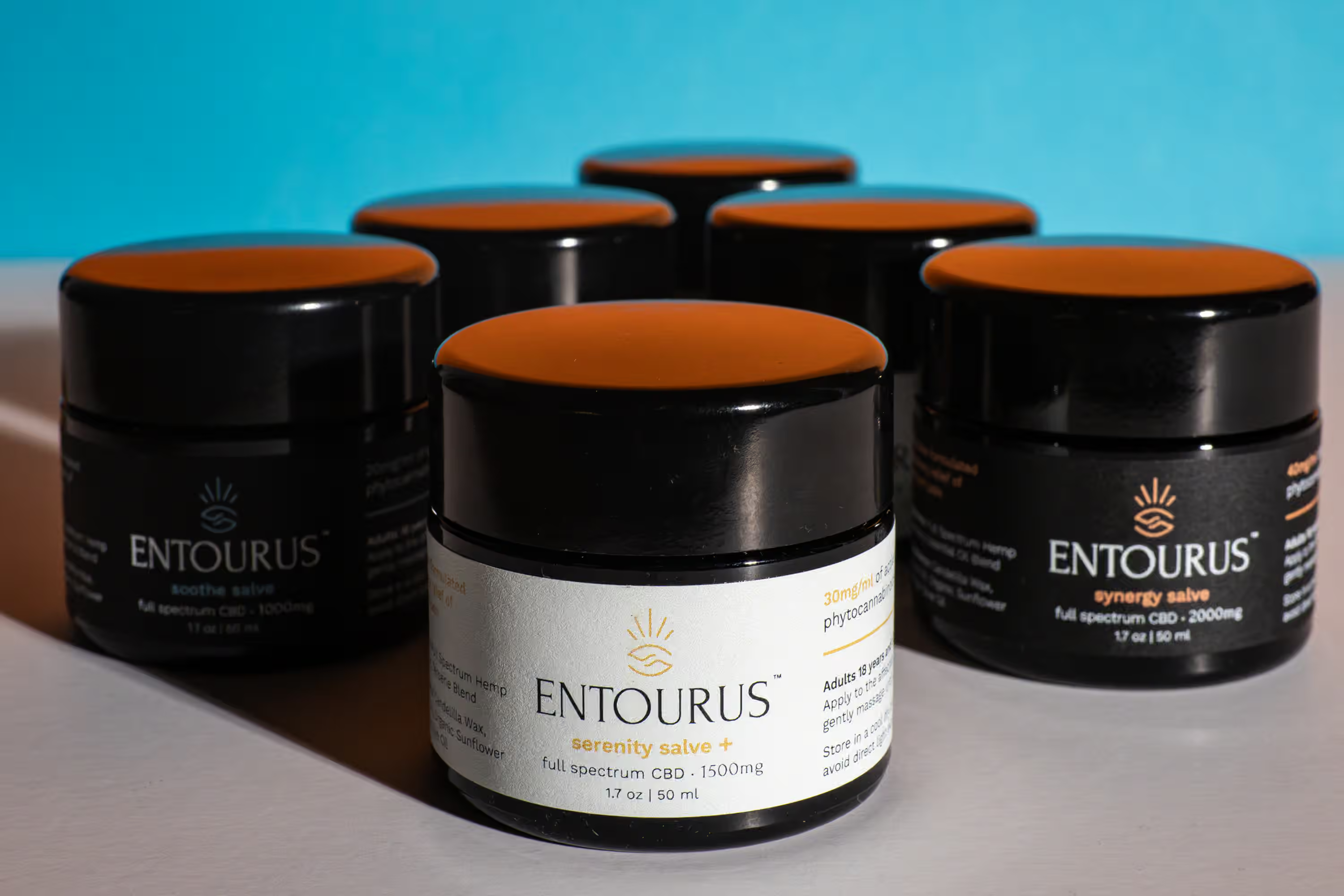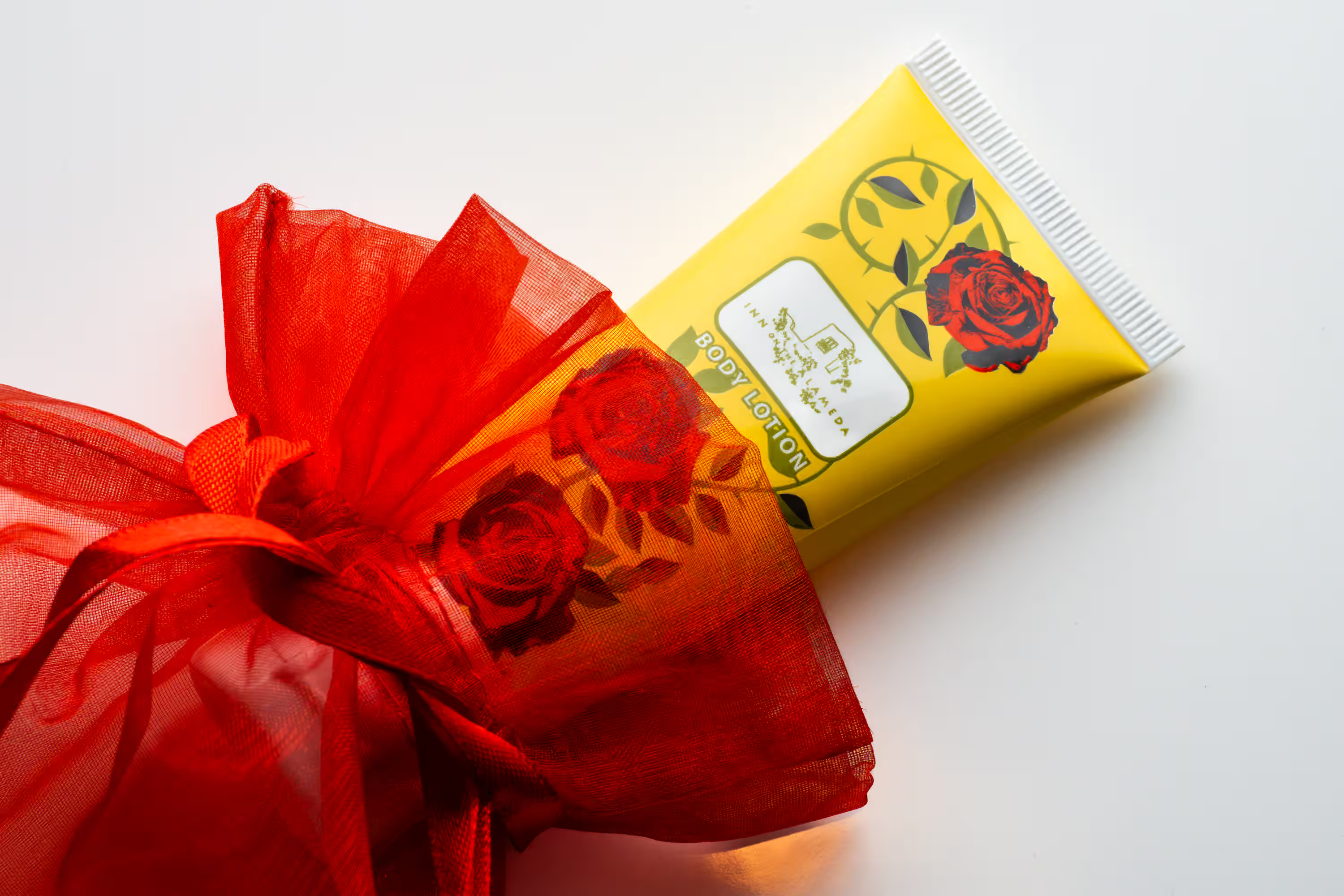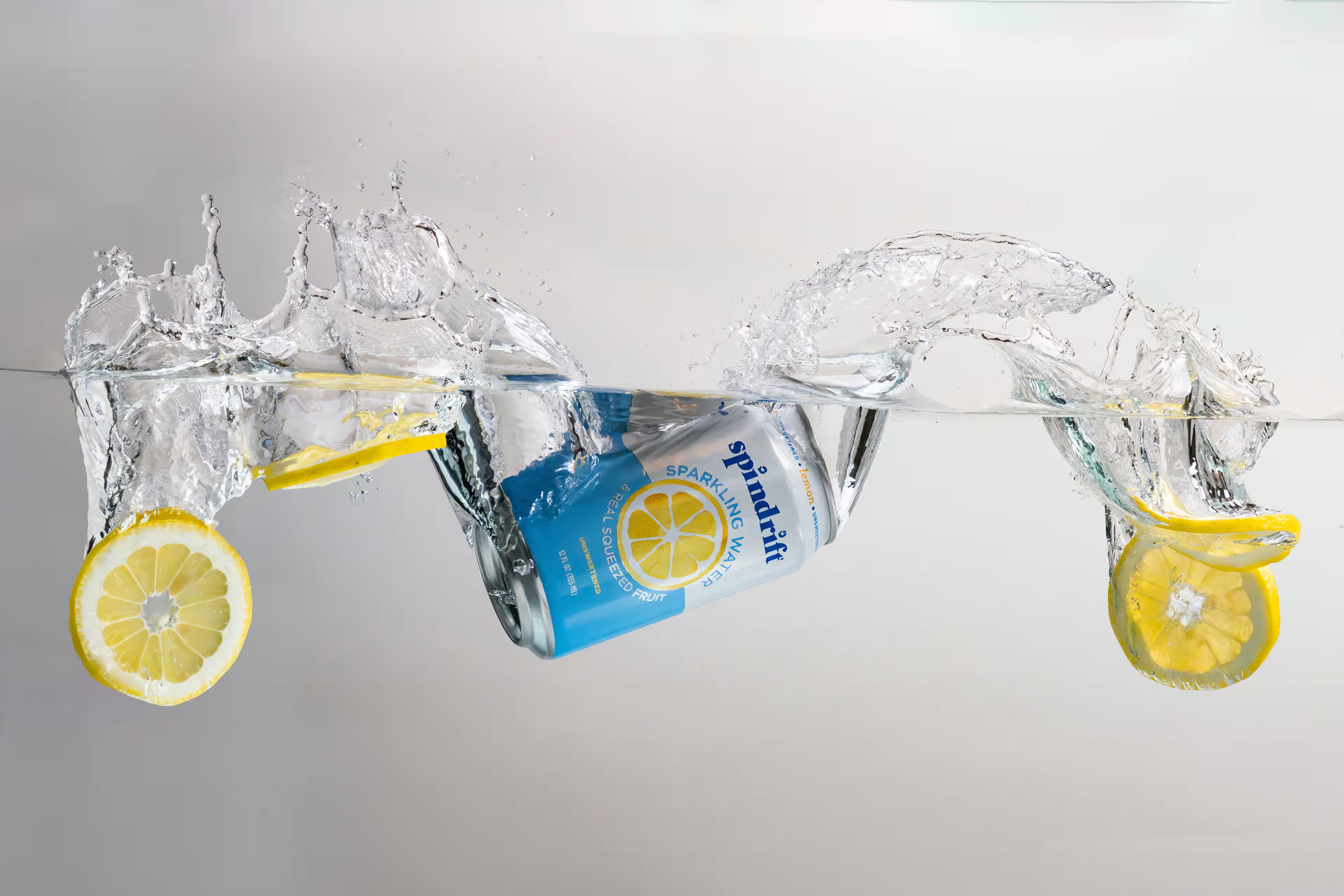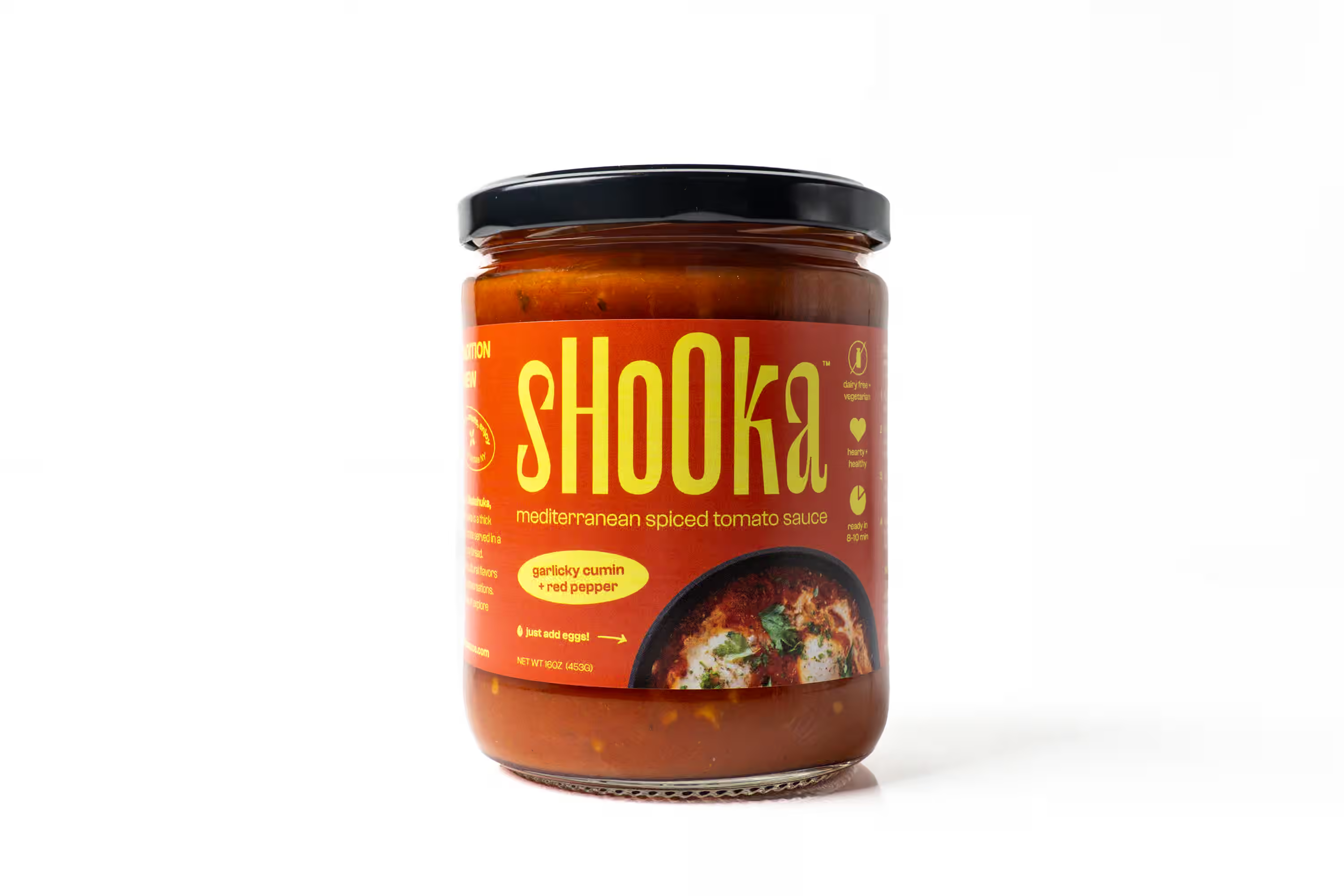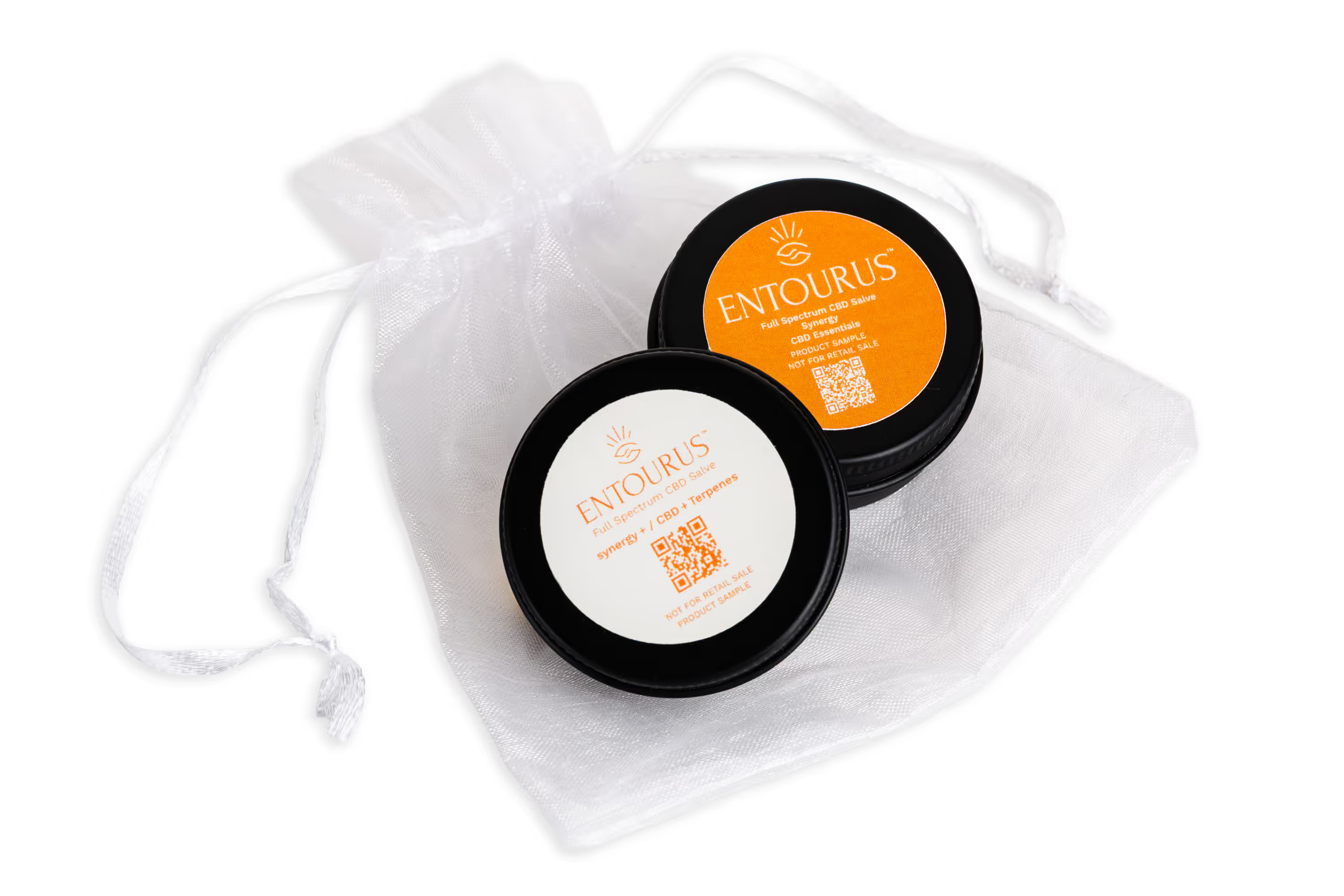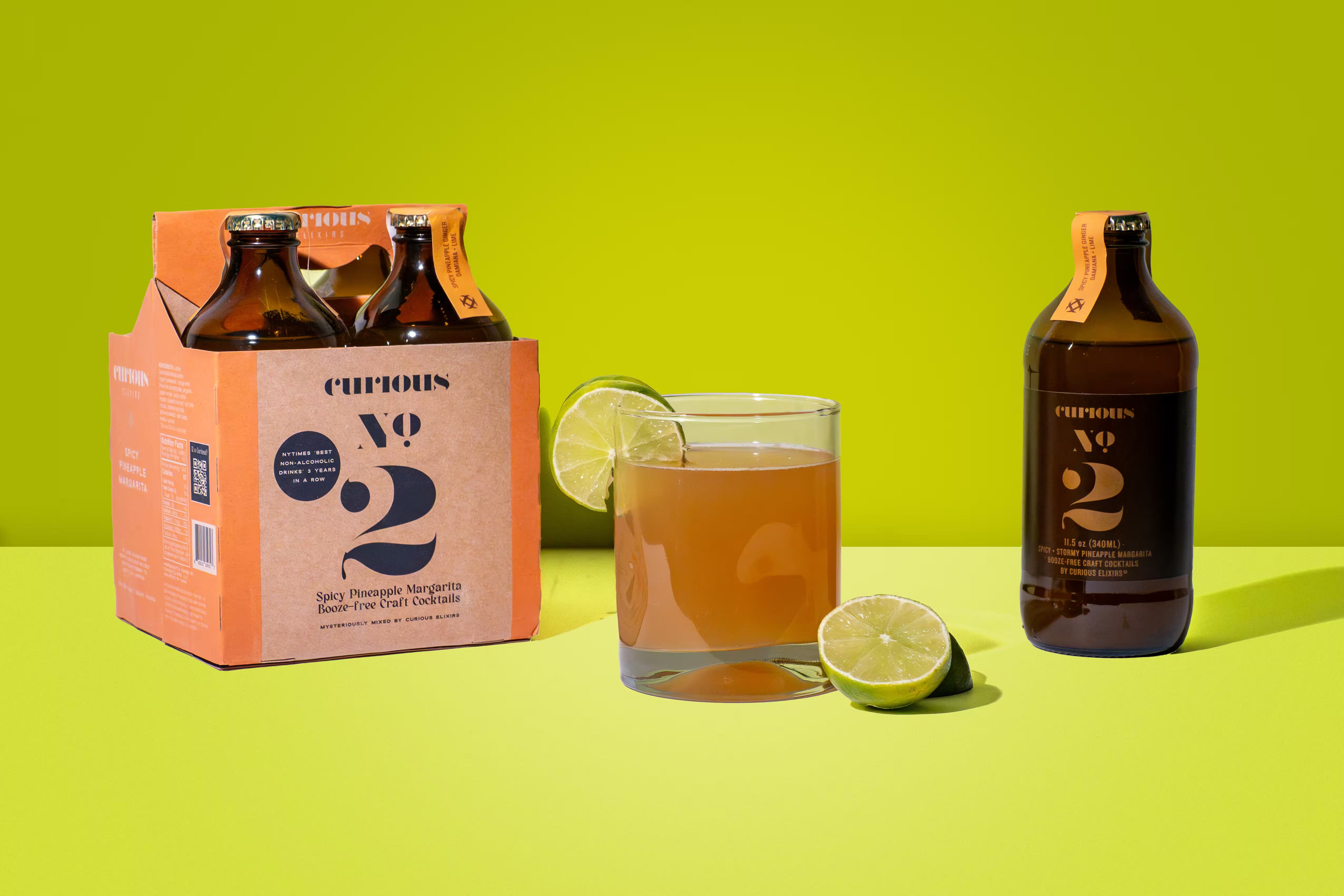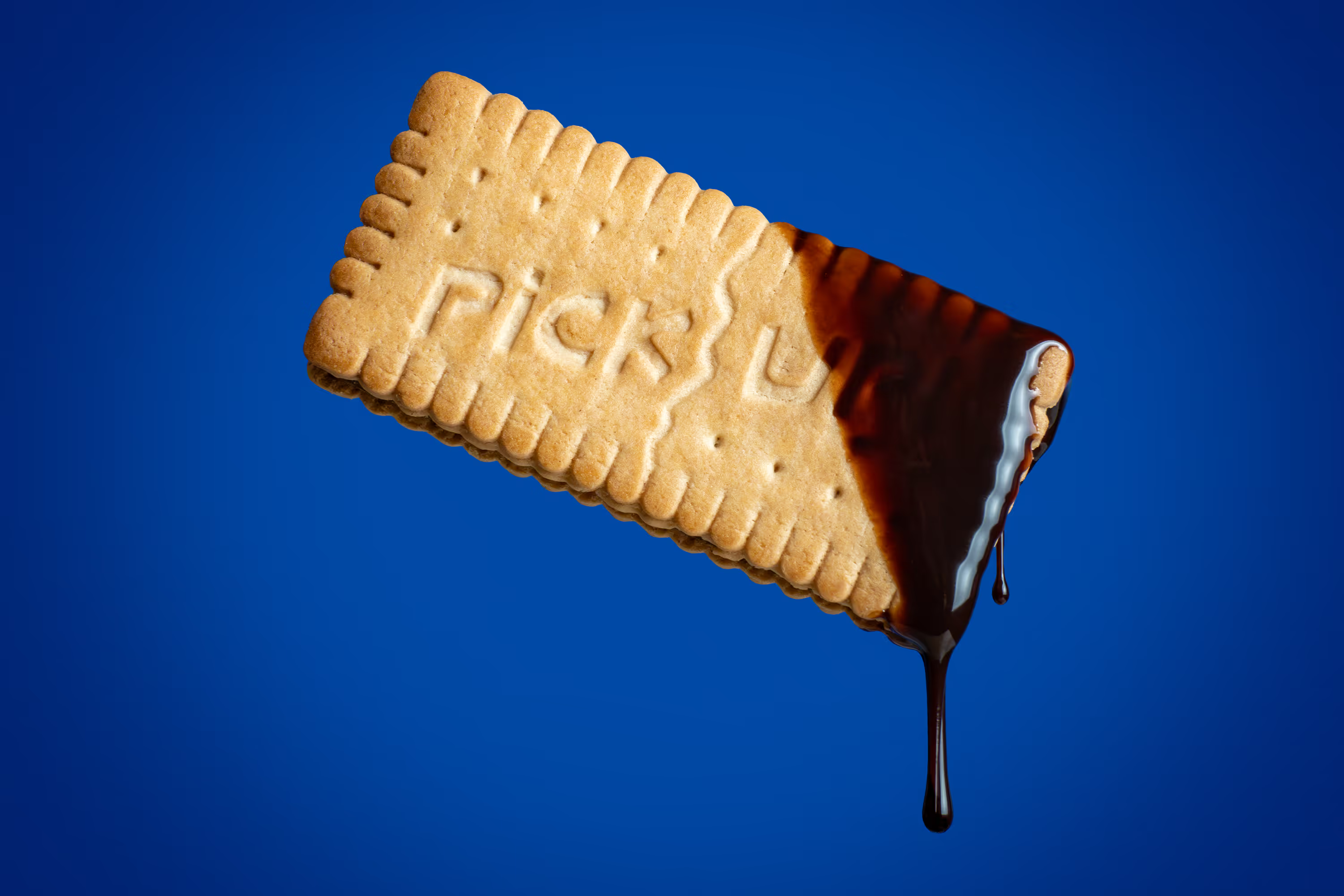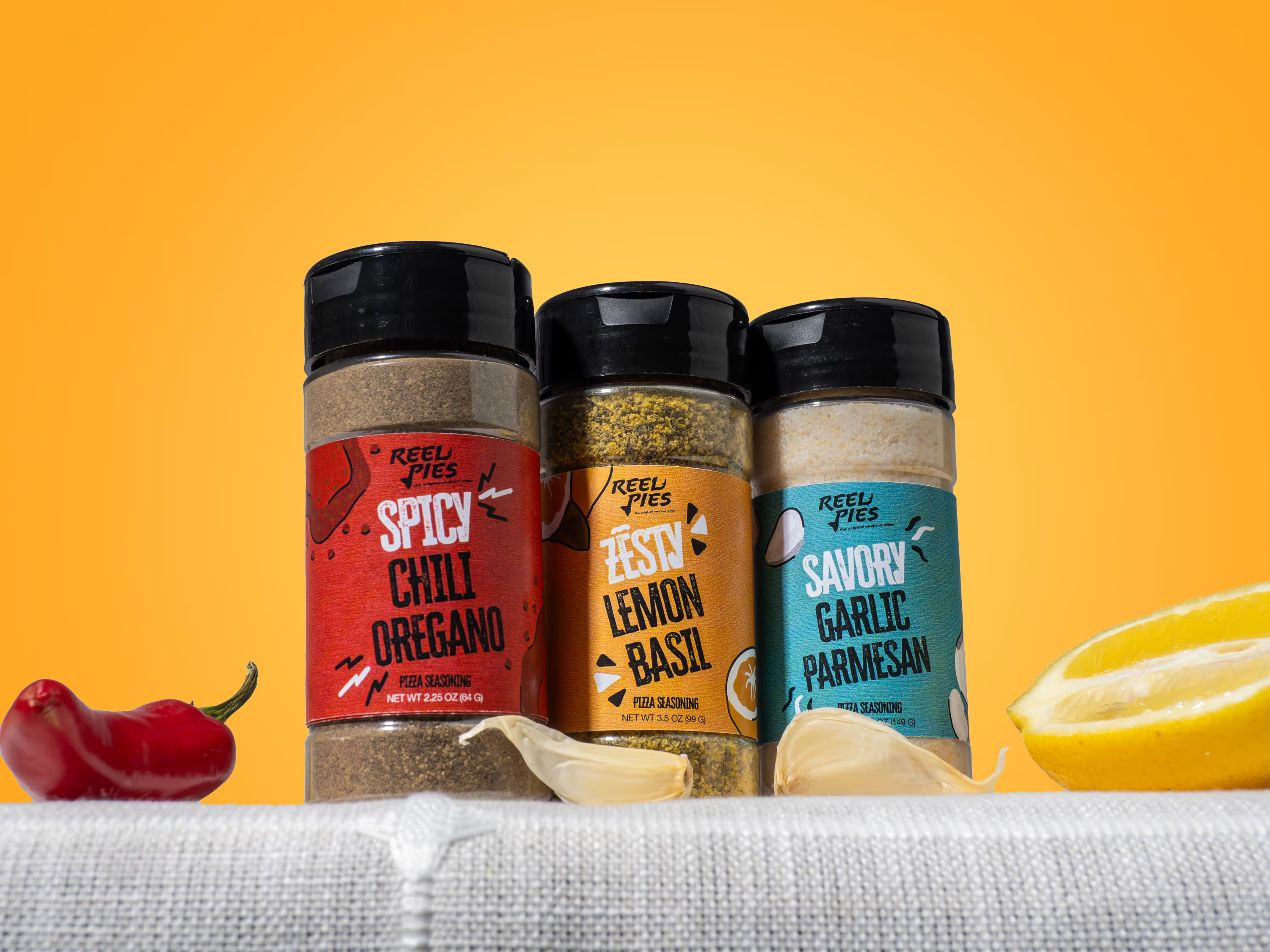
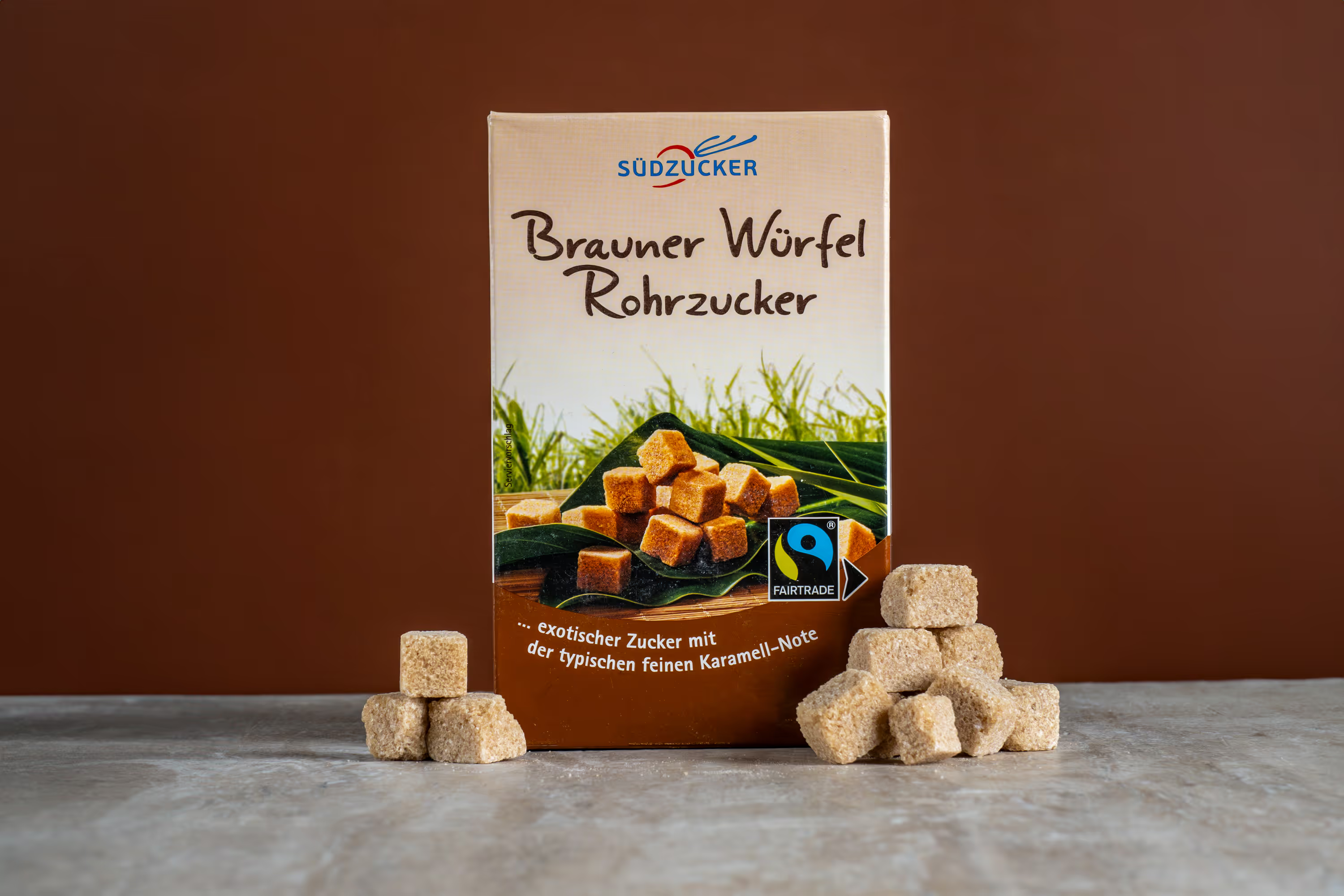
If you’ve ever uploaded the same set of product photos to Amazon and your DTC site… and then wondered why one page converts and the other feels “meh,” you’re not imagining things. Amazon and DTC shoppers need different visuals to feel confident clicking Add to Cart. The good news: you don’t need two completely separate shoots. You just need to design your image set intentionally, based on how people buy on each platform.
Amazon vs DTC: The Real Difference in One Line
Amazon photos reduce doubt. DTC photos build desire.
On Amazon, you’re competing against other brands on the same screen, and the platform decides a lot of the layout. On DTC, you control the brand world, and you get to tell the story. That changes what your images need to do.
Designing Product Photos for Amazon: Clarity Wins
Amazon shoppers move fast. They scroll, compare prices, check reviews, and make a decision in seconds. Your images have one job: make the product instantly understandable and trustworthy (so you earn the click, then the conversion).
Design For CTR First (Then Conversion)
Your main image is a traffic lever. It impacts CTR (click-through rate)—and CTR controls everything downstream. If your main image doesn’t pop in search results, your “perfect” lifestyle shot won’t even get seen. Well-performing main images are usually high contrast and easy to read at thumbnail size, cleanly cropped so the product feels large, and visually consistent across variations (flavors, colors, sizes). It is also important that your images should be 1,000 pixels or larger on the longest side to enable zoom functionality.
The Amazon Image Stack We Recommend (6–7 Images That Sell)
Amazon has made it clear they prefer robust galleries—often recommending at least six images and one video. So instead of uploading random angles, build a sequence that removes friction.
- Main Hero (White Background, Zero Confusion): This is the click-getter. Goal: win the thumbnail battle.
- “What You Get” Angle (Front + 3/4 View): This is where shoppers start validating their choice. Goal: confirm shape, packaging, size, finish.
- Size & Scale (In-Hand or Real-World Reference): People return products when size expectations are wrong. Goal: reduce returns by making the size obvious.
- Feature Callouts (Simple Infographic): Amazon shoppers love fast facts. Goal: communicate your key benefit in 2 seconds.
- Texture / Ingredient / Detail Close-Up: This is where premium gets felt. Goal: make quality visible.
- Lifestyle Image (Use Case + Vibe): Yes, lifestyle matters on Amazon, just keep it direct. Goal: show context without getting artsy.
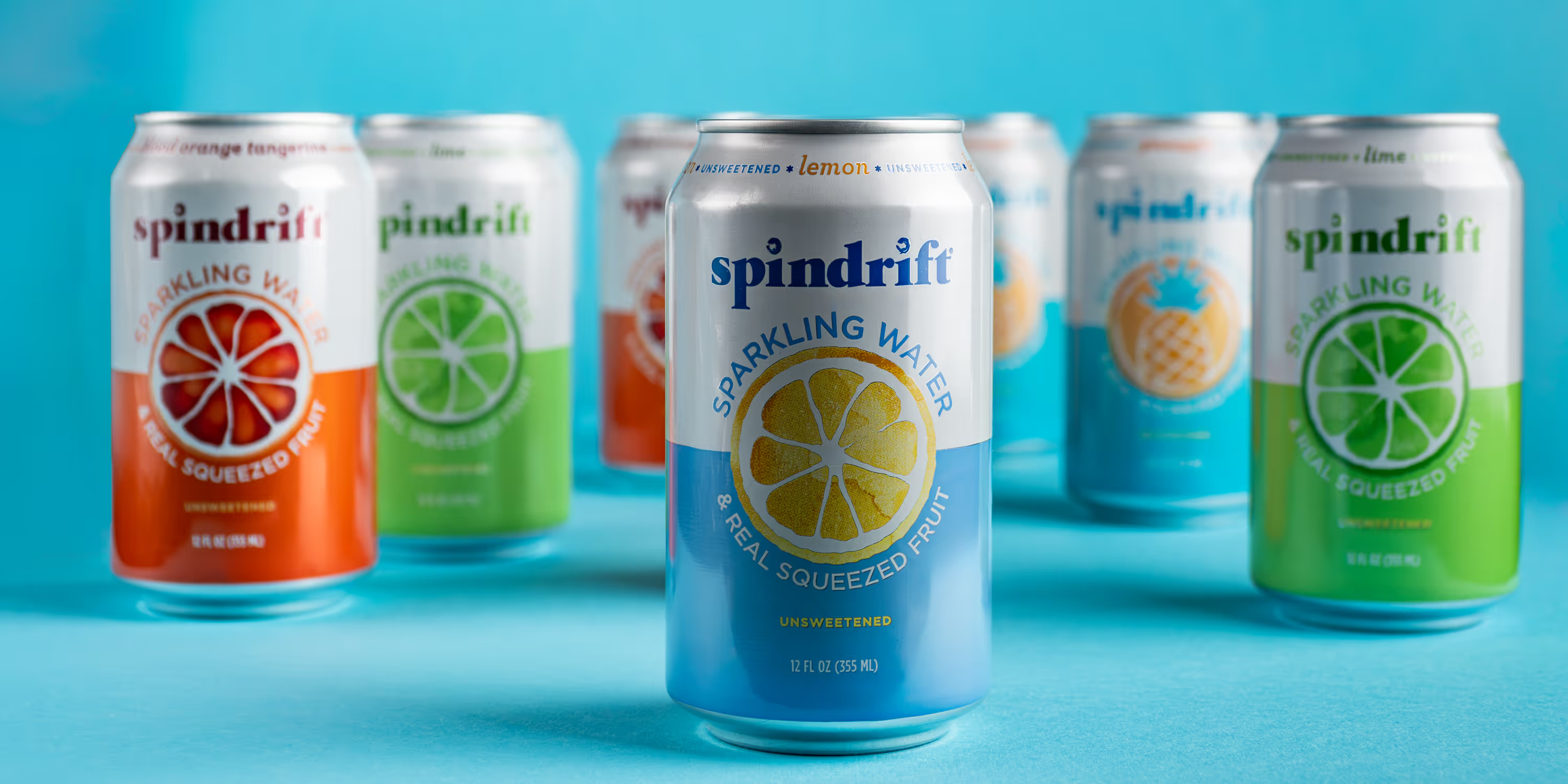
- Comparison / Variety / “Choose Your Option”: If you have multiple SKUs, comparison images save time. Goal: prevent decision fatigue.
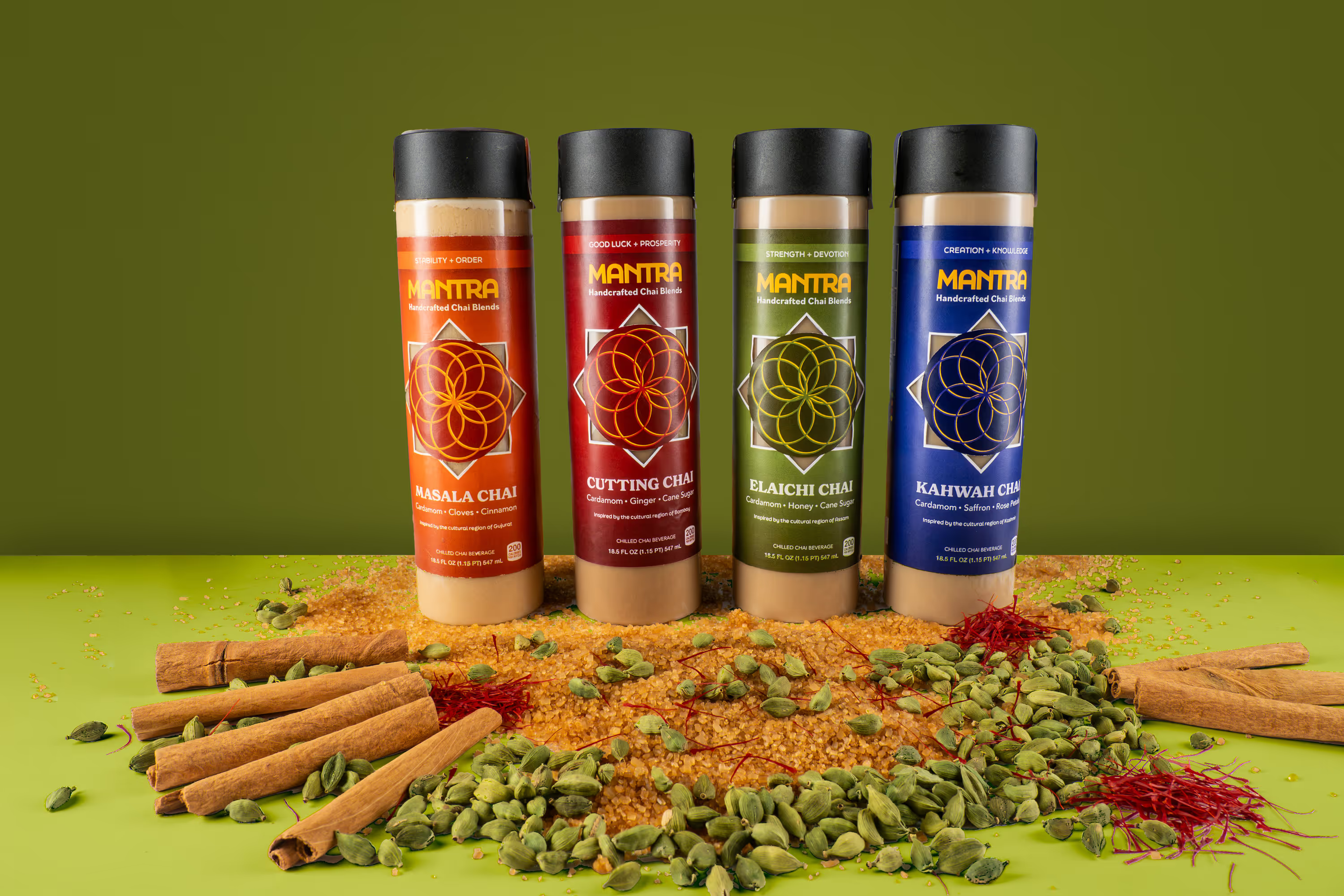
Designing Product Photos for DTC: Emotion + Brand World
On your website, you’re not just “a product.” You’re a brand. This is where your images should do more than explain. They should sell the feeling and make your product look like the obvious upgrade.
DTC Images Should Increase Desire and Reduce CAC
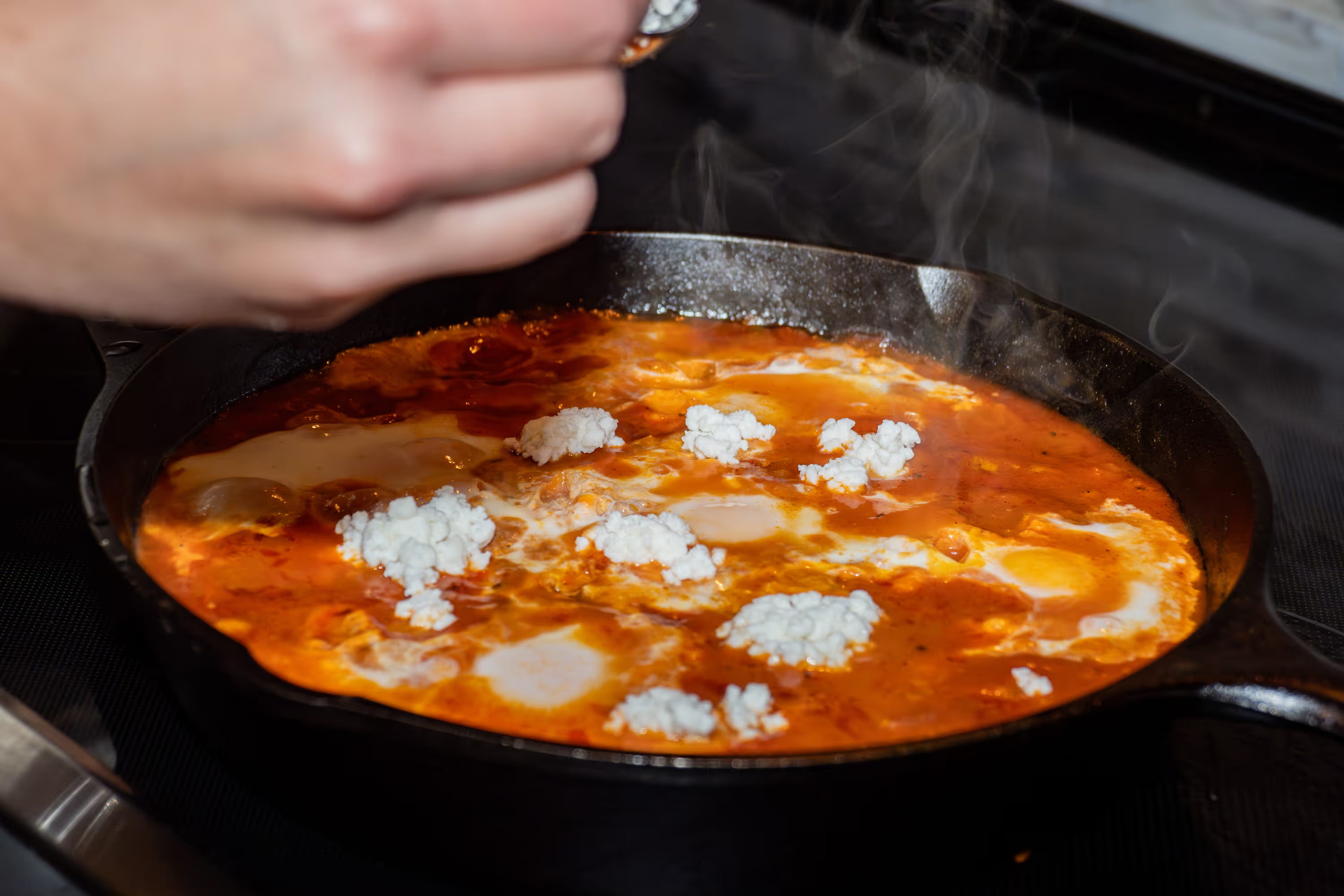
On DTC, your photos don’t just convert shoppers… they convert ads. Better creative can increase conversion rate and lower CAC (customer acquisition cost) because your ads perform stronger and your landing page does less heavy lifting. DTC priorities usually focus on the brand mood (color, lighting style, set design), storytelling (ritual, lifestyle, transformation), scroll-stopping motion (GIFs, stop-motion, video snippets), clean crops for ads, email headers, and homepage banners.
The DTC Image Stack (Built For Landing Pages + Ads)
Here’s a simple set that works across homepage, PDPs, and paid social.
- Hero Banner Image (With Space For Headlines): This is the “first impression” shot. Goal: stop the scroll + set the tone.
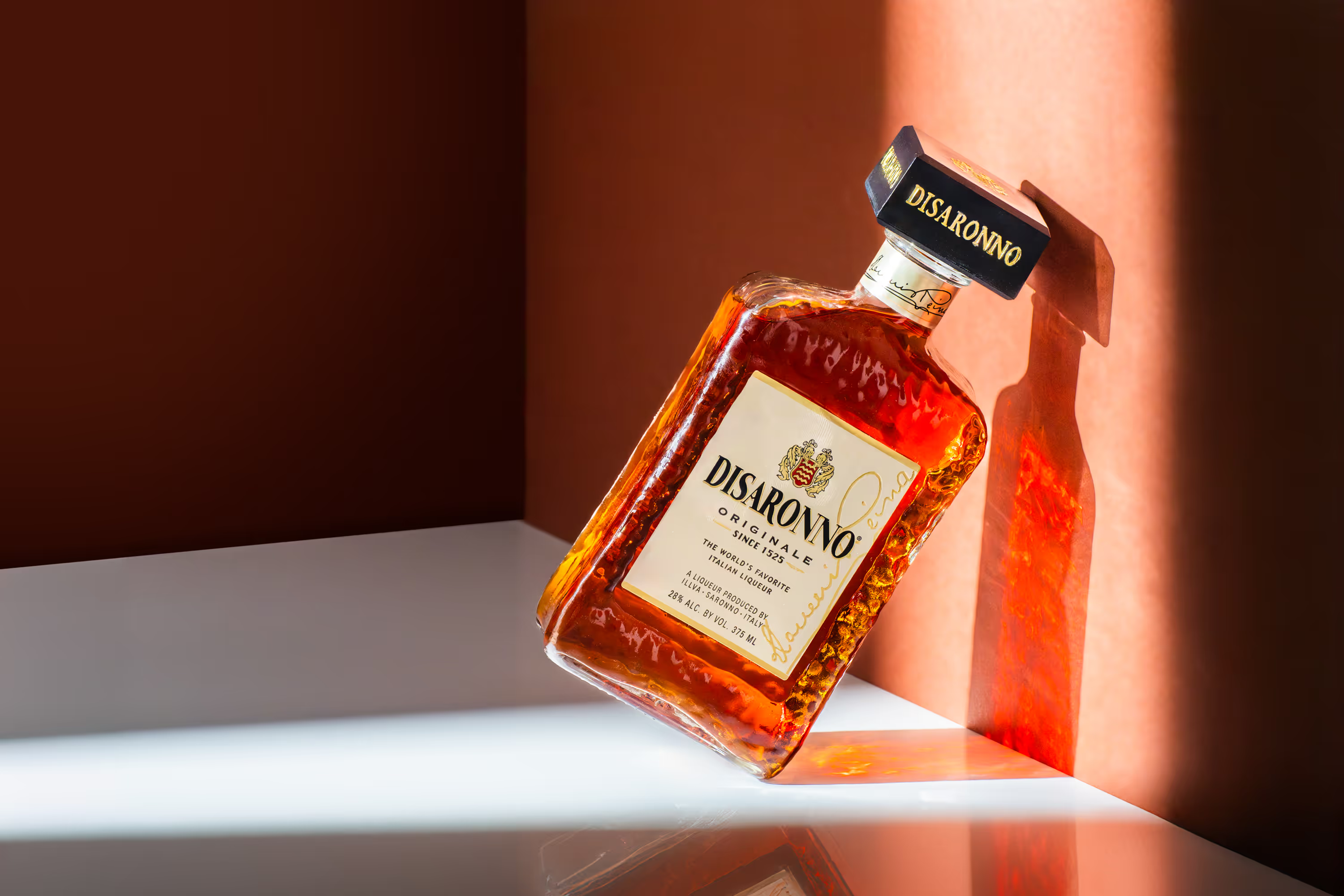
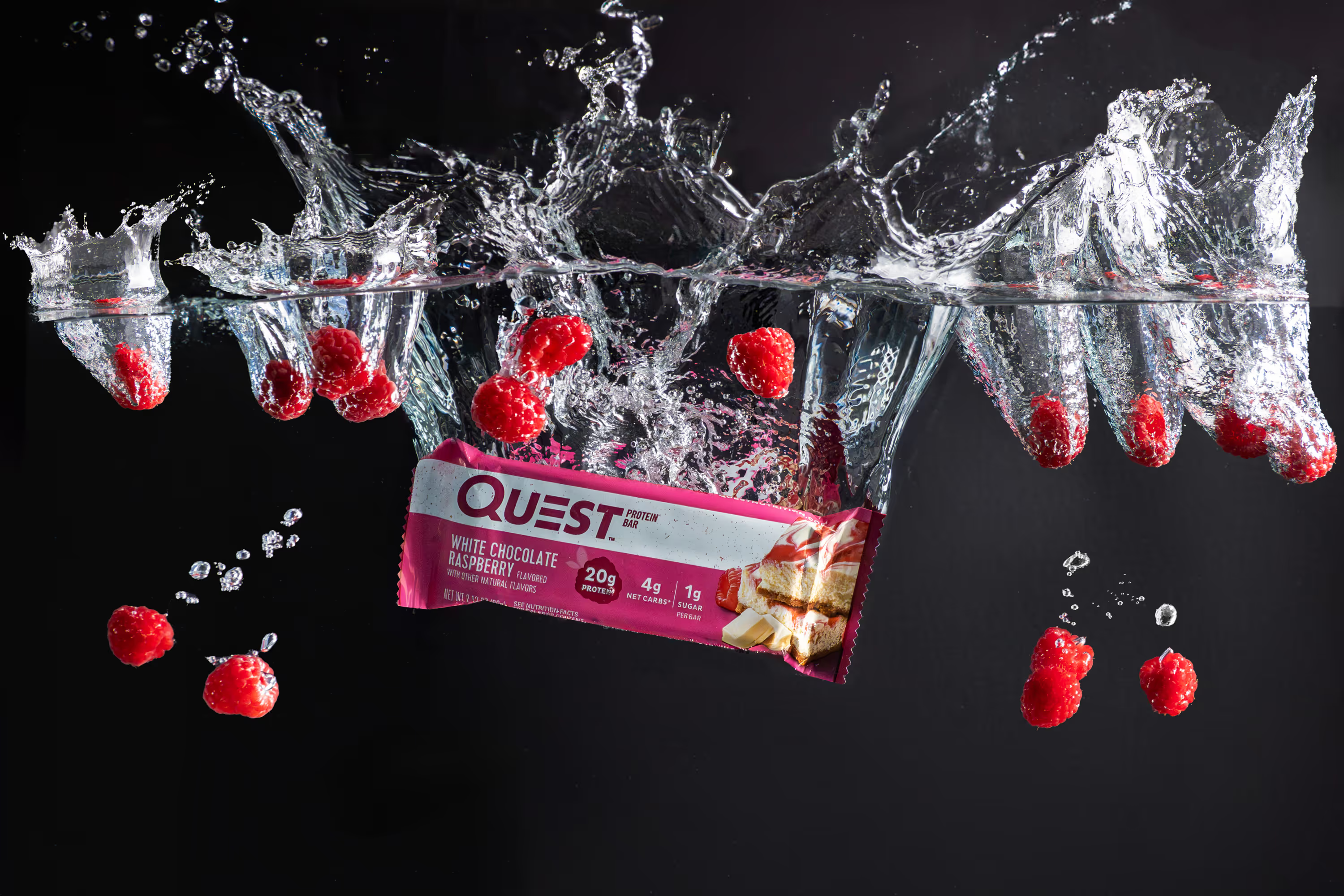
- Product “Beauty” Shot (Not Amazon-Style): Still polished, but more stylized. Goal: make your product look premium and on-brand.
- Benefit-Driven Supporting Images (3–5): Think of these like a visual sales page. Goal: answer “why this?” fast.
- Social Proof / UGC-Friendly Angles: Your site doesn’t have to look like influencer content… but it should support it. Goal: blend professional polish with “real life” trust.
- Conversion Assets: These aren’t glamorous, but they drive sales: variant grid images, bundle breakdown shots, and subscription visuals are common cases of conversion assets
The Smart Approach: Shoot Once, Win Everywhere
You don’t need two separate productions. You need one shoot plan with two outputs. Here’s the formula we use: We start by getting the "safe shots" for amazon, and then add the DTC story layer to truly make your product stand out.
Final Takeaway
Amazon photos should feel like instant clarity. DTC photos should feel like instant desire.
When you design both sets intentionally, you get product photos that convert, and product photos you love, without doubling your workload.
Want us to map out the exact image stack for your next launch (Amazon + DTC) and handle the heavy lifting?
Let’s plan your shoot. We’ll build a gallery that fits your brand, meets platform requirements, and drives real ROI.
FAQs
Do I need different product photos for Amazon vs my DTC site?
Yes—Amazon images should reduce doubt fast, while DTC images should build desire and strengthen your brand world.
What should my Amazon main image prioritize?
Thumbnail clarity, such as high contrast, clean crop, and instant readability, because your main image heavily influences CTR before shoppers ever see the rest of your gallery.
What should DTC product photos do that Amazon photos don’t?
DTC photos should create mood, tell a story, and support ads/email/landing pages with negative space, stylized “beauty” shots, and motion assets that feel on-brand.