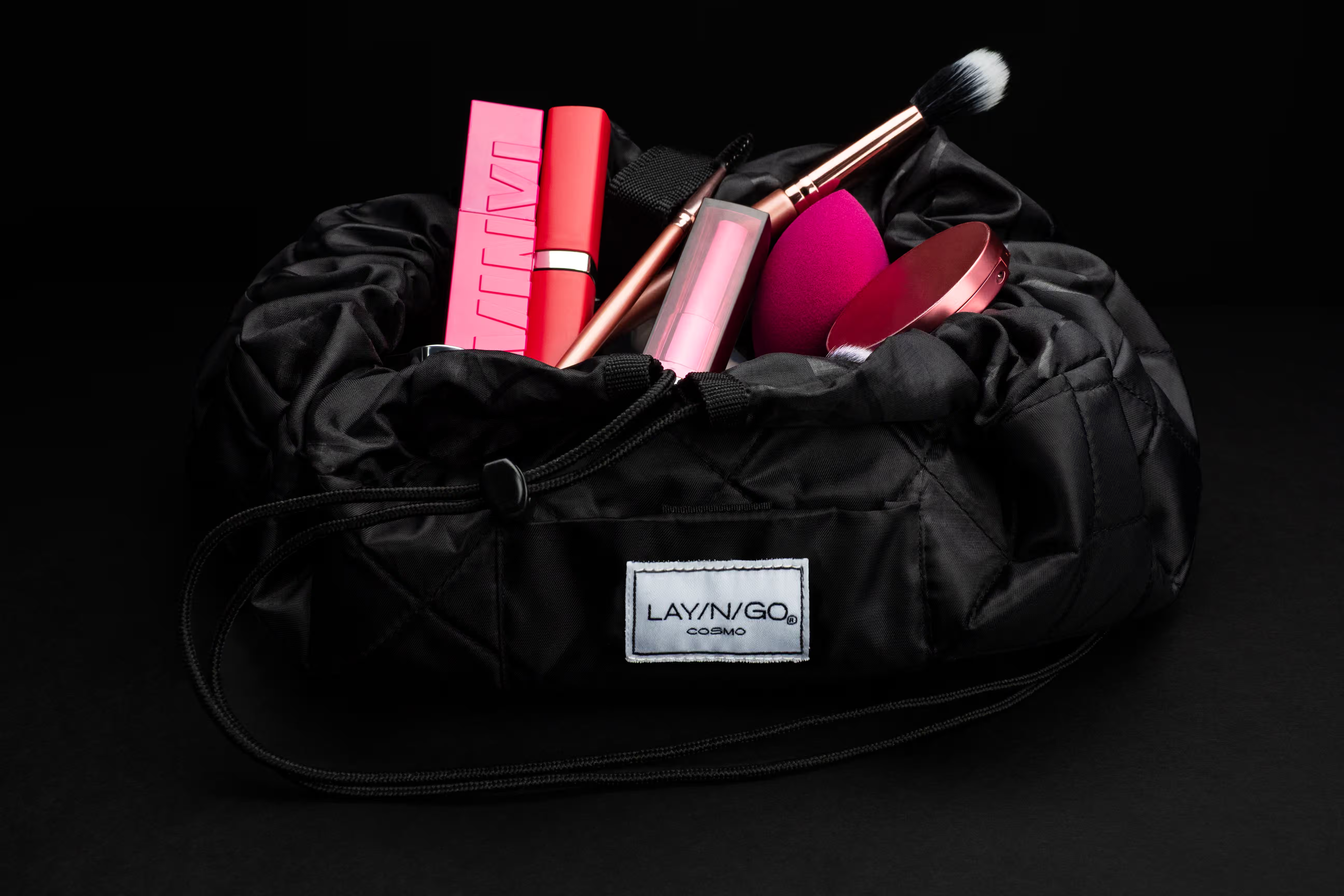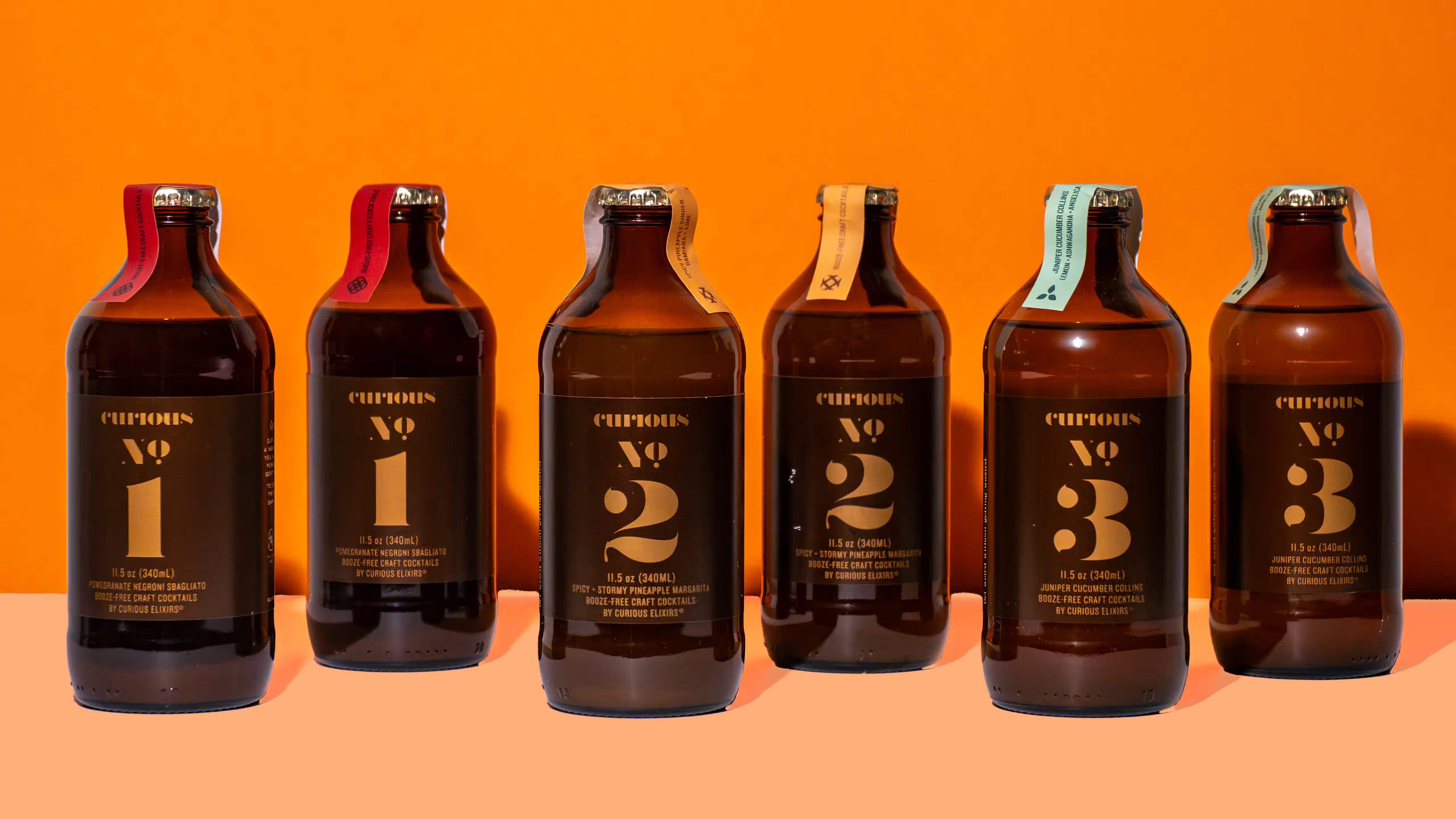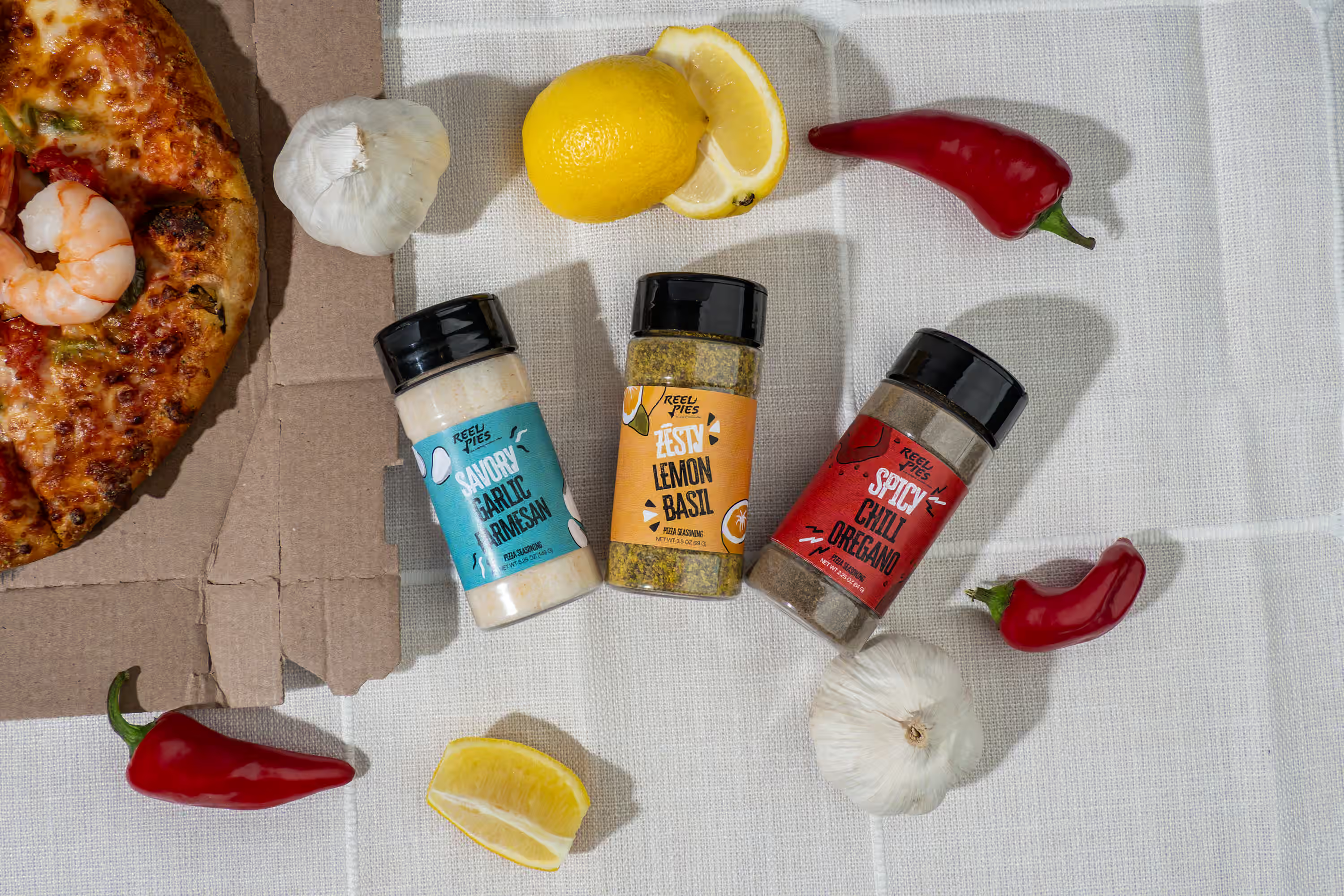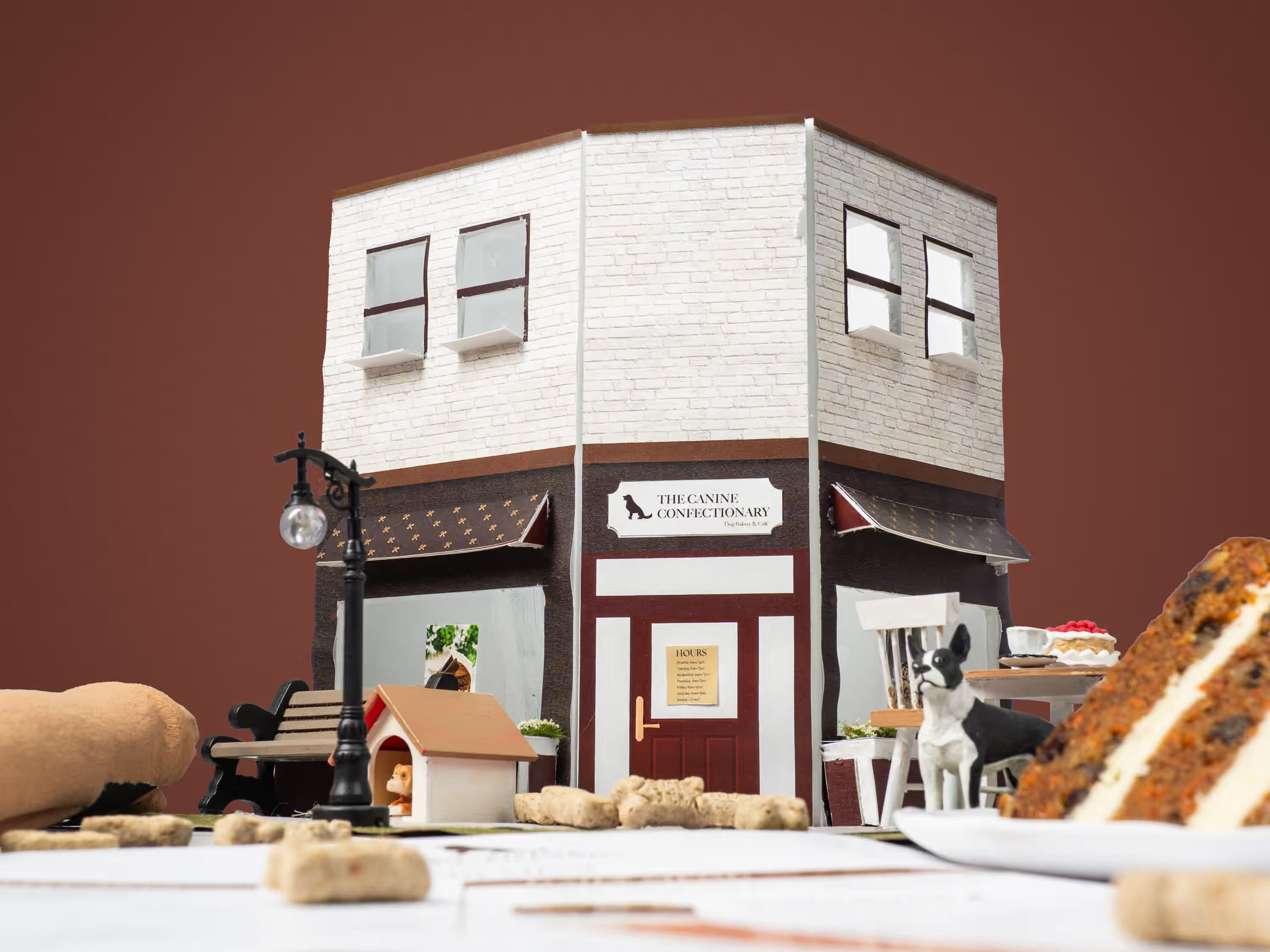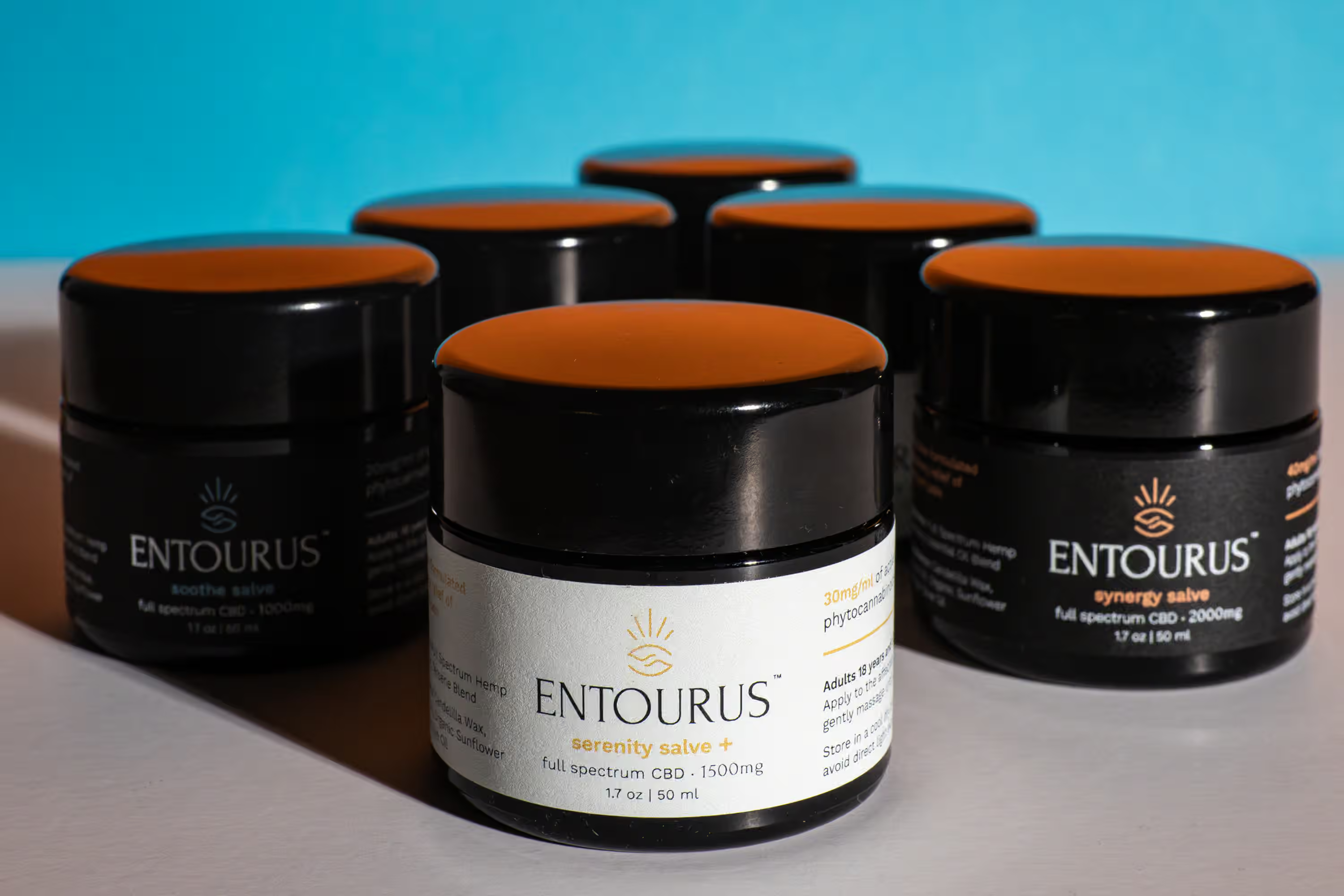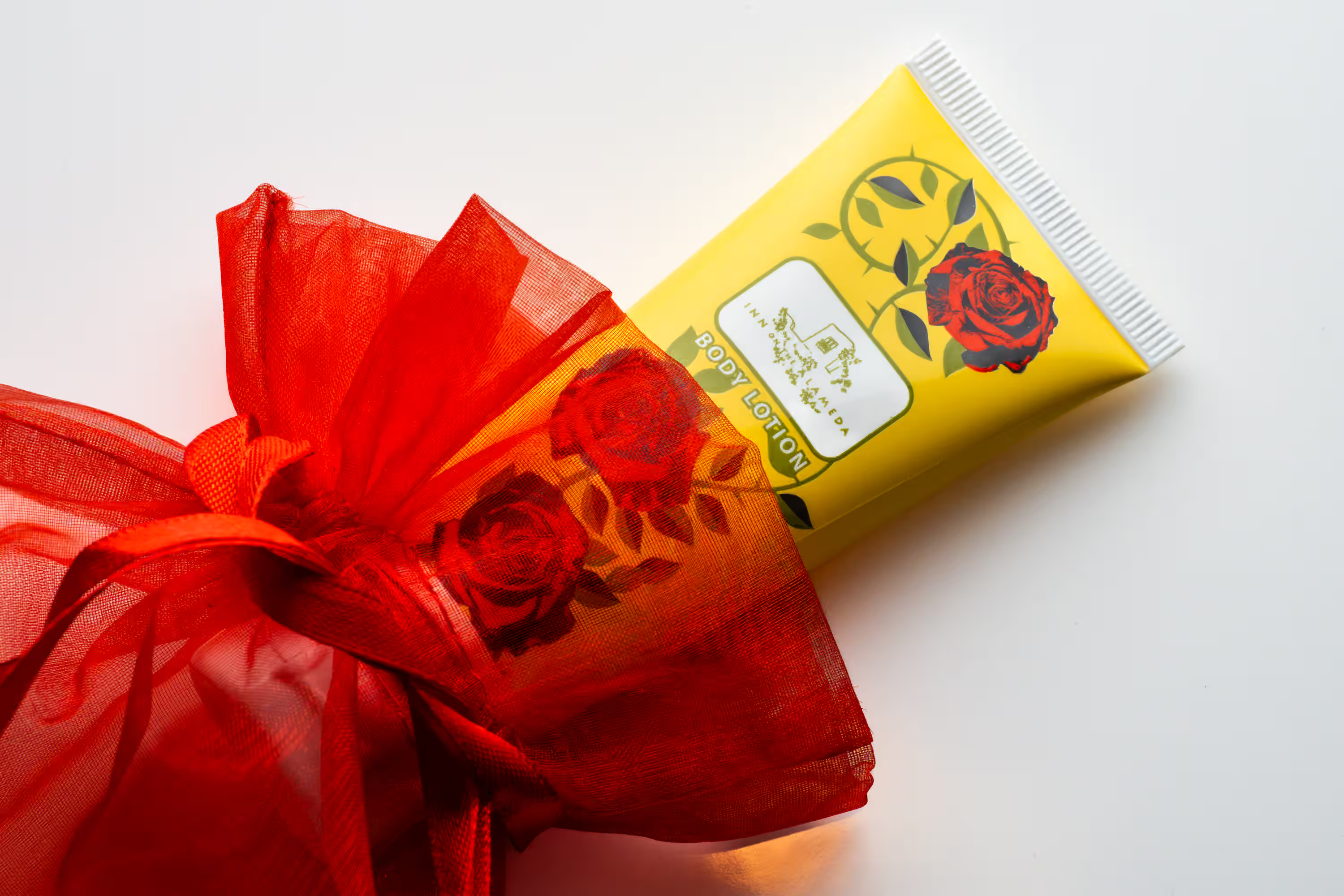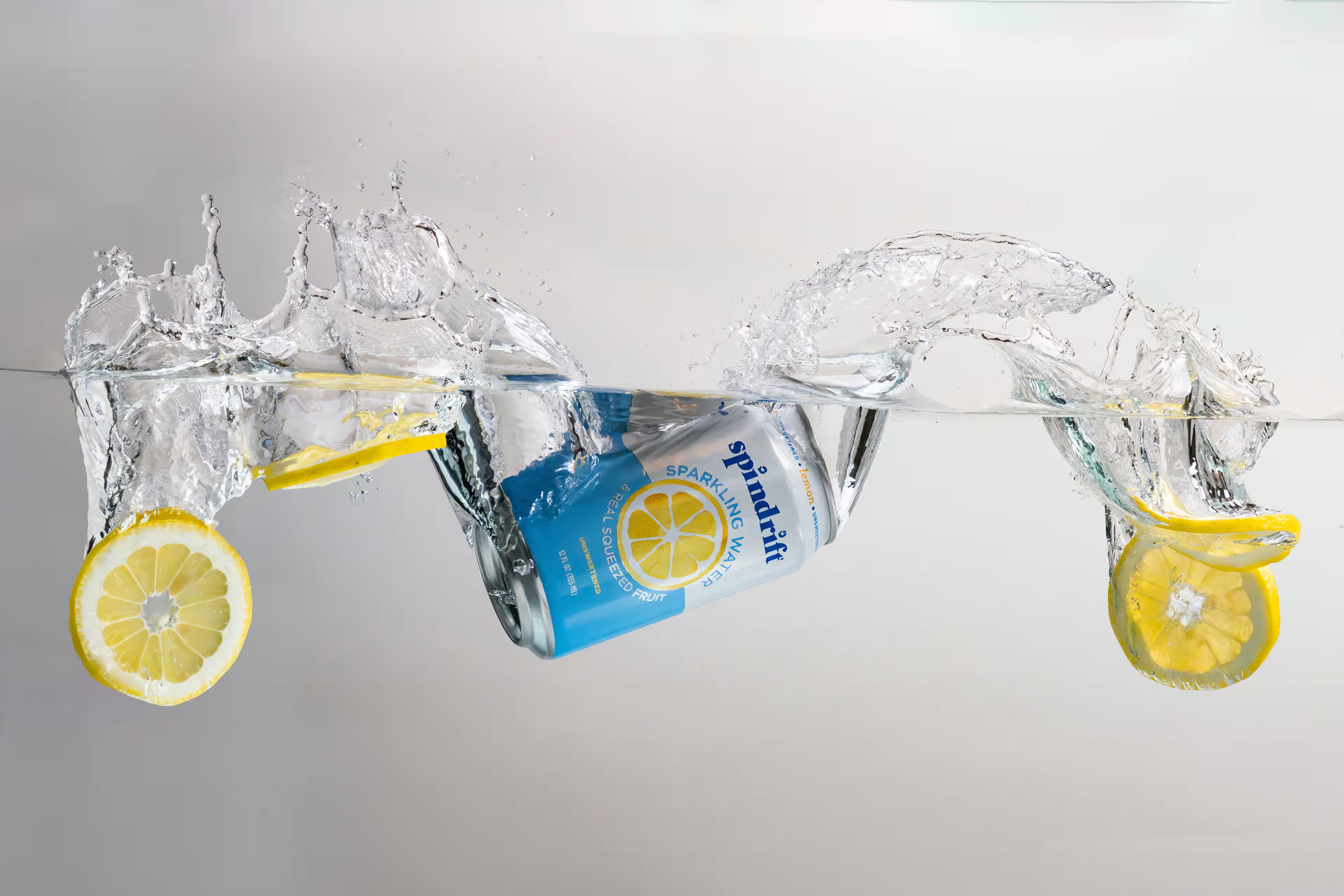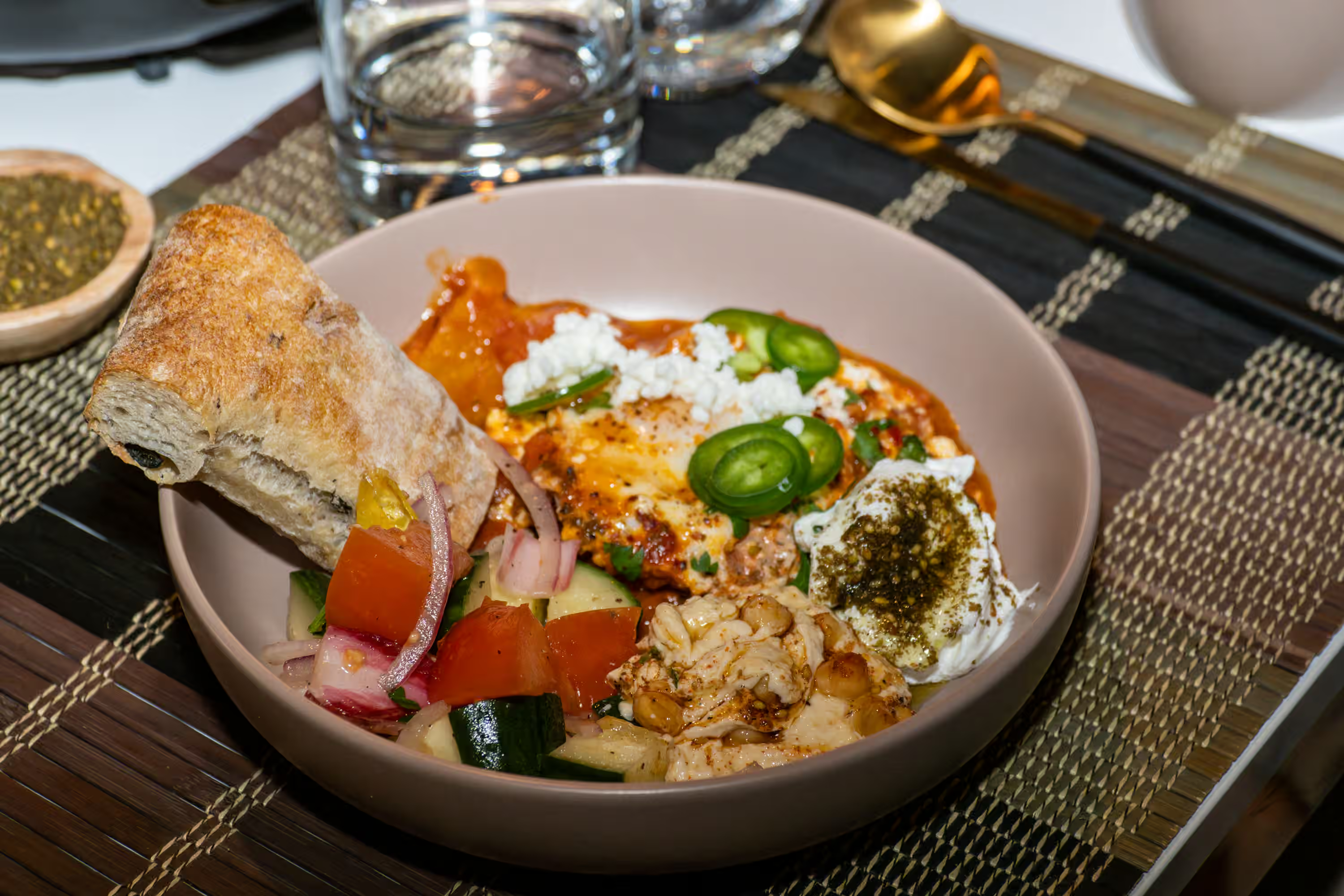
Your Amazon listing gets less than two seconds before a shopper scrolls past or clicks through. And Amazon will suppress your entire product page if your main image doesn't meet their exact requirements. The technical specs for Amazon product photography matter. But the images turning browsers into buyers aren't the ones on the white background. They're the ones below it.
Here's what you need to know about Amazon's image requirements for food and beverage products, and where the real conversion value lives.
What Are Amazon's Image Requirements for Product Listings?
According to Amazon's official product image guidelines, every listing needs at least one image, and Amazon recommends six or more. The platform accepts JPEG (preferred), PNG, TIFF, and non-animated GIF files. Images need at least 1,000 pixels on the longest side to activate zoom, but 2,000 x 2,000 pixels is the standard you should have.
Here are the non-negotiable rules for your main image (the hero shot appearing in search results):
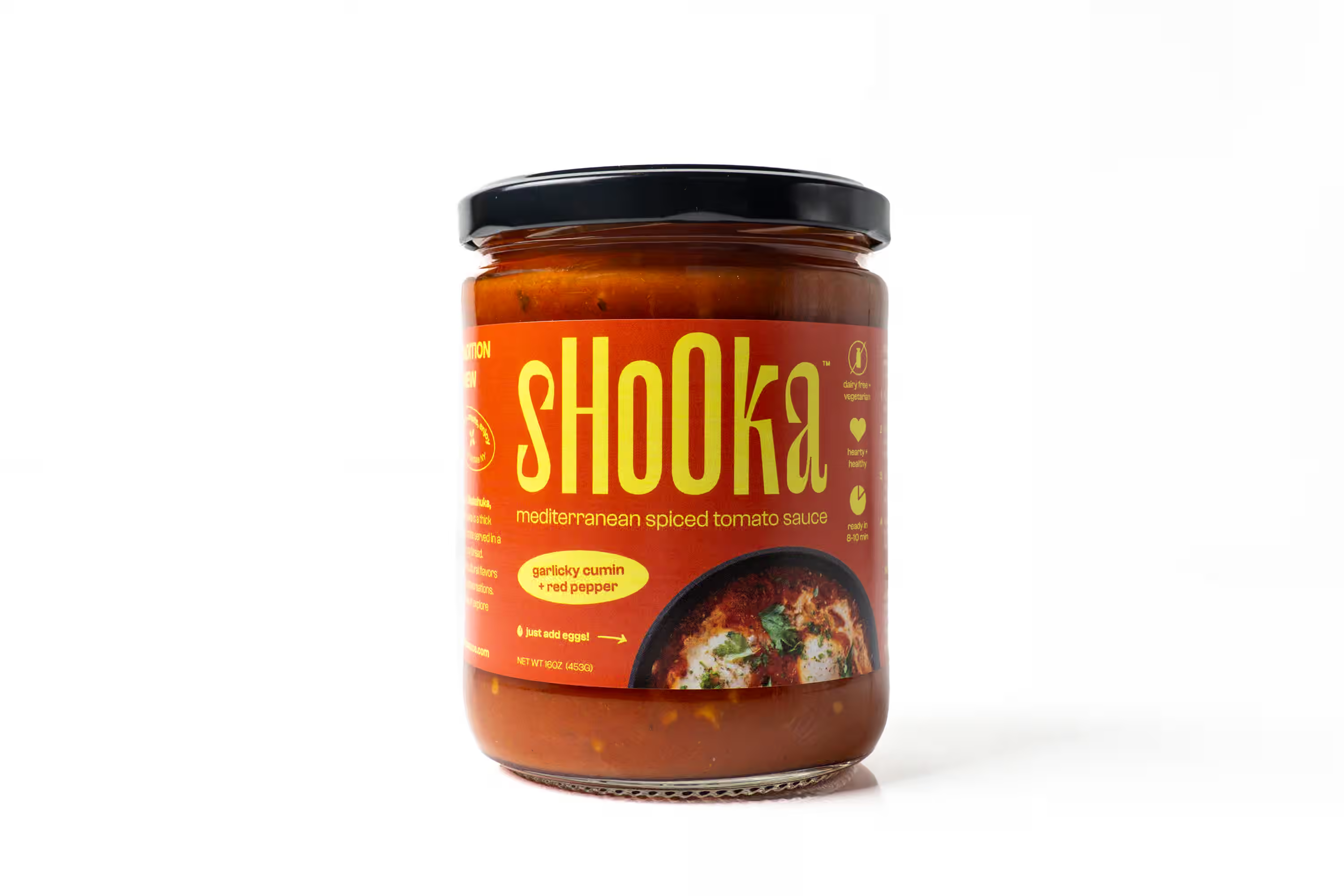
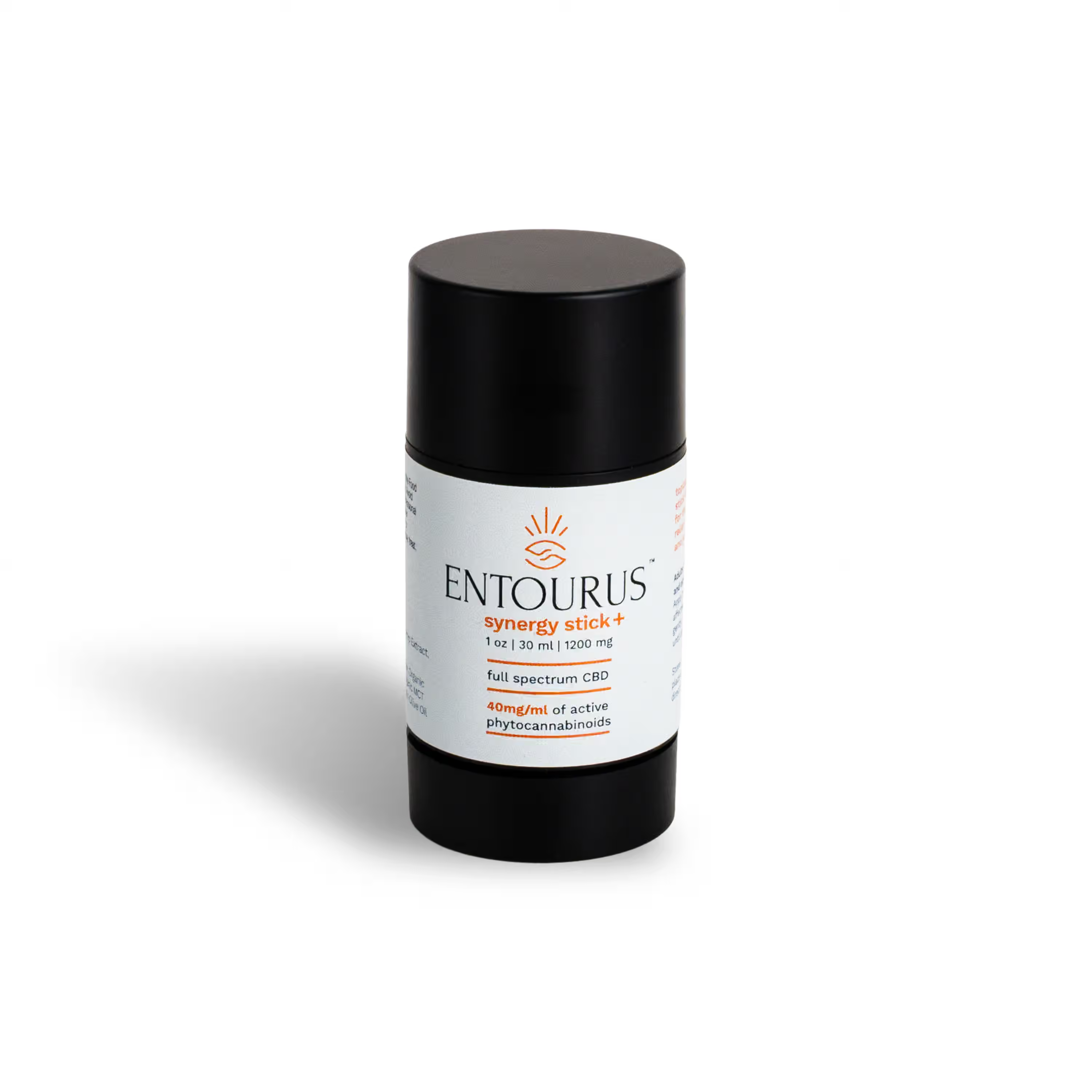
- Pure white background, RGB 255, 255, 255. Not off-white. Not light gray. Exactly 255, 255, 255. Amazon's automated system flags anything else.
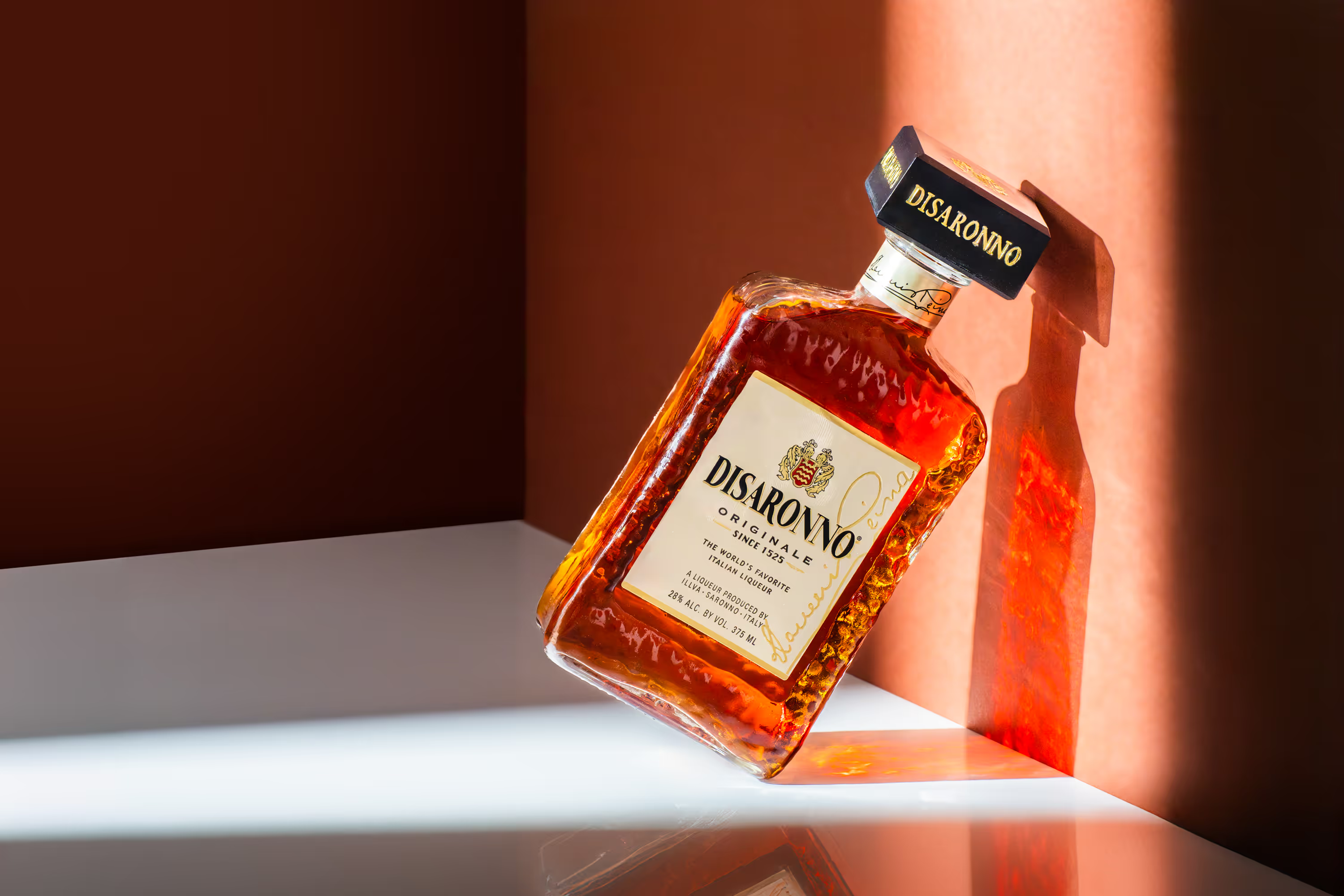
- Your product fills at least 85% of the image frame. For a tall, narrow product like a bottle on a square canvas, your photographer should frame it to fill 85% of the vertical space so it doesn't look lost in the search grid.
- No text, logos, watermarks, badges, or graphics of any kind.
- Show only what the customer receives. No props or accessories not included in the purchase.
If your main image fails any of these checks, Amazon suppresses your listing. It won't show in search results. You won't know unless you check Seller Central.
For your secondary images (slots 2 through 9), the rules are less strict. You're allowed lifestyle backgrounds, text overlays, colored backdrops, infographics, and comparison graphics. Amazon recommends filling all slots, and listings with a full image gallery consistently outperform those with gaps.
The recommendation: Make sure your photographer delivers all images at 2,000 x 2,000 pixels in square (1:1) format. Your main image needs a true white background at RGB 255, 255, 255. Secondary images should also be square but are free to use colored backgrounds, lifestyle settings, and text overlays. At Photos by Lars, we deliver every Amazon product photo to spec so nothing gets flagged on upload.
Why Do Amazon Secondary Images Matter More Than the Main Shot?
Your main image earns the click. Once a shopper lands on your listing, they scroll through images 2 through 9 deciding if they trust your product enough to buy.
According to research from Smart Insights, strong visual content improves conversion by up to 7x. And Amazon's own data on A+ Content shows quality images drive a 5 to 10% lift in conversion rates.
For CPG food and beverage brands, those secondary slots are where you sell the story. You answer every question a shopper has before they read a single bullet point:
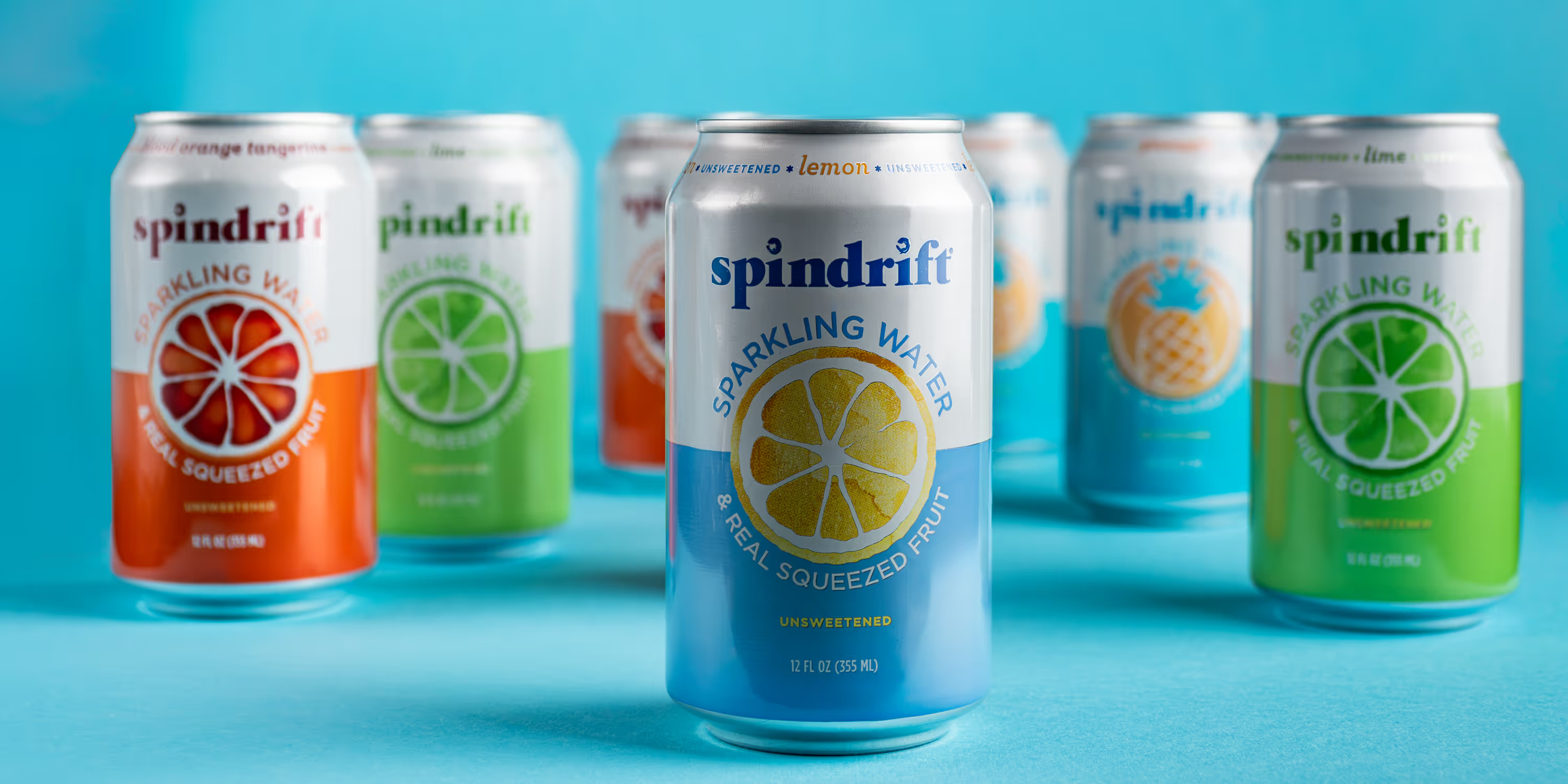
- What does this taste like? A lifestyle image with your product in a real setting (a kitchen counter, a picnic spread, a gym bag) helps shoppers picture themselves using it.
- What makes this different? An infographic calling out 3 to 5 key benefits (organic, gluten-free, 20g protein, no artificial sweeteners) communicates your selling points in under 2 seconds.
- How big is it? A scale reference shot showing your product next to a common object eliminates size confusion and cuts return rates.
- What's in the box? A contents layout showing everything included builds confidence for multipacks and variety bundles.
Most brands stop at white background photos and call it done. Brands winning on Amazon treat their secondary images like a visual sales page, each slot answering a specific objection or reinforcing a reason to buy.
How Should You Plan Your Amazon Product Photography Stack?
Here's the image stack we recommend for CPG food and beverage listings. This isn't a menu. It's the order producing the best results.
Slot 1 (Main Image): Clean white background hero shot. Product forward, filling the frame. No text. This gets the click.
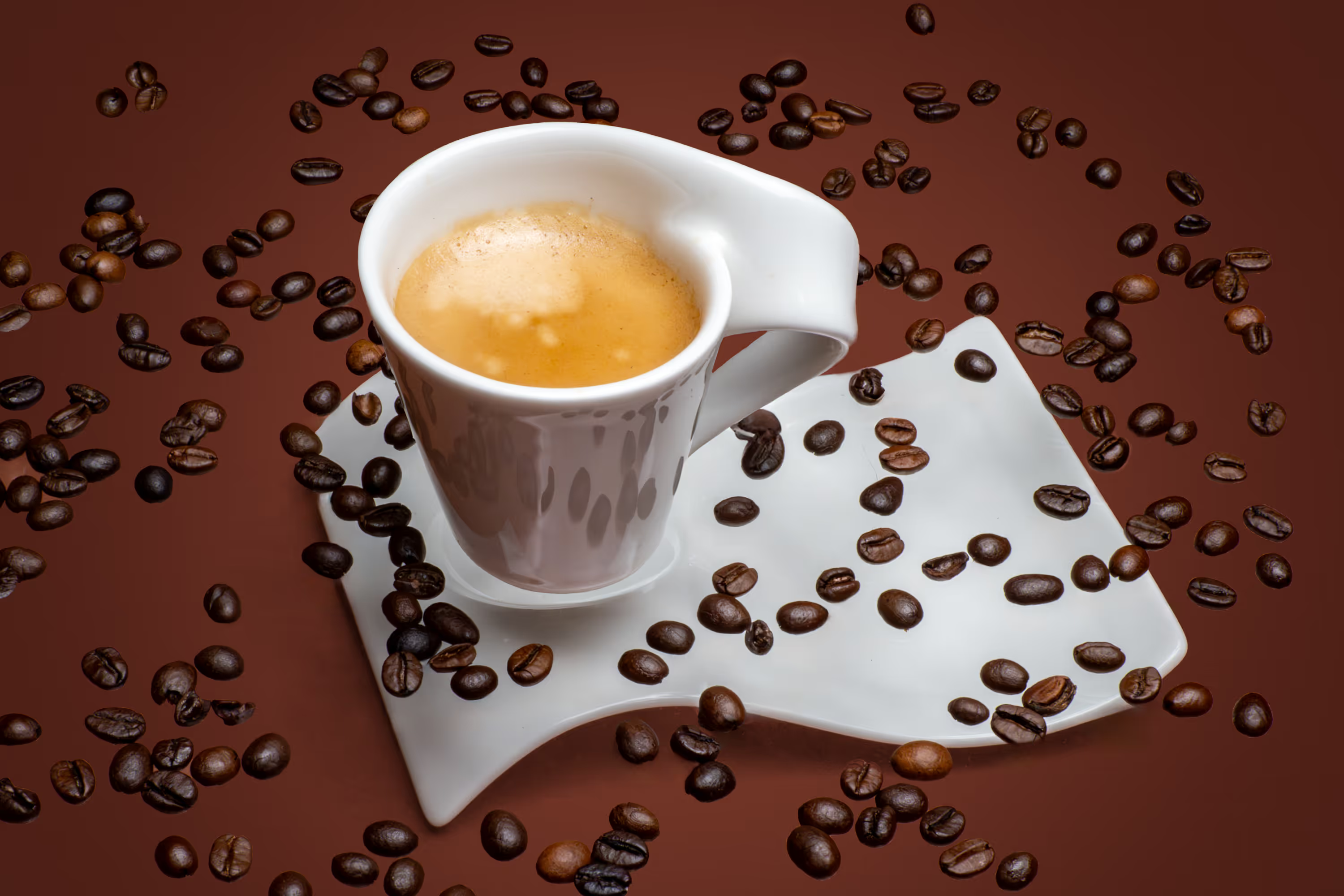
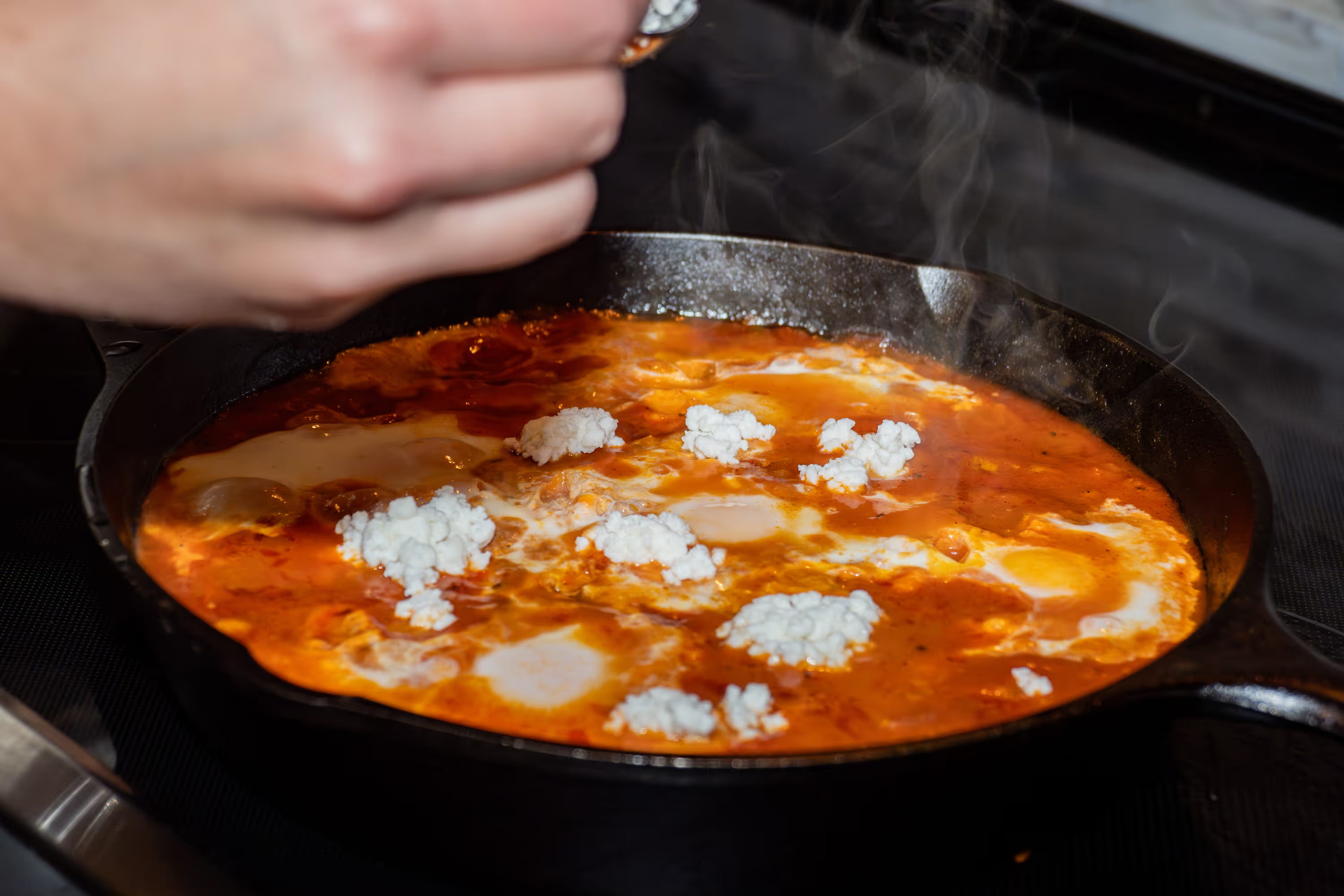
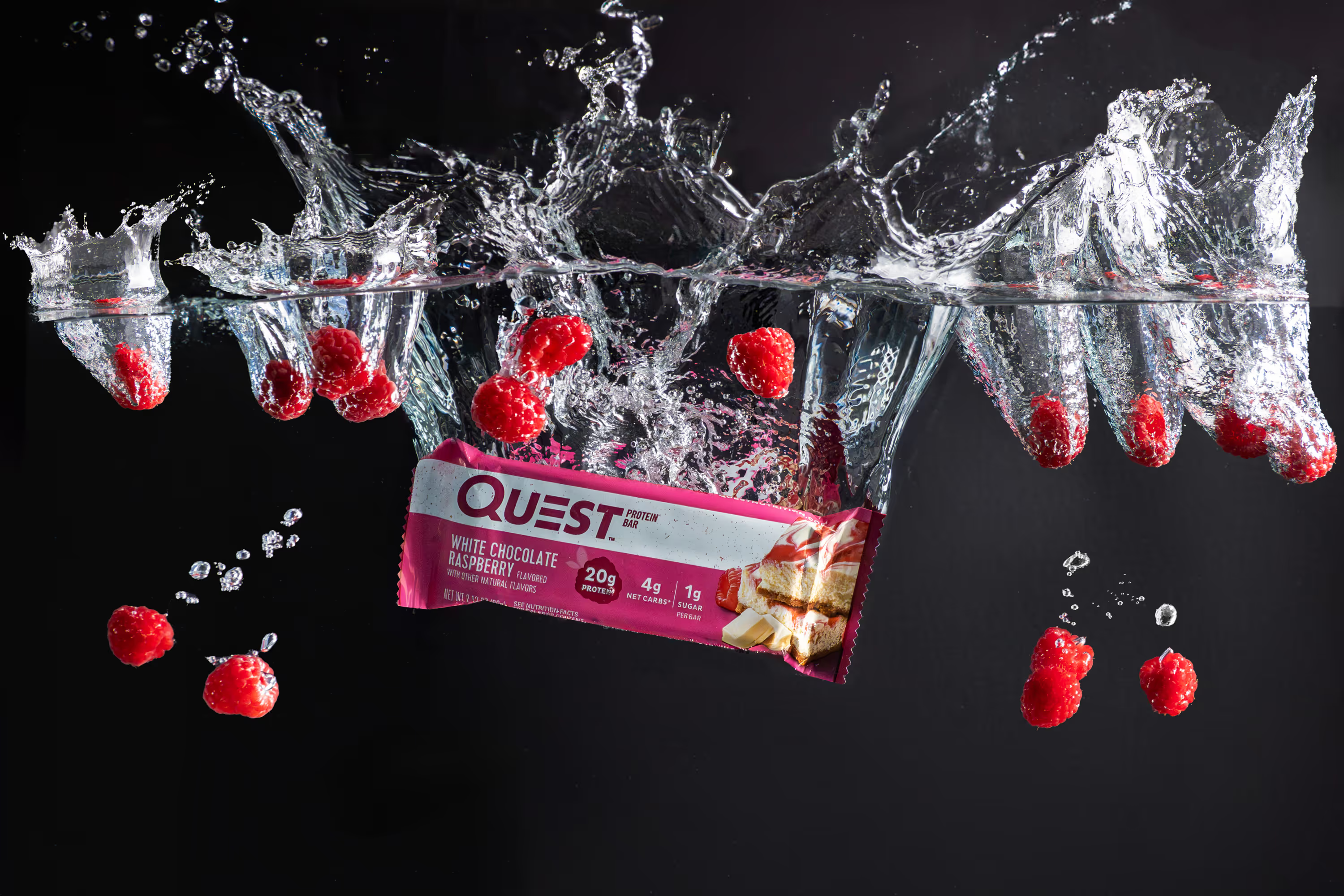
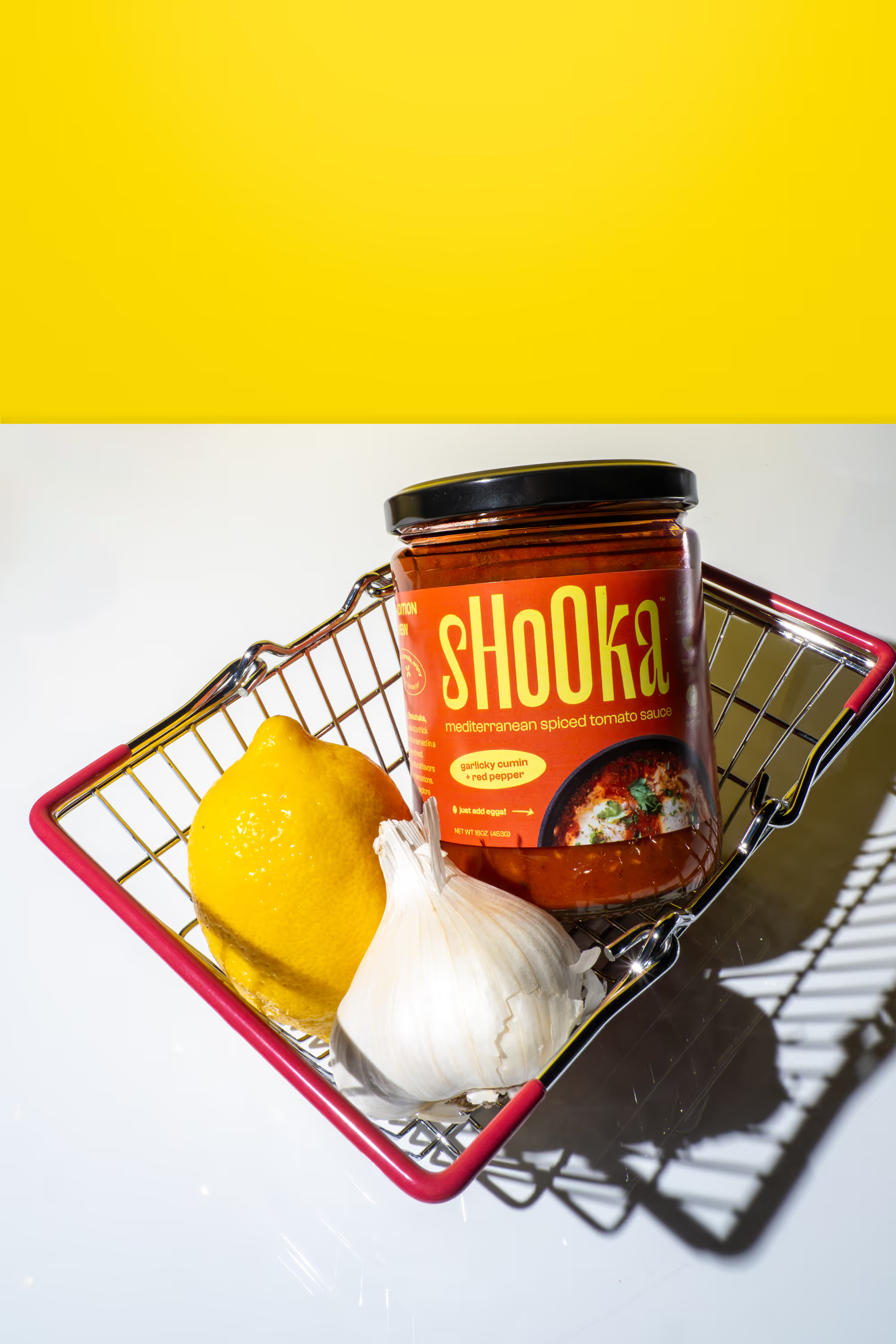
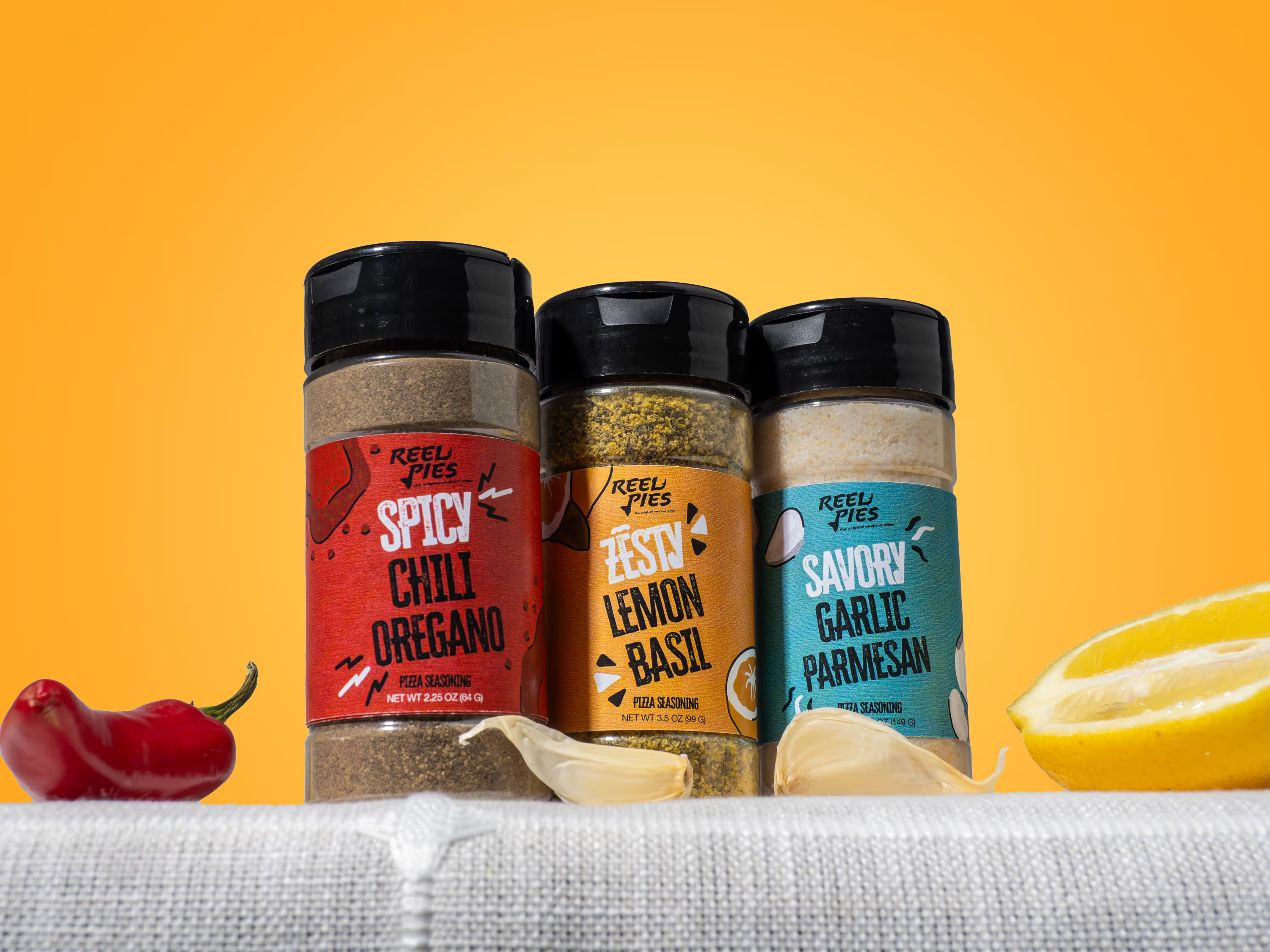
Slot 2: Lifestyle image showing the product in context. Your hot sauce on a taco night spread. Your protein bar mid-workout. Make the shopper feel something.
Slot 3: Infographic highlighting your top 3 to 5 product benefits. Think "high protein," "no added sugar," "family-owned." Use your brand colors and fonts for consistency.
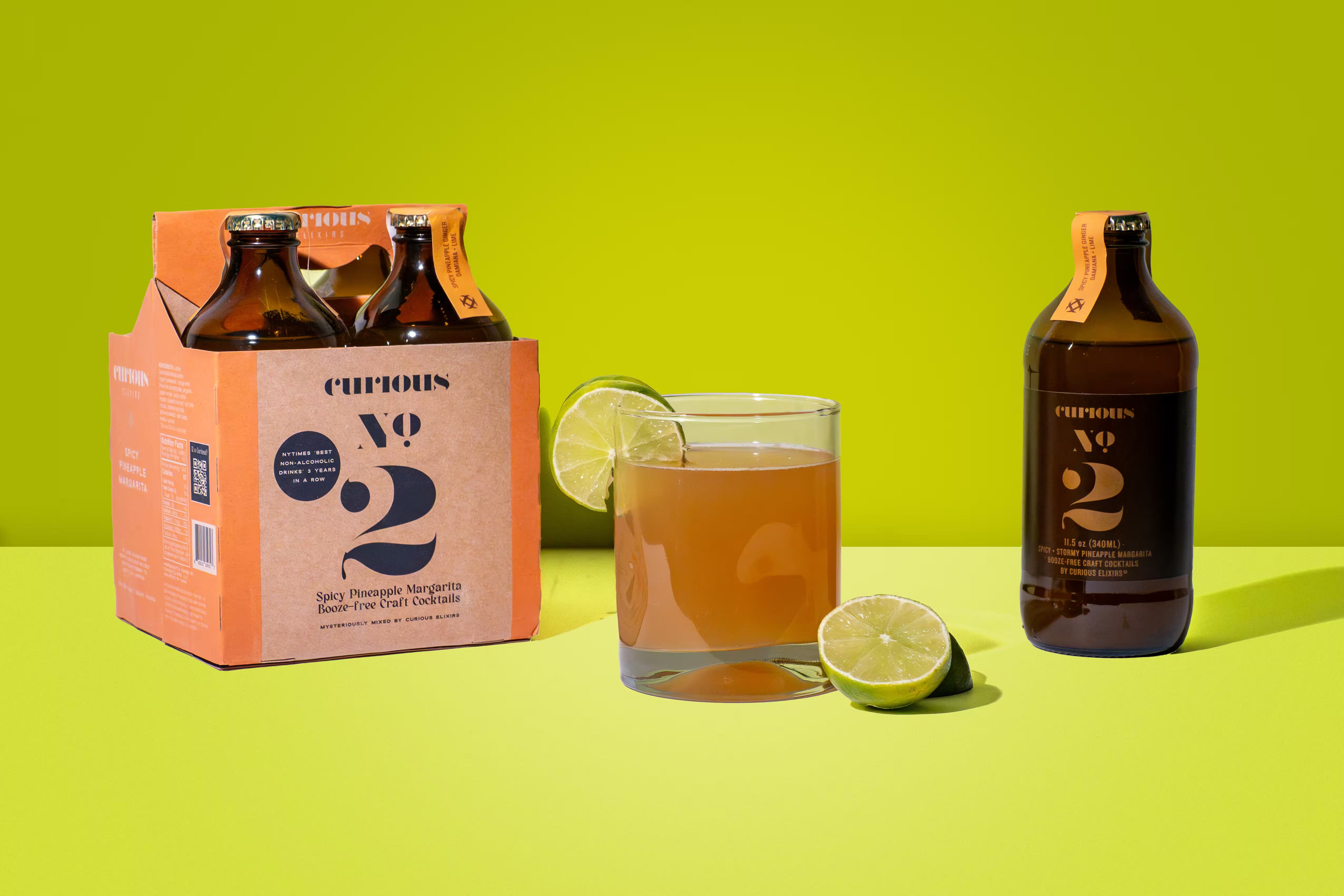
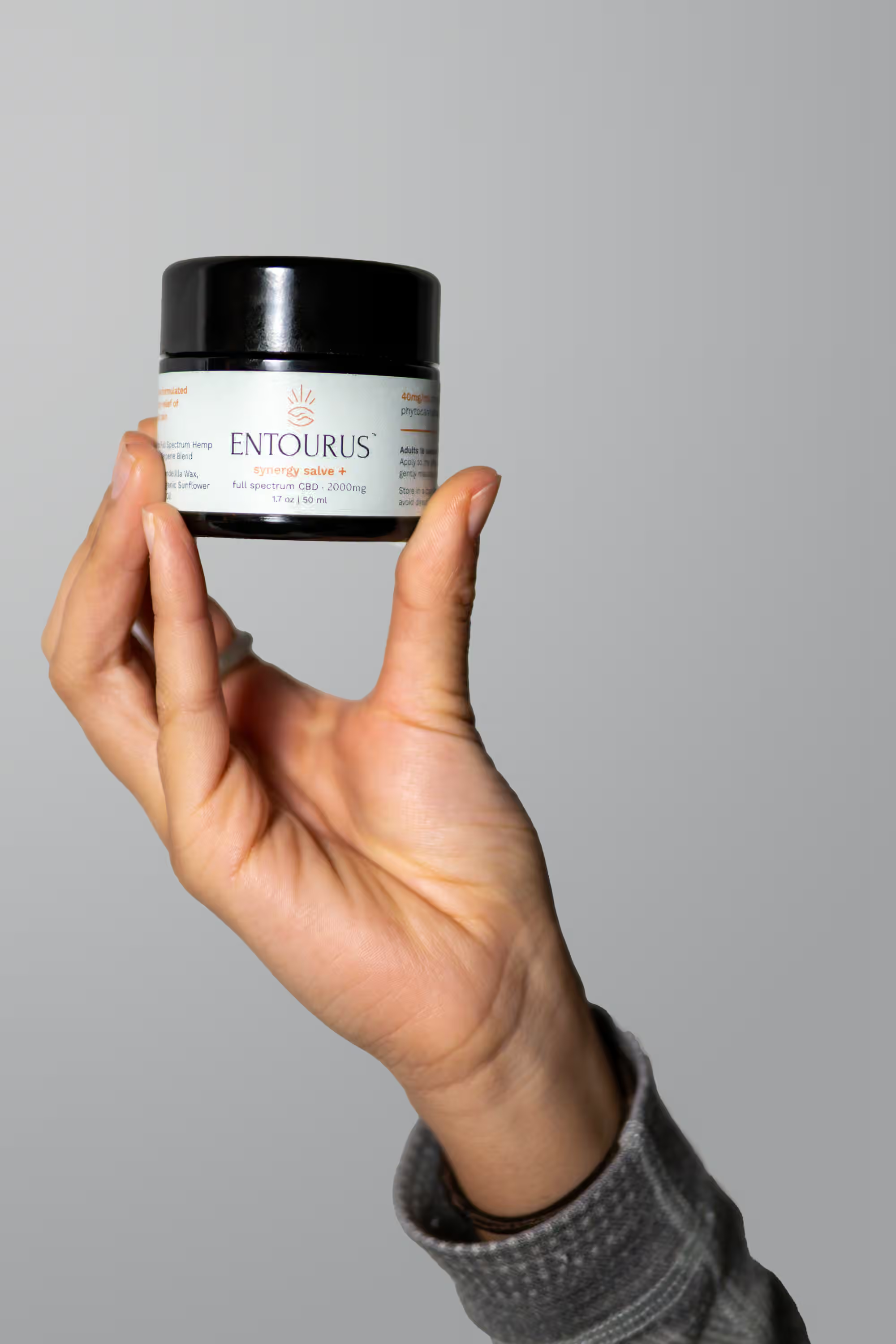
Slot 4: Size or scale reference. Show the pouch in someone's hand, or the bottle next to a glass. Remove all guesswork.
Slot 5: Ingredient or nutrition callout graphic. When customers see ingredient details before ordering, they buy with more confidence and return products less often.
Slot 6: Brand story image or comparison graphic showing how your product stands apart from generic alternatives. Don't name competitors, but show why yours wins.
Slot 7: Social proof or certification graphic. USDA Organic badge, Non-GMO verification, or a pulled customer review quote. Only display badges you're authorized to use.
From there, keep filling slots with additional product angles or detail shots, as long as every image meets Amazon's image standards. An empty slot is always worse than another strong photo of your product.
We handle the full stack at Photos by Lars, from white background hero shots through infographic-ready lifestyle images. We shoot with your secondary image strategy in mind so you're not retrofitting photos into graphics. And we deliver in 3 to 5 days, fully retouched and formatted for Amazon.
What About A+ Content and Brand Stores?
If you're enrolled in Amazon Brand Registry (and for most CPG brands selling on Amazon, it's worth the effort), you get access to A+ Content. This replaces the standard product description with rich visual modules below the fold.
A+ Content is where your brand stops looking like an upstart and starts looking like a category leader. The comparison chart module lets you show your product against your own other SKUs. The brand story strip gives shoppers a reason to trust your company, not only your product. Amazon reports an average 3 to 10% sales uplift from A+ Content, and Premium A+ pushes even higher with interactive hotspots and embedded video.
The photos from your main listing work double duty in A+ Content. Lifestyle images, brand story visuals, and comparison graphics all slot directly into A+ modules without reshooting. We always recommend planning your product photography shoot with A+ in mind. One shoot, multiple assets, maximum return.
Common Questions
Do I Need a Professional Photographer for Amazon Product Photos?
You need images hitting exact technical specs while selling your product in a crowded category. Your main image white background must be precisely RGB 255, 255, 255 or Amazon suppresses your listing. For secondary images, the quality gap between DIY and professional is where you win or lose conversions. A CPG product photographer who understands both Amazon's requirements and food marketing pays for itself in avoided suppression and higher conversion rates.
How Many Images Should I Upload to My Amazon Listing?
Fill every slot. Amazon gives you 7 to 9 image slots depending on your category, plus a video slot. Fewer images never outperform more images, as long as each one serves a distinct purpose. Empty slots signal a brand not putting in the effort, and shoppers notice.
What File Format Works Best for Amazon Product Images?
JPEG is the best choice for Amazon product photography. It gives you the strongest balance of image quality and file size. PNG works when you need transparency, but never for your main image (Amazon converts transparent pixels to black). Tell your photographer to deliver at 2,000 x 2,000 pixels in sRGB color mode.
Are AI-Generated Product Images Allowed on Amazon?
Amazon allows AI-assisted editing on real product photos (background removal, color correction, minor retouching). But Amazon does not permit fully AI-generated main images. Your main image needs to be an actual photograph. For secondary images, you have more flexibility, but the product itself should always come from a real shoot.
How Do I Know if My Current Amazon Images Are Hurting My Sales?
Check two numbers in Seller Central: your click-through rate from search results and your conversion rate on the listing page. Low CTR means your main image isn't competitive. Low conversion means your secondary images aren't doing their job. Take our Brand Visual Scorecard to see where your visuals stand across your entire brand.
Ready to get your Amazon images right the first time? Take the Brand Visual Scorecard to see where your visuals stand, or book a call and we'll walk through your listing together.