Your Amazon listing needs 15 to 20 images to compete. Not a typo. And if you've been budgeting for 5 or 6, you're leaving conversion on the table.
Here's why the number is higher than you'd expect. Amazon gives you two separate image zones on every product page: the main image carousel at the top (up to 9 slots) and A+ Content below the fold (5 to 7 additional modules, each with its own images). Shoppers scroll through both. Your best-performing competitors fill both. And according to Salsify's 2025 Consumer Research Report, 77% of shoppers say product images and videos are important or critical when deciding to buy.
For a food or beverage brand, this full image set is the difference between a listing converting and one burning through ad budget.
What Does Amazon Allow in the Main Image Carousel?
Amazon lets you upload up to 9 images per listing, but only 7 show by default on desktop. Shoppers need to click into the gallery to see the 8th and 9th, and on mobile, those extra slots are nearly invisible.
One of those 7 visible slots should be a video. Amazon Seller Central data and industry benchmarks both point to listings with video converting 9 to 15% higher. This leaves you 6 image slots plus your main hero shot.
Here's the Amazon listing image stack we recommend for food and beverage brands:
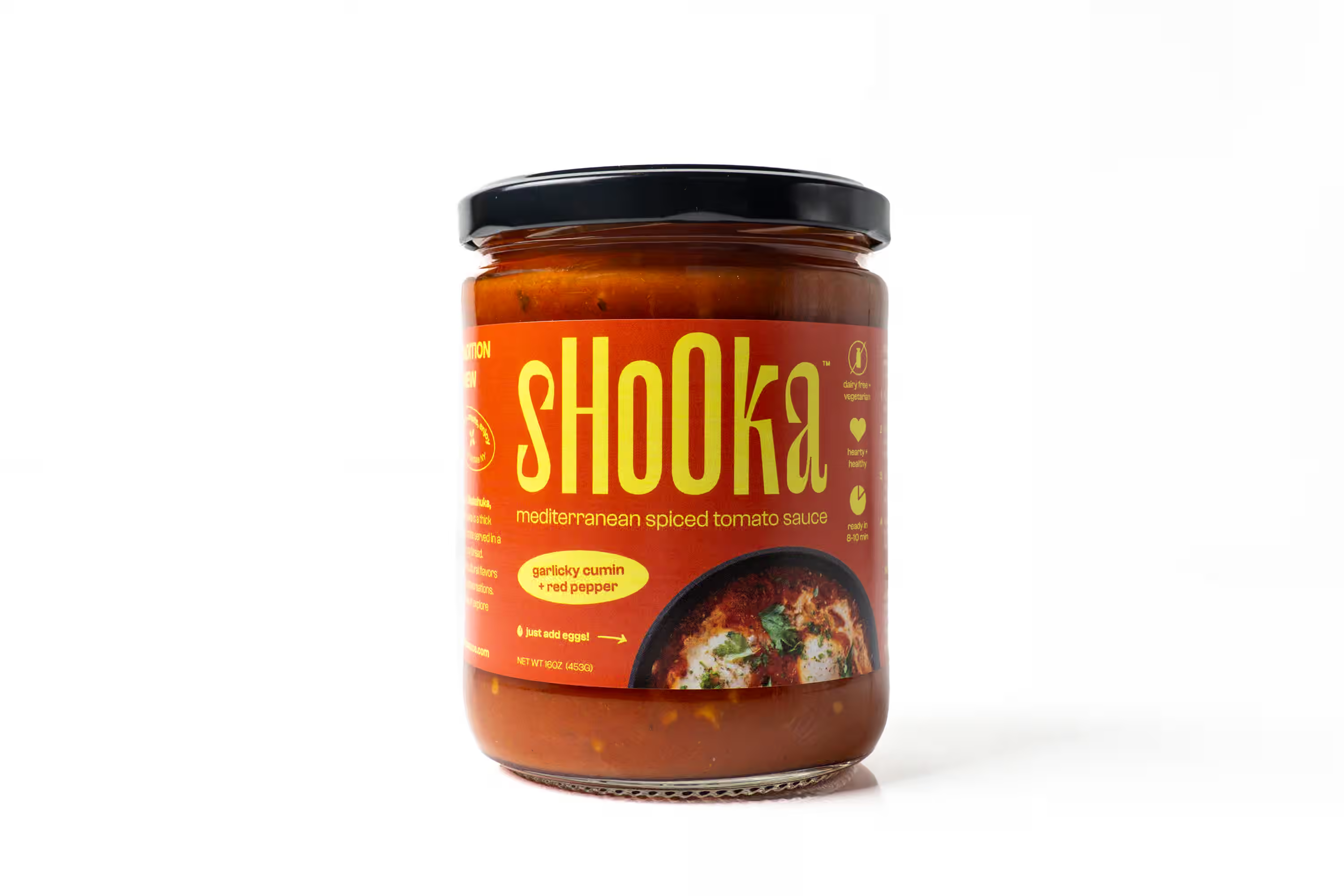
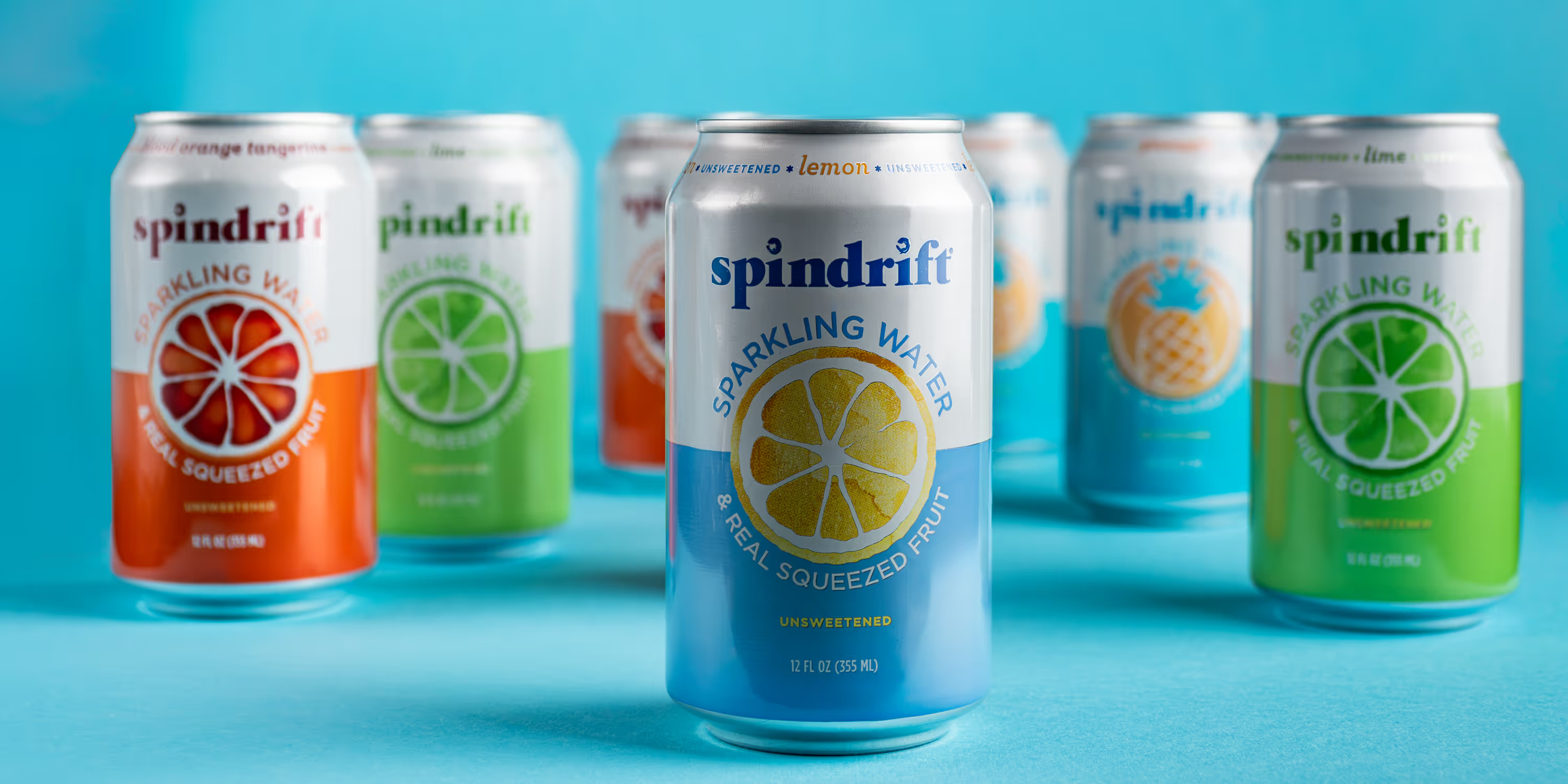
Slot 1: Hero image. Pure white background (RGB 255, 255, 255). Product fills 85% of the frame. No text, no logos, no props. Make sure your photographer delivers files at 2000 x 2000 pixels minimum for zoom functionality.
Slot 2: Back of package. Shoppers in the food and beverage category want the nutrition panel and ingredient list. This image answers their biggest question before they scroll to the bullet points.
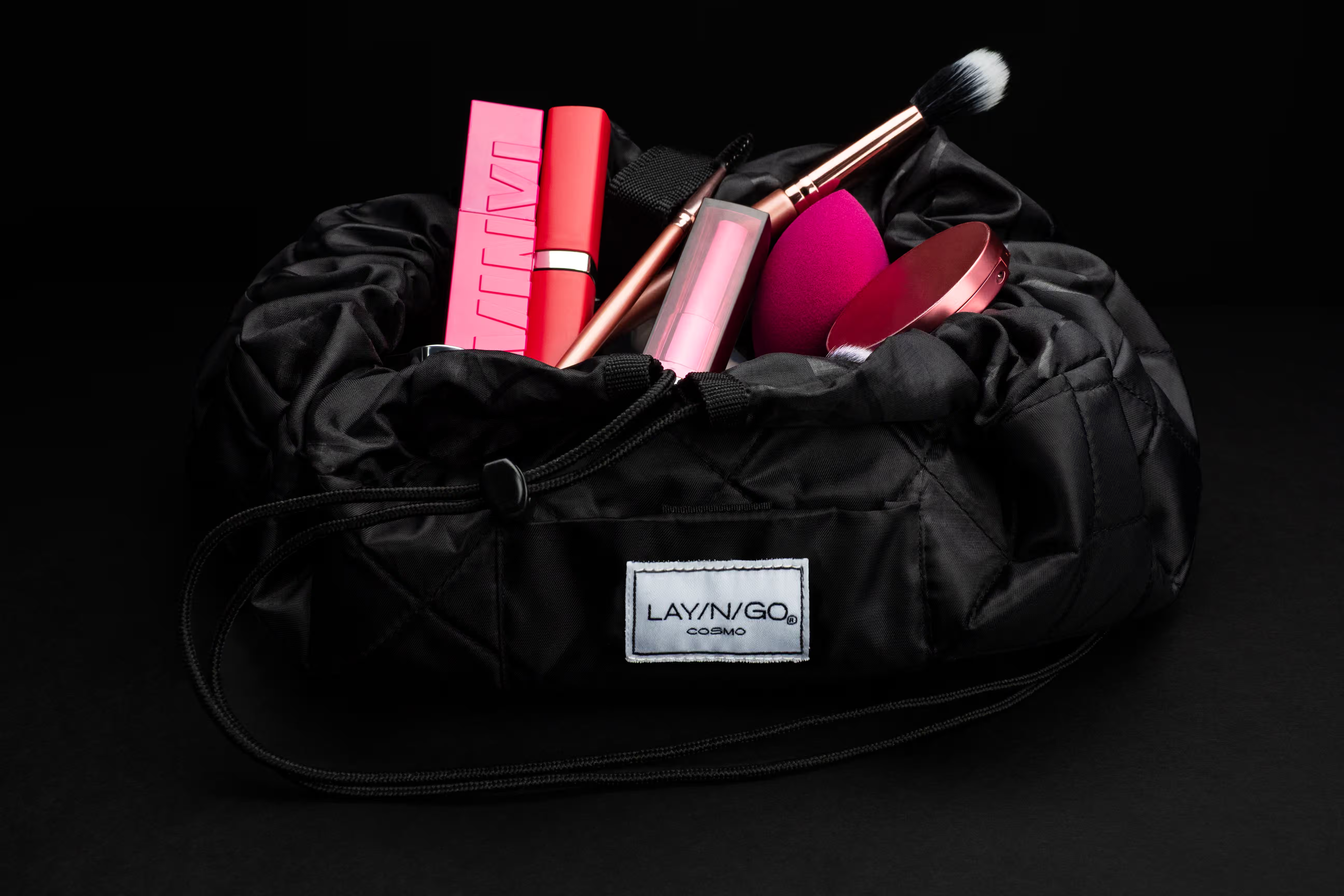
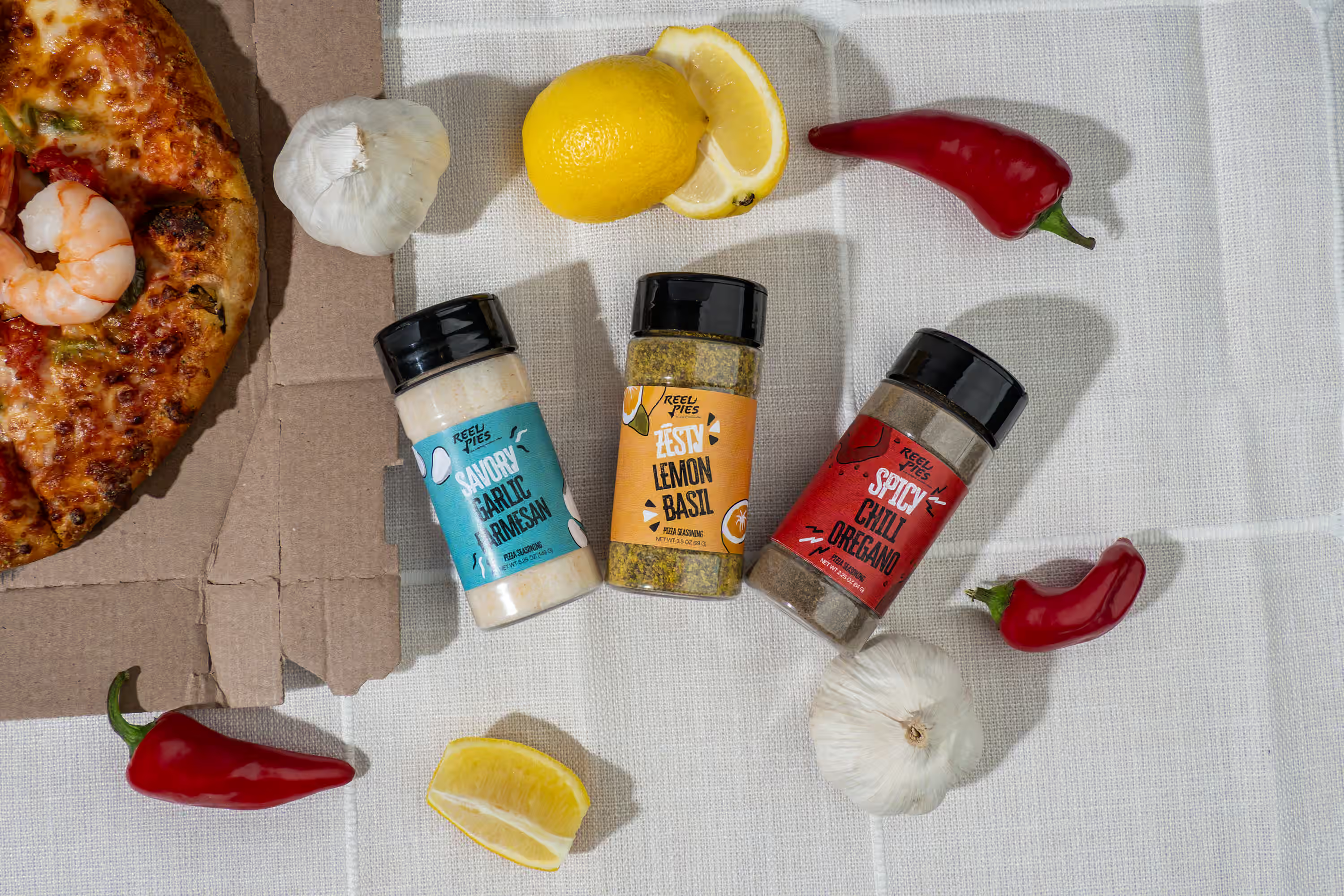
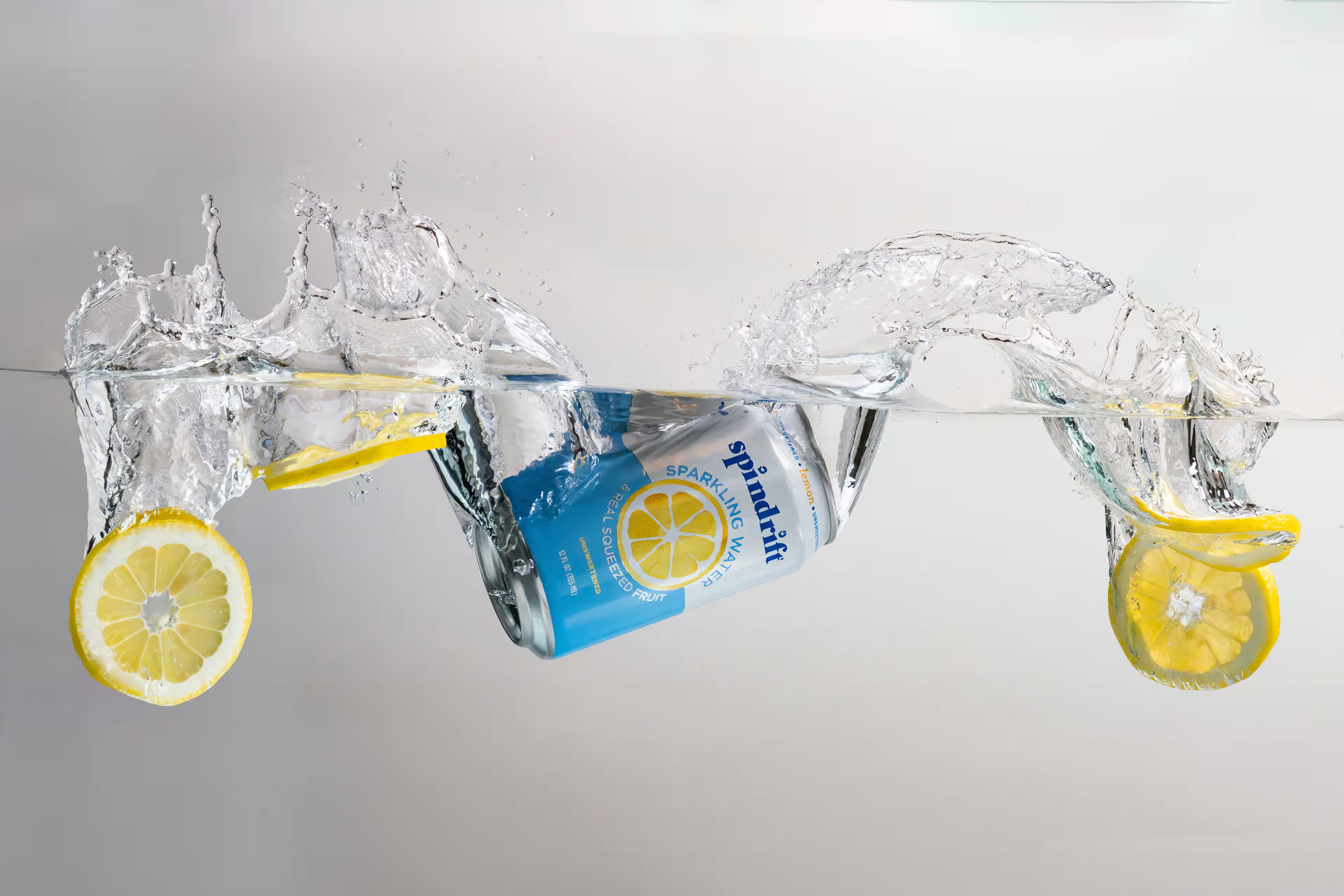
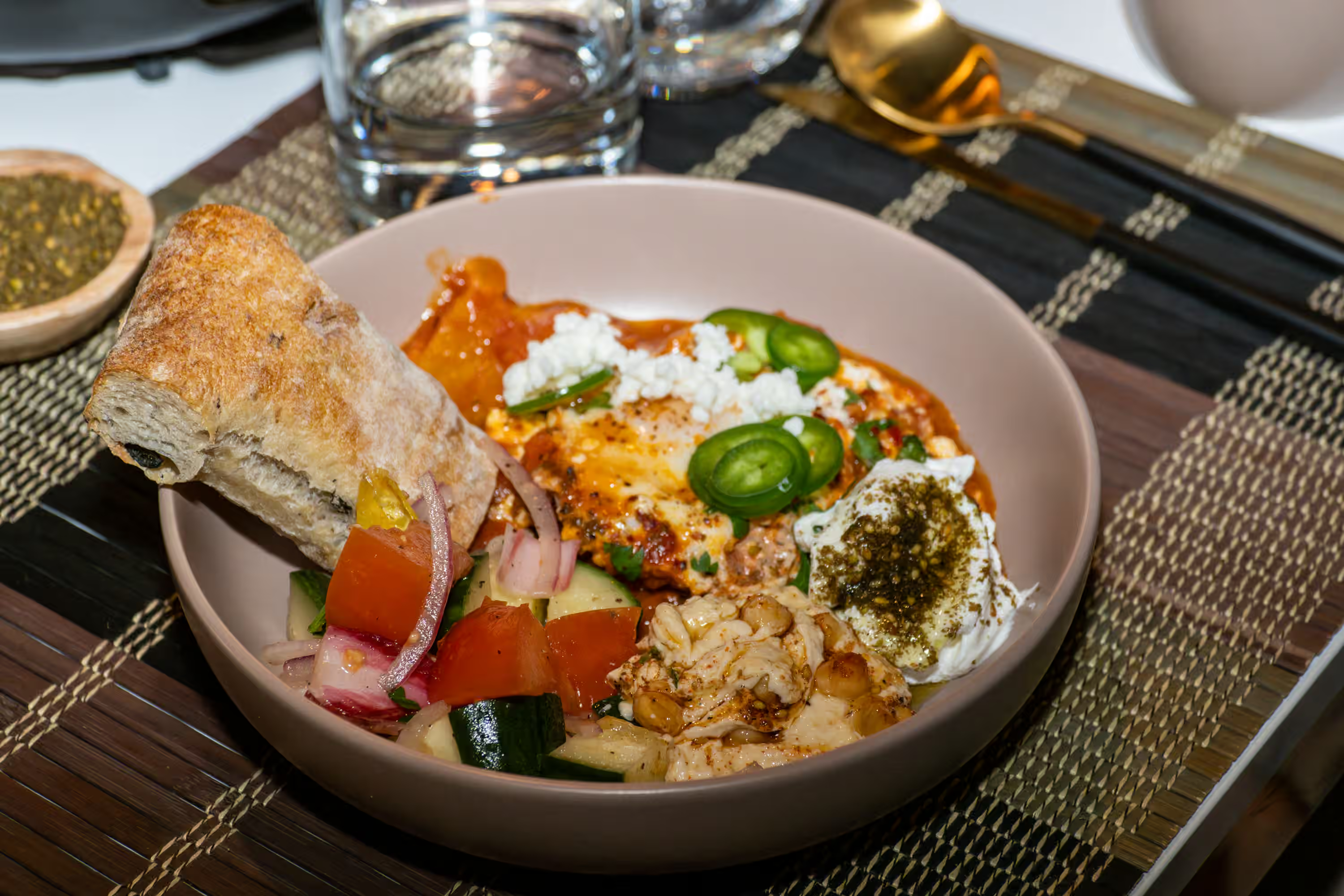
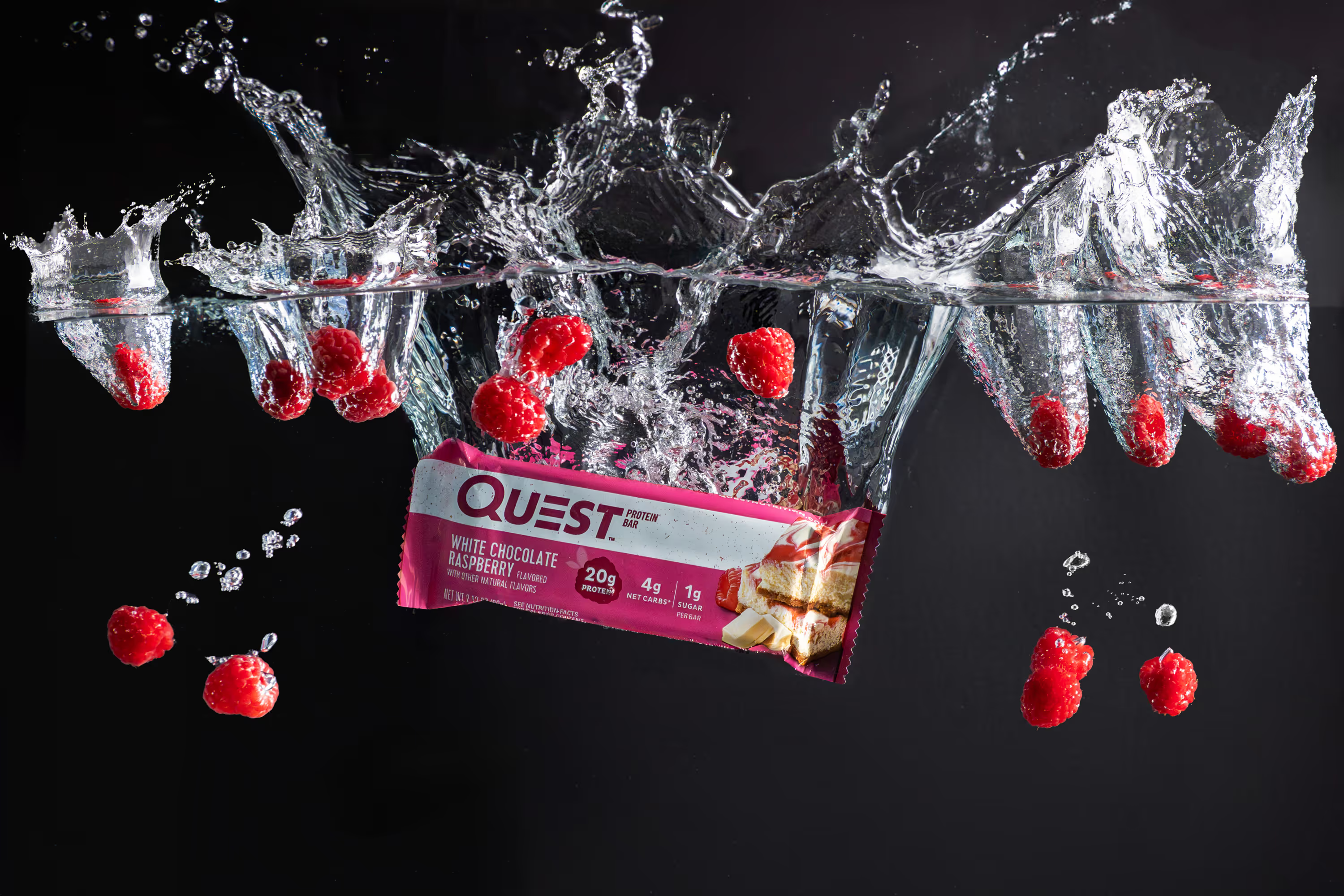
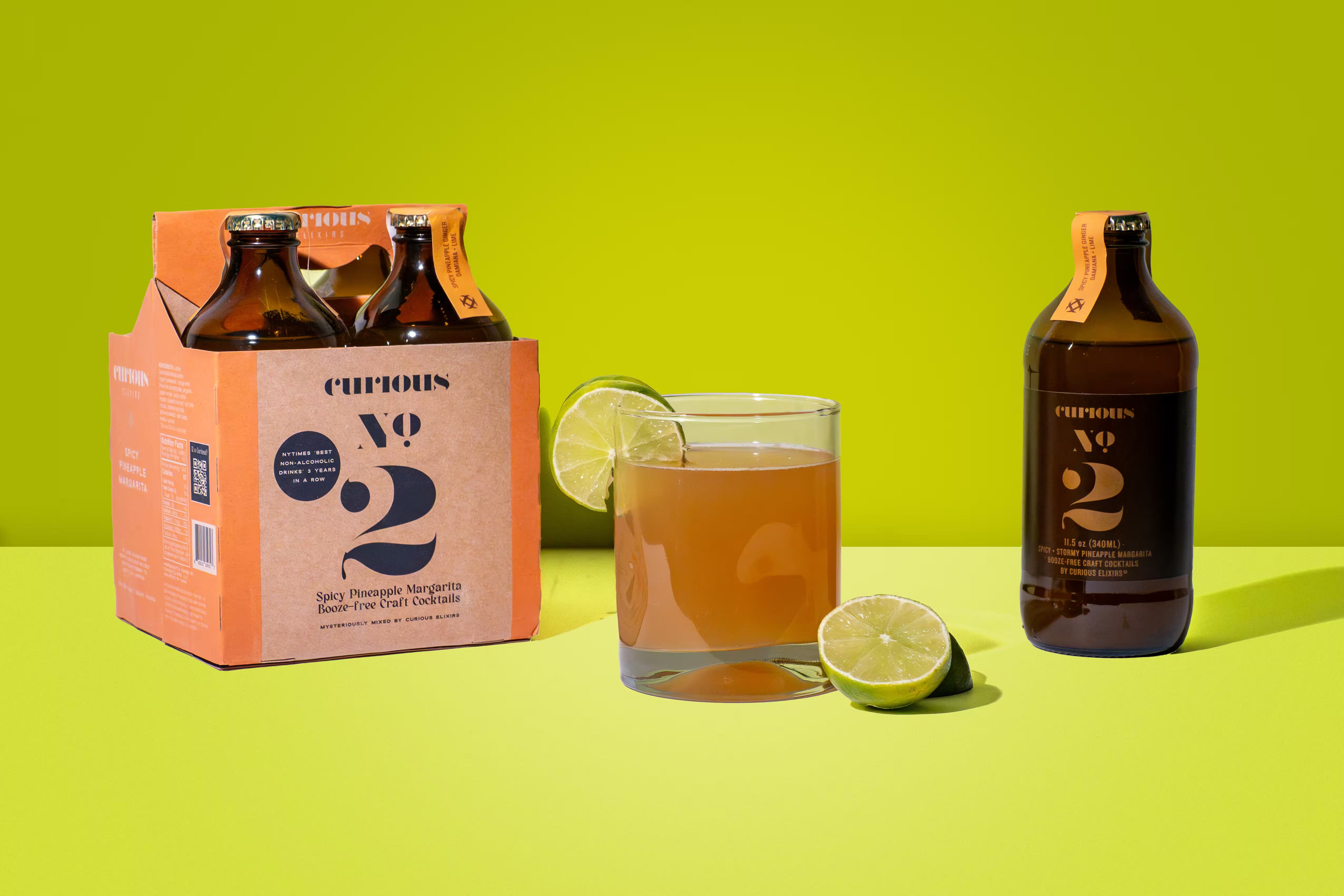
Slot 3: Lifestyle shot. Your product in a real setting. A cold brew on a kitchen counter at sunrise. A hot sauce being poured over tacos. This is where motion-focused food and beverage photography creates an emotional pull and stops the scroll.
Slot 4: Benefits infographic. Ask your designer to call out 3 to 4 selling points with clean icons and short text. Think "No Artificial Flavors," "12g Protein," or "Gluten Free." Baymard Institute's ecommerce UX research consistently shows product images are the primary factor in online purchase decisions.
Slot 5: Scale or size reference. Your product in a hand or next to a common object. "Smaller than expected" is one of the most common Amazon review complaints. One scale image removes the doubt.
Slot 6: Social proof graphic. Have your designer pull 2 to 3 five-star review quotes and present them in a clean layout. Builds trust without requiring the shopper to scroll to reviews.
Slot 7: Video. A 15 to 30-second product video showing the item in action. For food and beverage, this is where pouring, splashing, and motion-focused content performs at its best.
Six images and 1 video for the top rail.
How Many Images Does A+ Content Need Below the Fold?
Here's where it gets interesting. Amazon gives you a whole second image zone below the carousel called A+ Content (what Amazon used to call Enhanced Brand Content). It appears below the bullet points and Buy Box.
According to Amazon's official A+ Content page, Basic A+ Content lifts sales by up to 8%, and Premium A+ Content drives increases up to 20%. Those numbers come from Amazon itself.
On mobile, A+ Content shows up before the bullet points. For the 70%+ of Amazon traffic coming from phones, this section is the first thing shoppers see when they scroll past the image carousel.
A+ Content uses modular image blocks. You get up to 5 modules for Basic A+ and 7 for Premium. Each module needs its own image or set of images. For a food and beverage brand, a strong A+ layout looks like this:
- Brand story banner with a full-width lifestyle image
- Feature breakdown with icons and short benefit callouts
- Ingredient or sourcing story with supporting photography
- Comparison chart showing your product vs. alternatives in your line
- Cross-sell module with images of your other products
The total comes to 5 to 10 additional images, depending on how many modules you use and whether each module has multiple image zones.
Add those to your 6 carousel images and 1 video, and you land at 15 to 20 total images per Amazon listing.
How Do You Plan a Shoot for This Many Amazon Listing Images?
The number sounds big. But when you plan the shoot around your listing needs from the start, the whole process stays efficient.
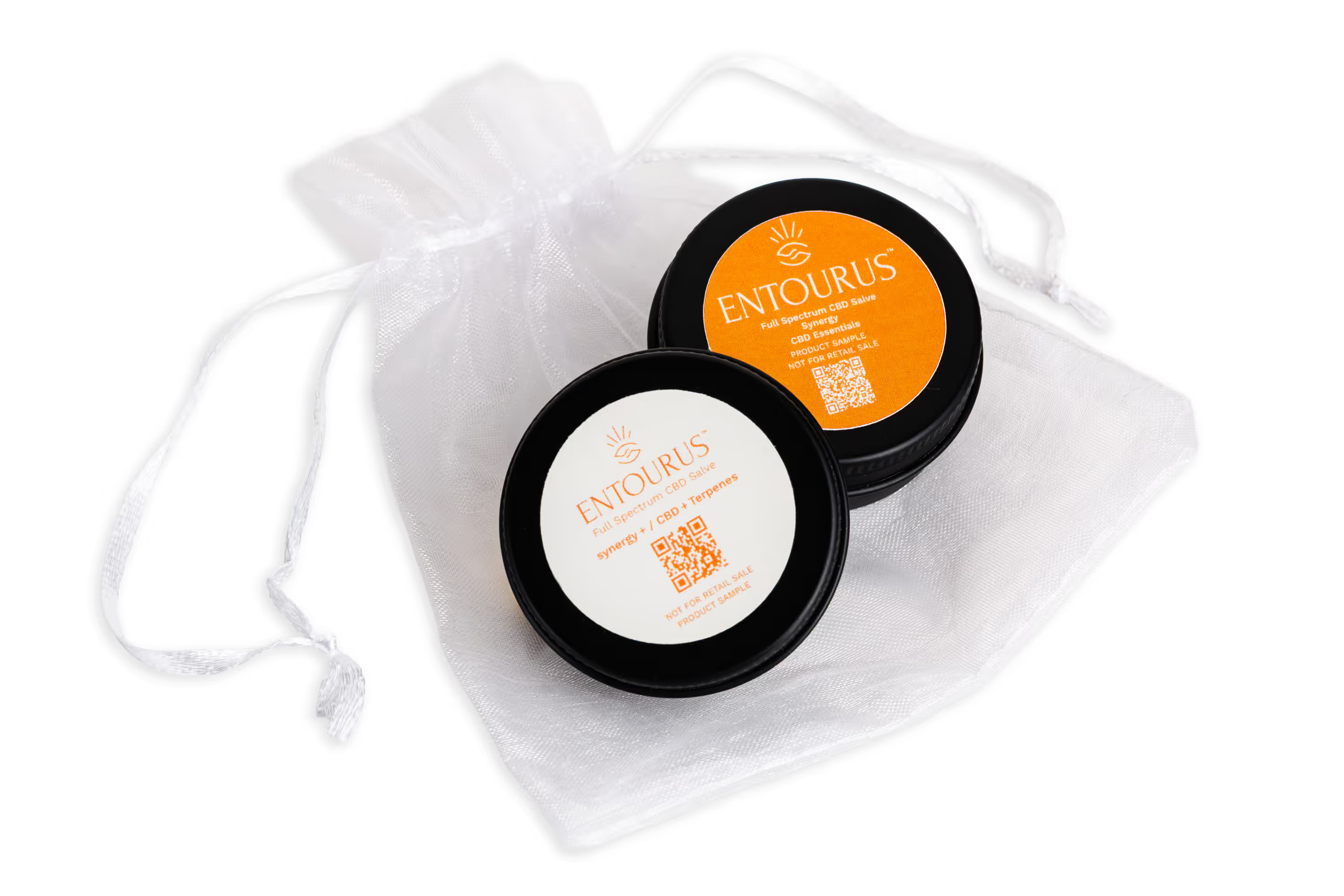
A single product photography session with Photos by Lars for a food or beverage brand covers white background hero angles, lifestyle setups with motion elements (pours, splashes, steam), back of package and detail shots, and the raw images we turn into infographics and A+ Content graphics.
The key is briefing your photographer on the full Amazon product image requirements before the first shot. When we know you need carousel images, A+ Content modules, and infographic source files, we build the shot list around all of it. Nothing gets missed. And we deliver the full set in 3 to 5 days, so your listing goes live on schedule.
If you're launching a new SKU or refreshing an existing listing, this is the kind of session we run every week. One shoot, one day, and you walk away with a complete Amazon image set ready to upload. No second booking, no scrambling for A+ Content assets weeks after the listing is already live. We handle the heavy lifting so your team stays focused on the launch.
Why Do Food Brands Need More Amazon Listing Images Than Other Categories?
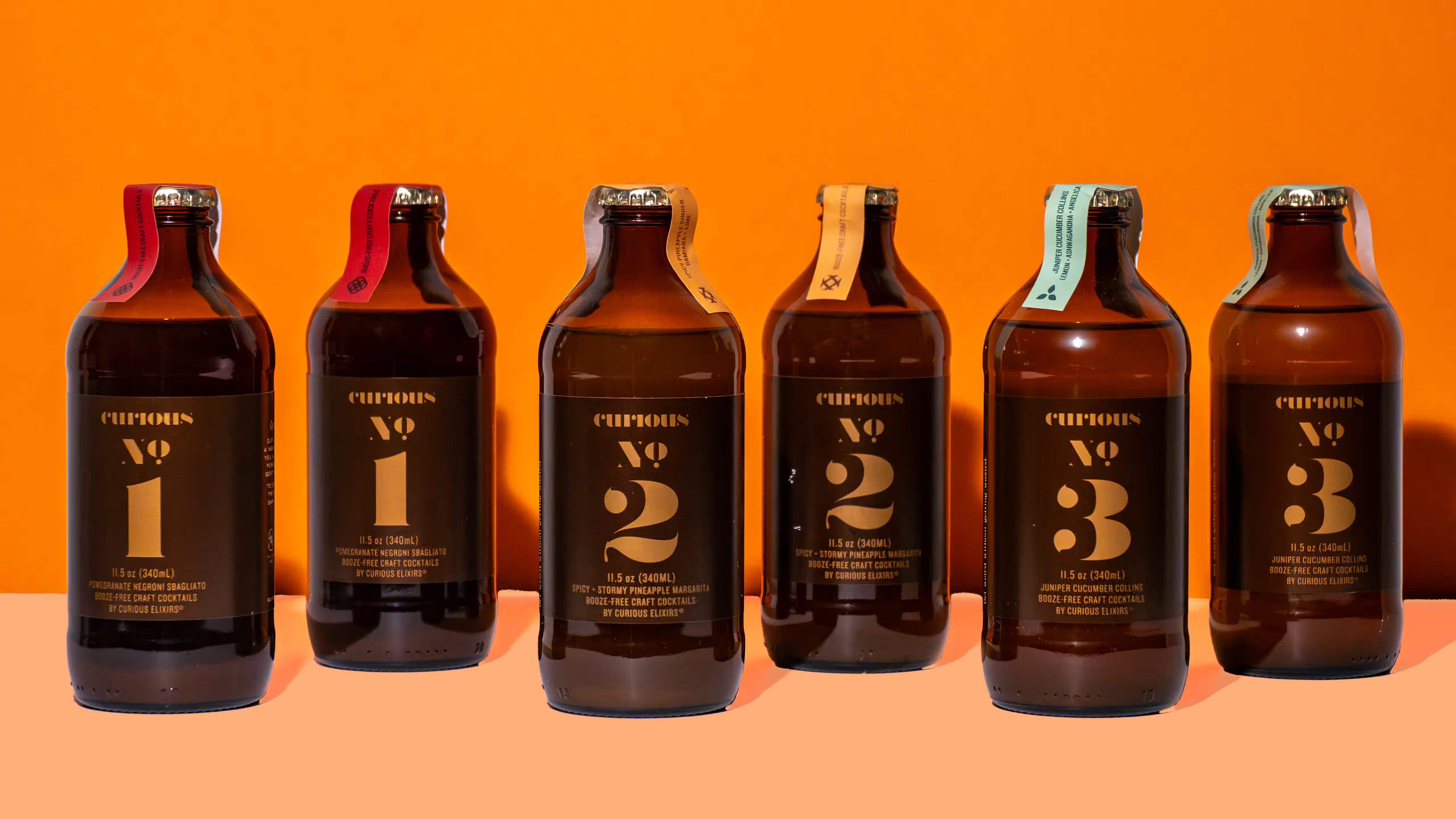
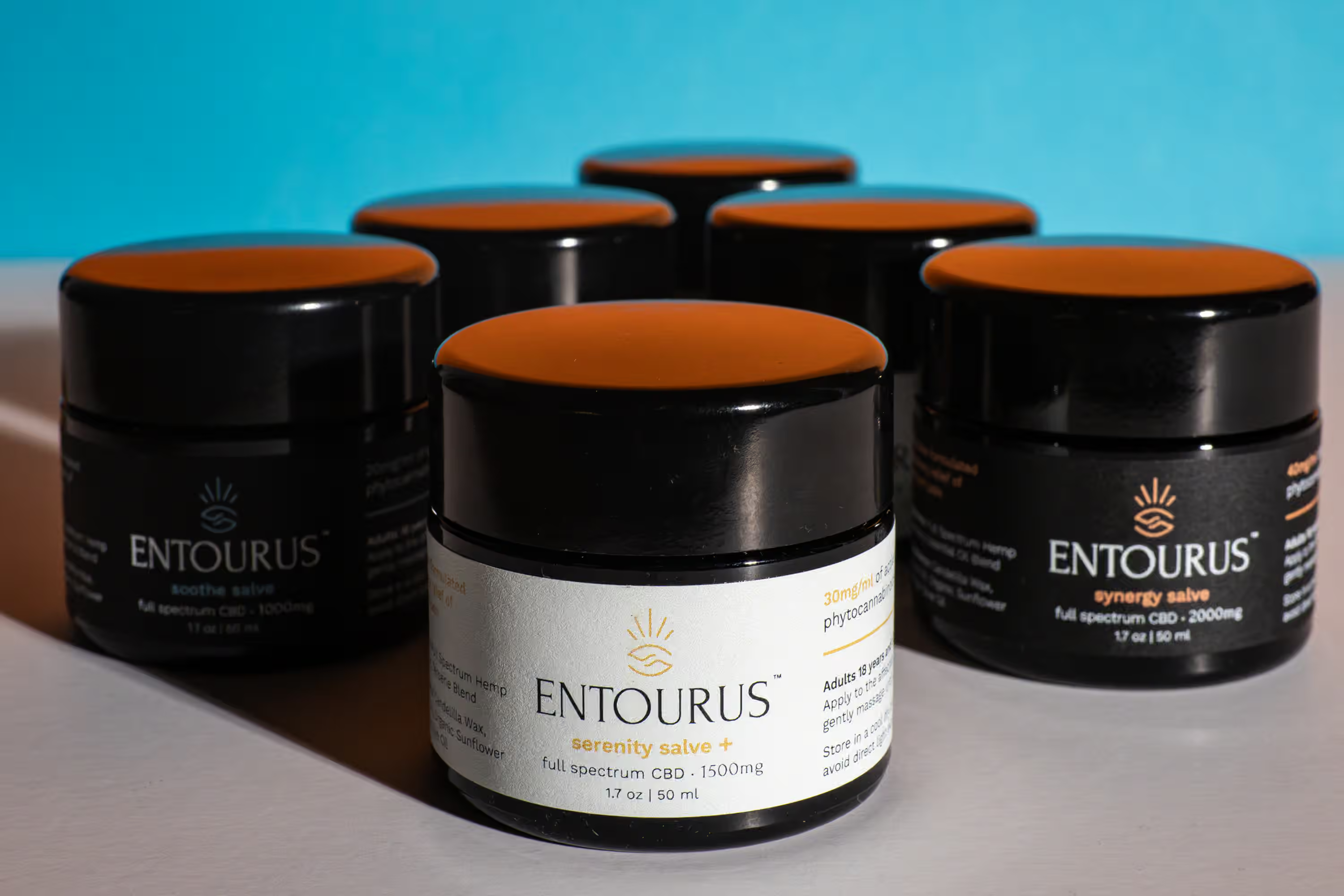
CPG brands face a specific challenge: your product is a package. Without creative photography, every image looks like the same bottle or bag from a slightly different angle. And on Amazon, shoppers scroll right past listings with repetitive visuals.
According to Jungle Scout's conversion rate research, well-optimized listings with professional images see significantly higher click-through rates. For a brand spending $5,000 to $10,000 per month on Amazon PPC, even a small CTR improvement means thousands in recovered ad efficiency.
The fix is variety. Your image stack should include a mix of white background shots, lifestyle images, infographics, and motion content. A bag of chips on white doesn't sell itself. A bag of chips torn open with crumbs scattering and a hand reaching in does. And when you pair strong carousel images with polished A+ Content below the fold, you're giving shoppers a reason to stay on your listing instead of clicking back to search results.
Our recommendation: brief your photographer with the full 15-to-20-image target in mind. Share your A+ Content layout, your top 3 to 4 selling points for infographics, and any competitor listings you want to beat. The more your Amazon listing photography is planned around conversion, the harder every image works. And if you're planning your first product shoot, building your shot list around these Amazon needs from the start saves time and money.
Common Questions
How many images does Amazon show on a product page?
Amazon displays 7 images by default on desktop. Shoppers need to click into the gallery to see the 8th and 9th. On mobile, shoppers swipe through images before they see any text, so your first 3 to 4 images carry the most weight. Fill all 7 visible slots, and use one for video.
Do I need different images for A+ Content and the main carousel?
Yes. Amazon recommends keeping A+ Content images separate from your product gallery. The gallery is for showing the product. A+ Content is for telling the brand story, explaining benefits, and cross-selling.
Is it worth investing in A+ Content for a new product launch?
A+ Content is free through Amazon Brand Registry. Amazon's own data shows sales lifts of up to 8% for Basic A+ and up to 20% for Premium. On a listing generating $10,000 per month, even a 10% conversion bump adds $1,000 in monthly revenue with zero additional ad spend.
What image size should I ask my photographer to deliver?
Ask for 2000 x 2000 pixels minimum. Amazon's zoom function requires at least 1000 x 1000, but 2000 x 2000 gives shoppers a sharp zoom experience on desktop and mobile. Max file size is 10MB, and JPEG works best for product photos.
What's the fastest way to get all these images done?
Work with a studio specializing in CPG product photography who understands the Amazon image stack before the shoot starts. At Photos by Lars, we plan every session around your full listing needs, including A+ Content, so you walk away with all 15 to 20 assets from one shoot. We deliver in 3 to 5 days.
Want to see where your current Amazon visuals stand? We put together a free Brand Visual Scorecard showing where your images hold up and where they're costing you conversions. It takes two minutes, and we'll send you a breakdown with specific recommendations for your brand.