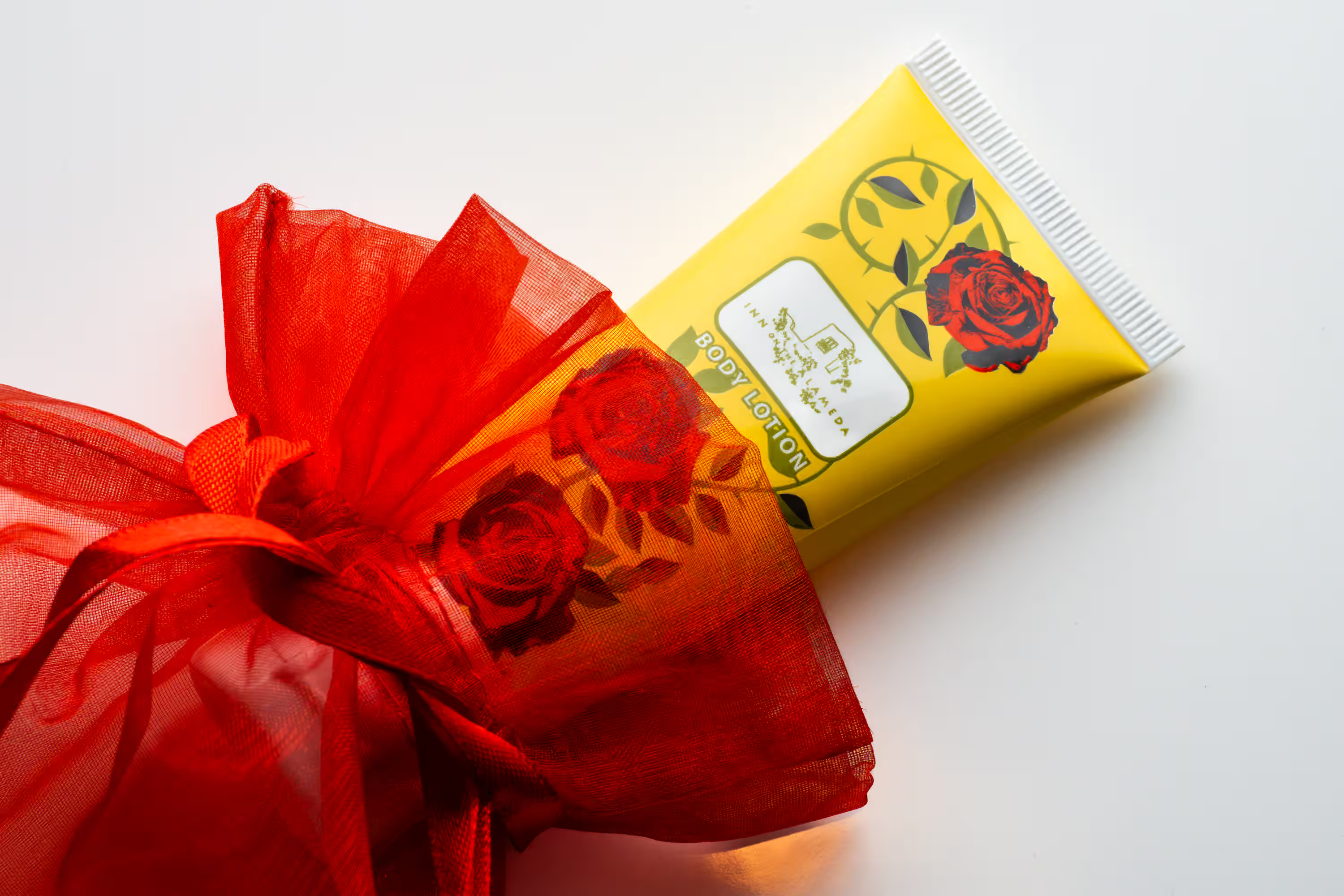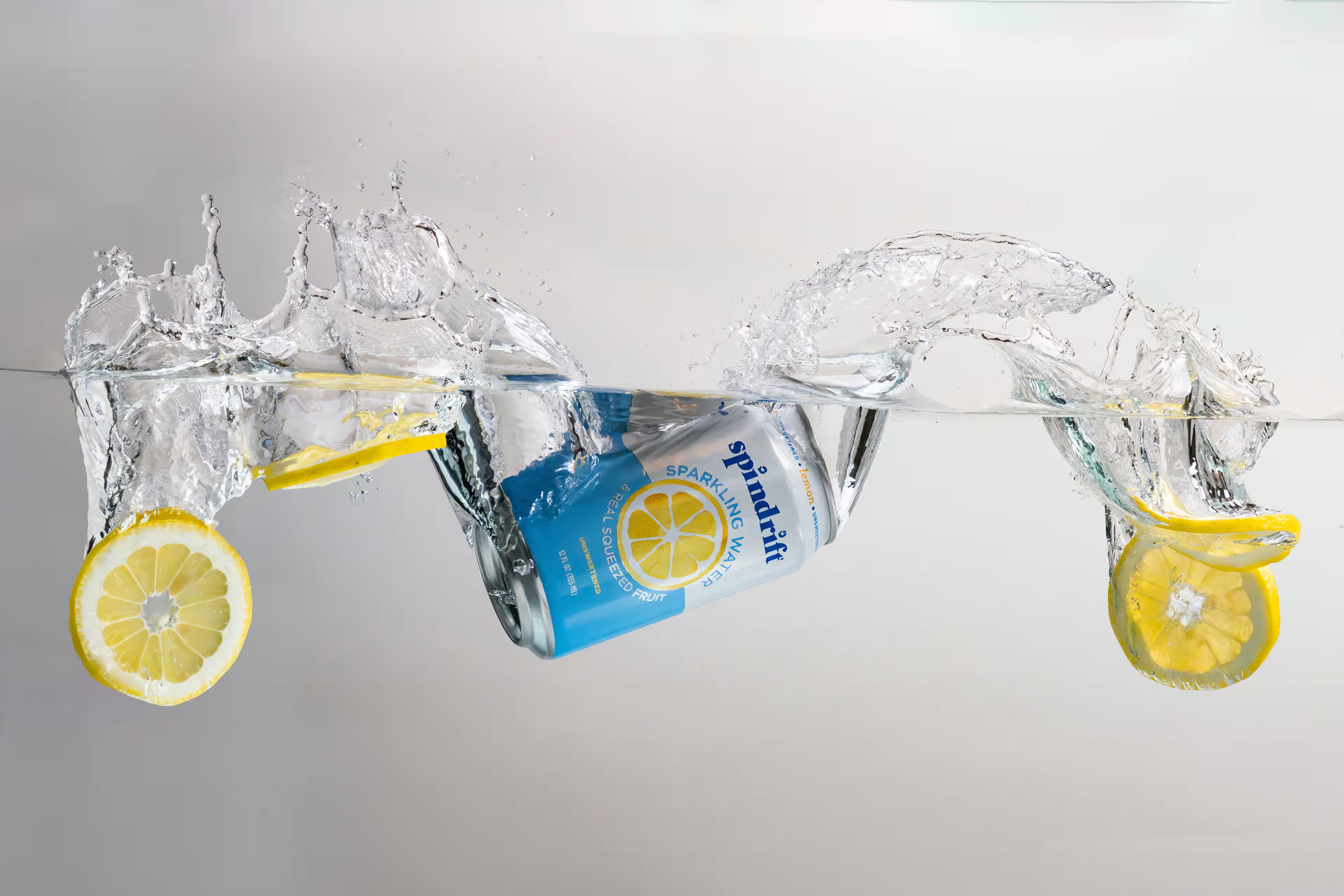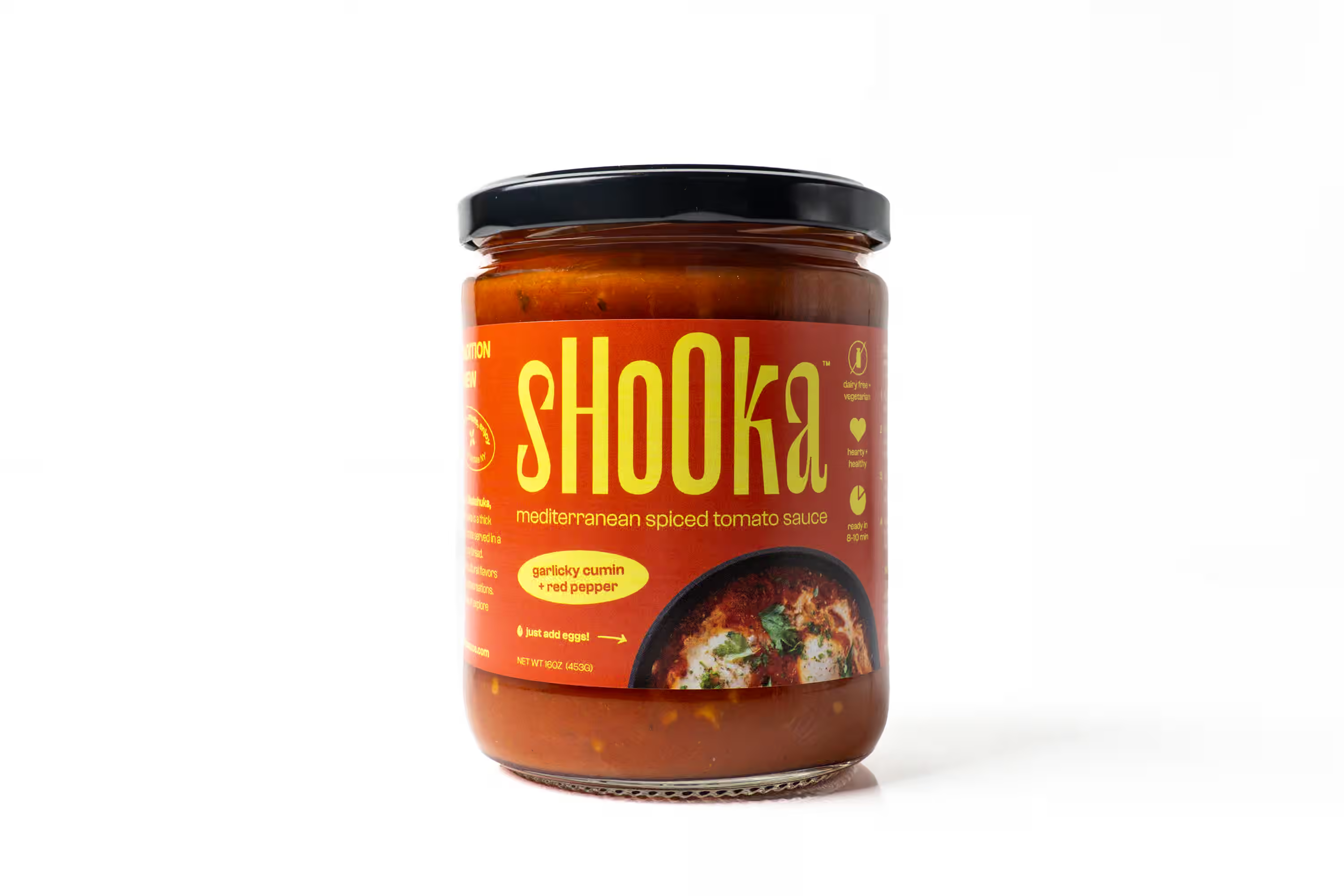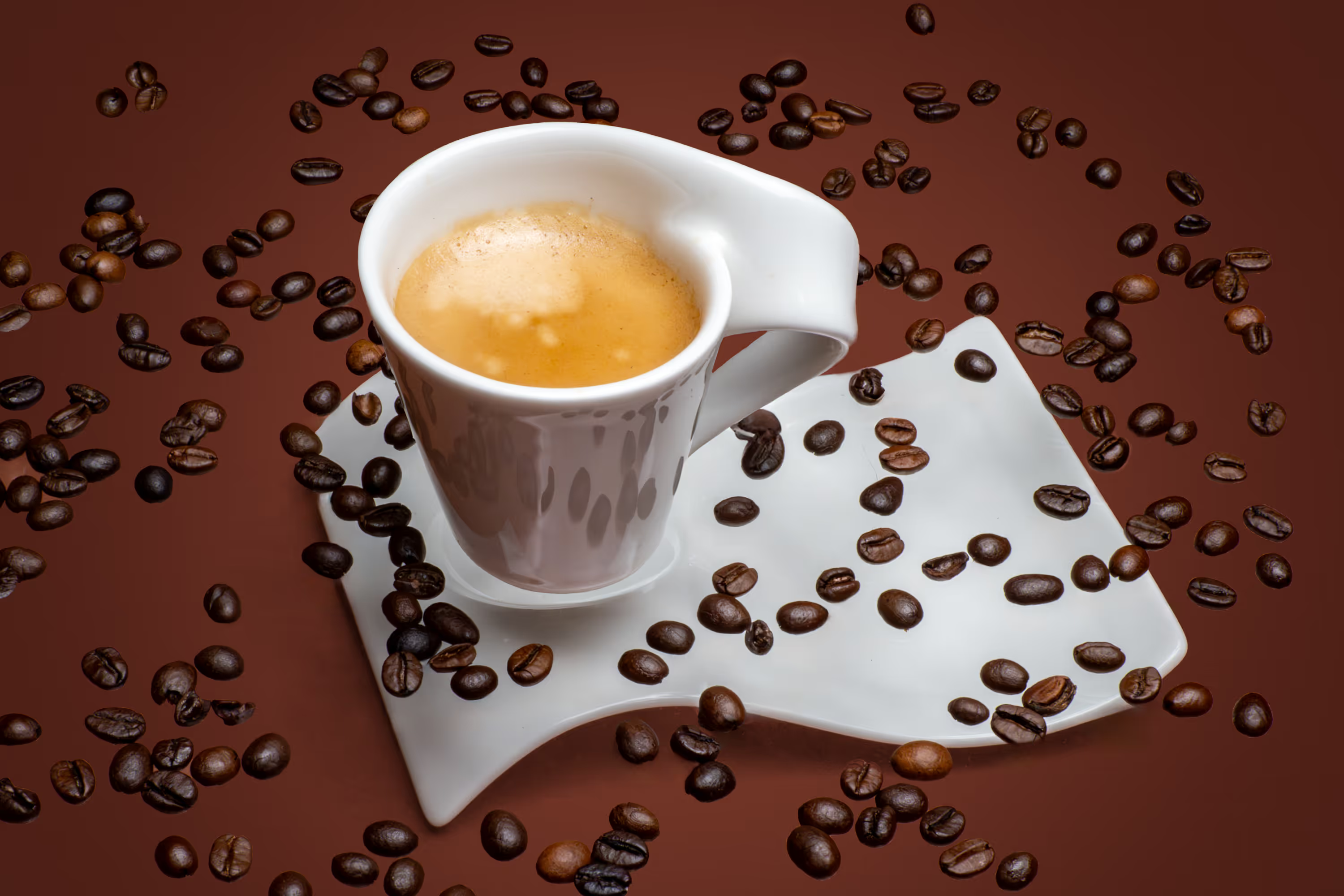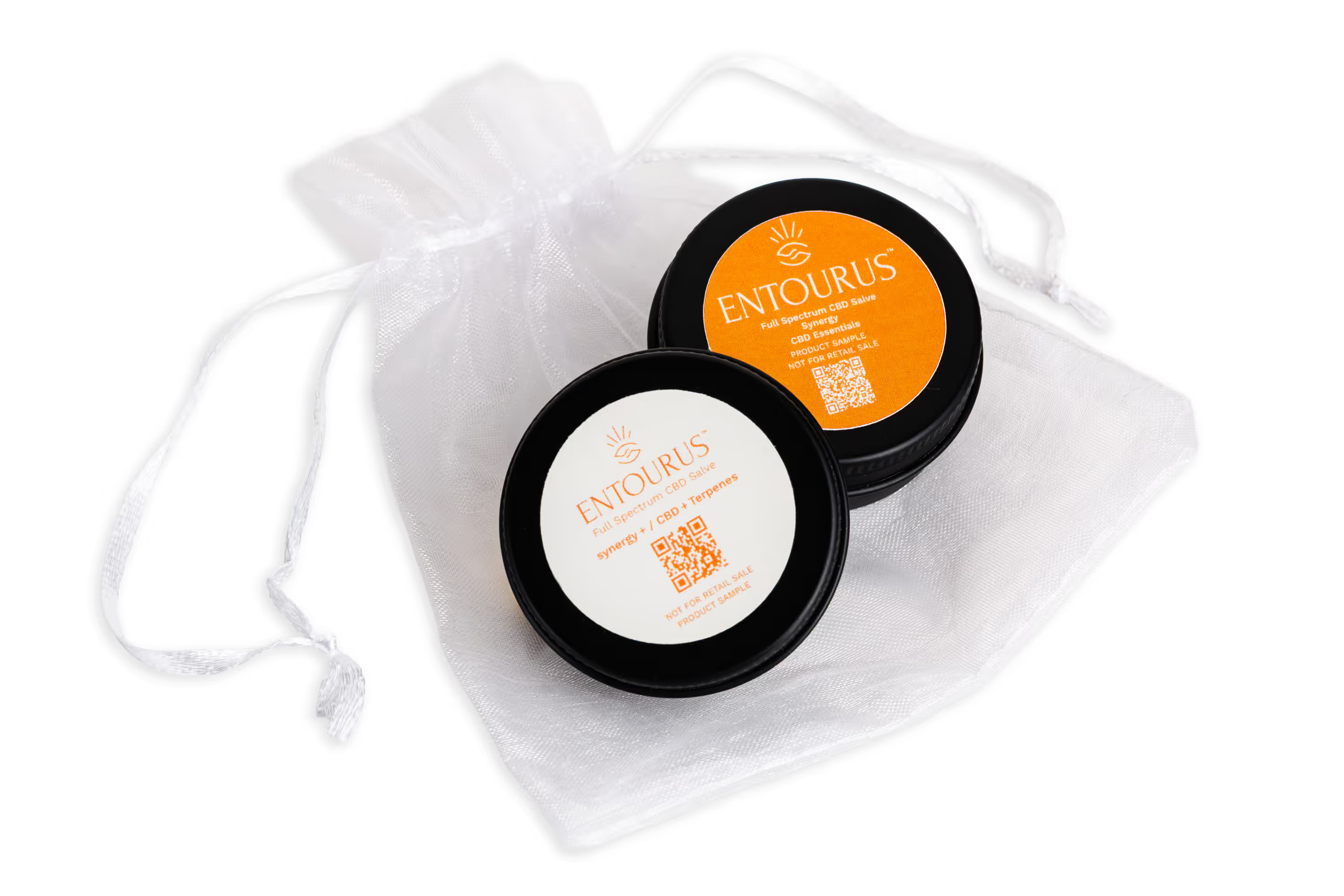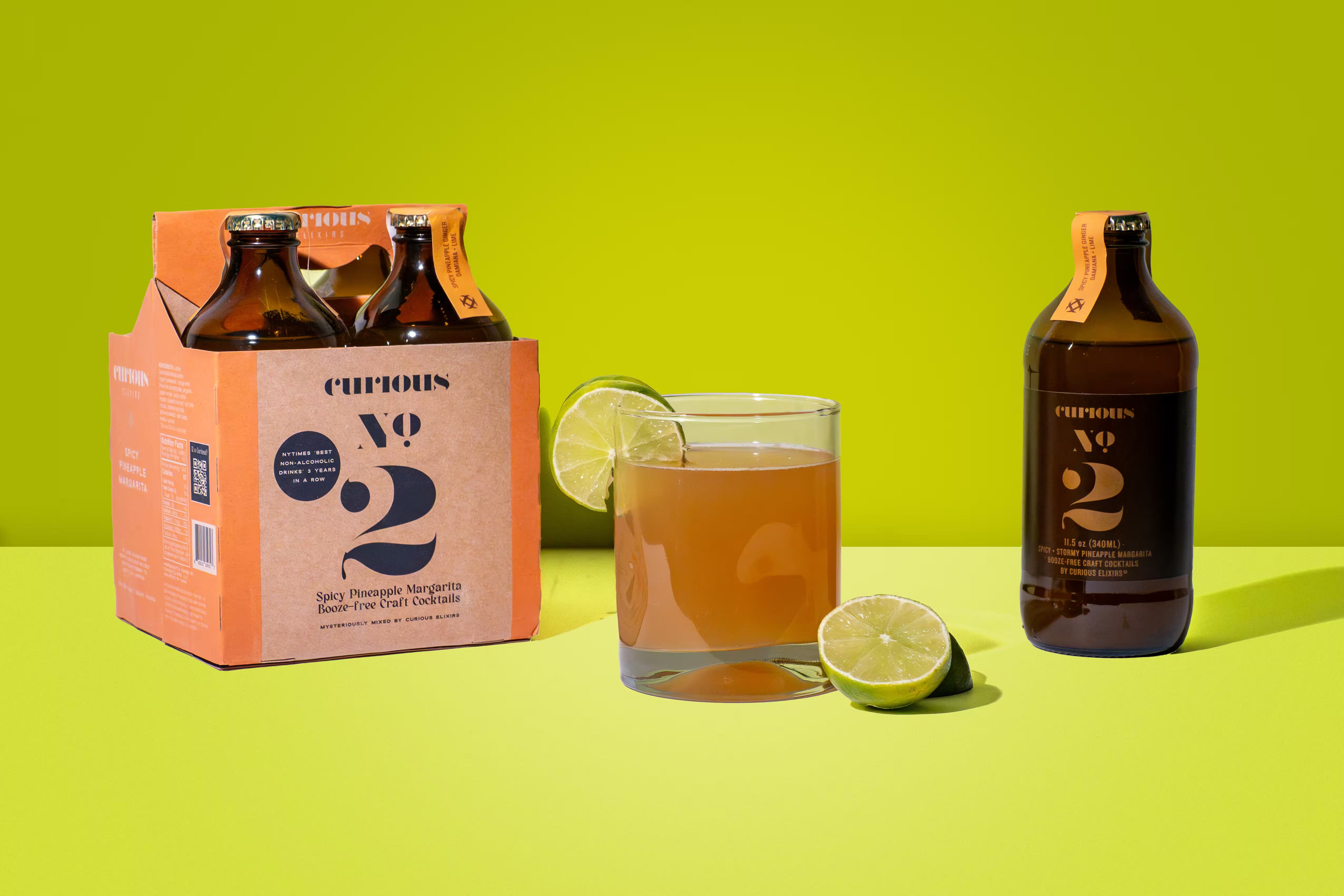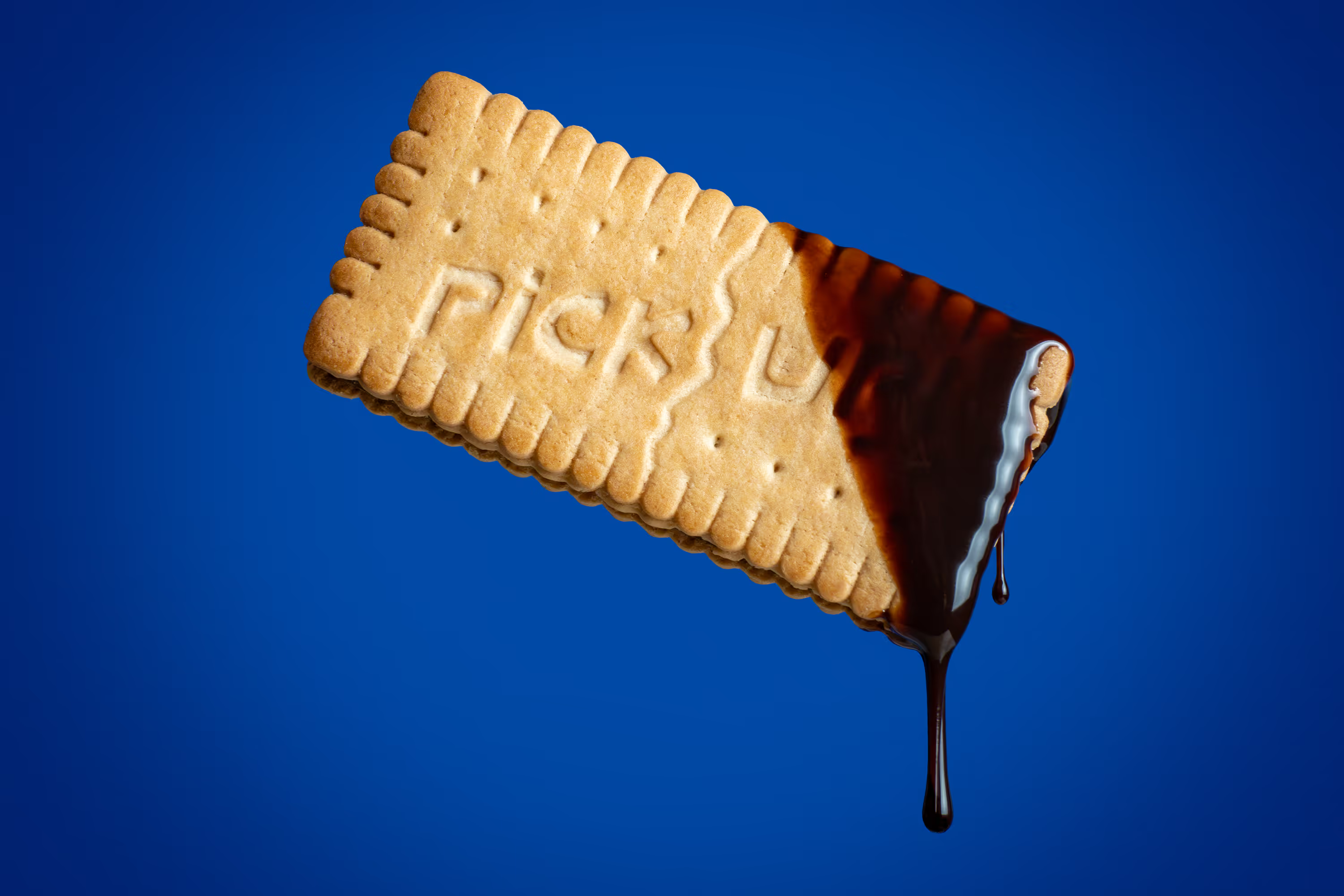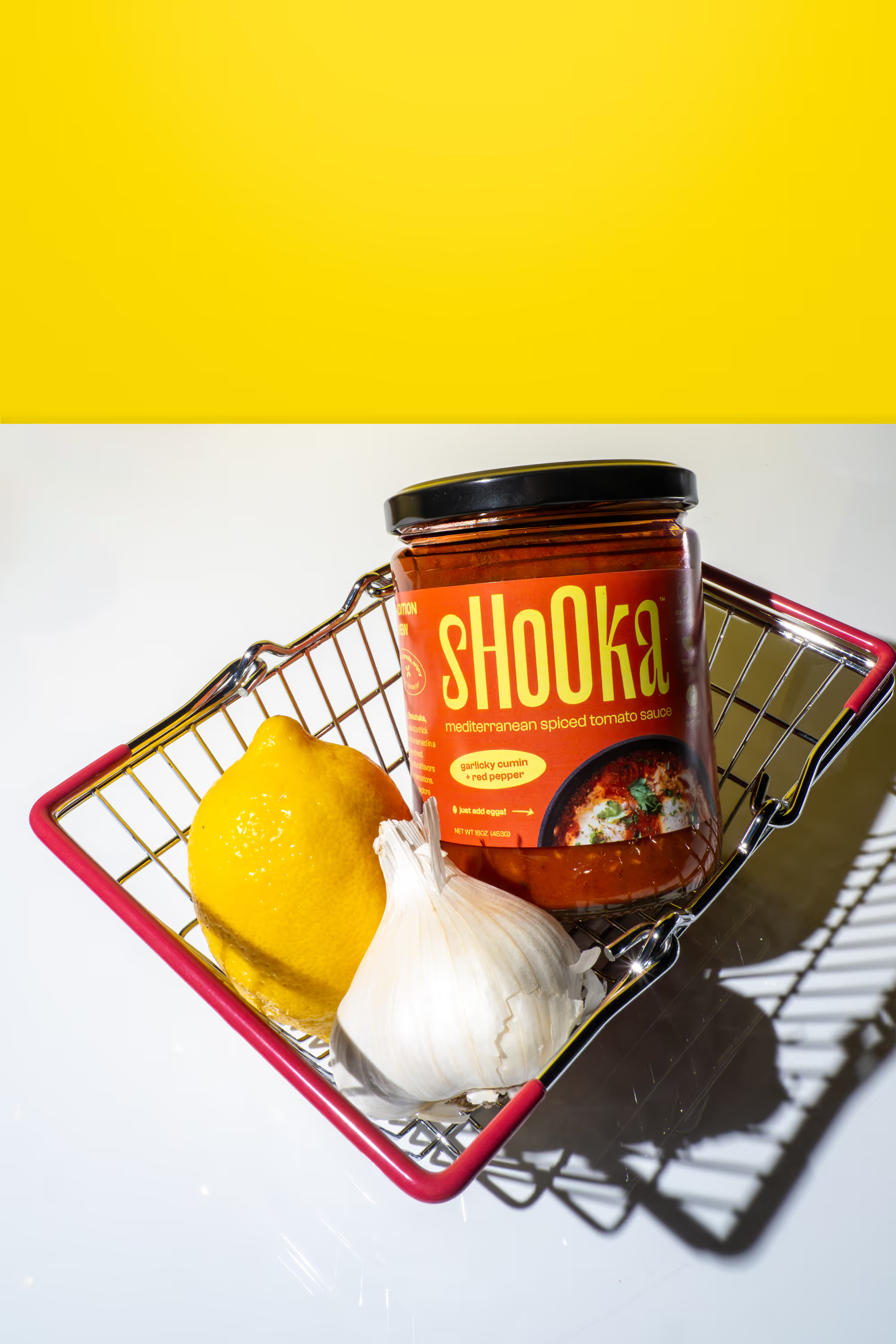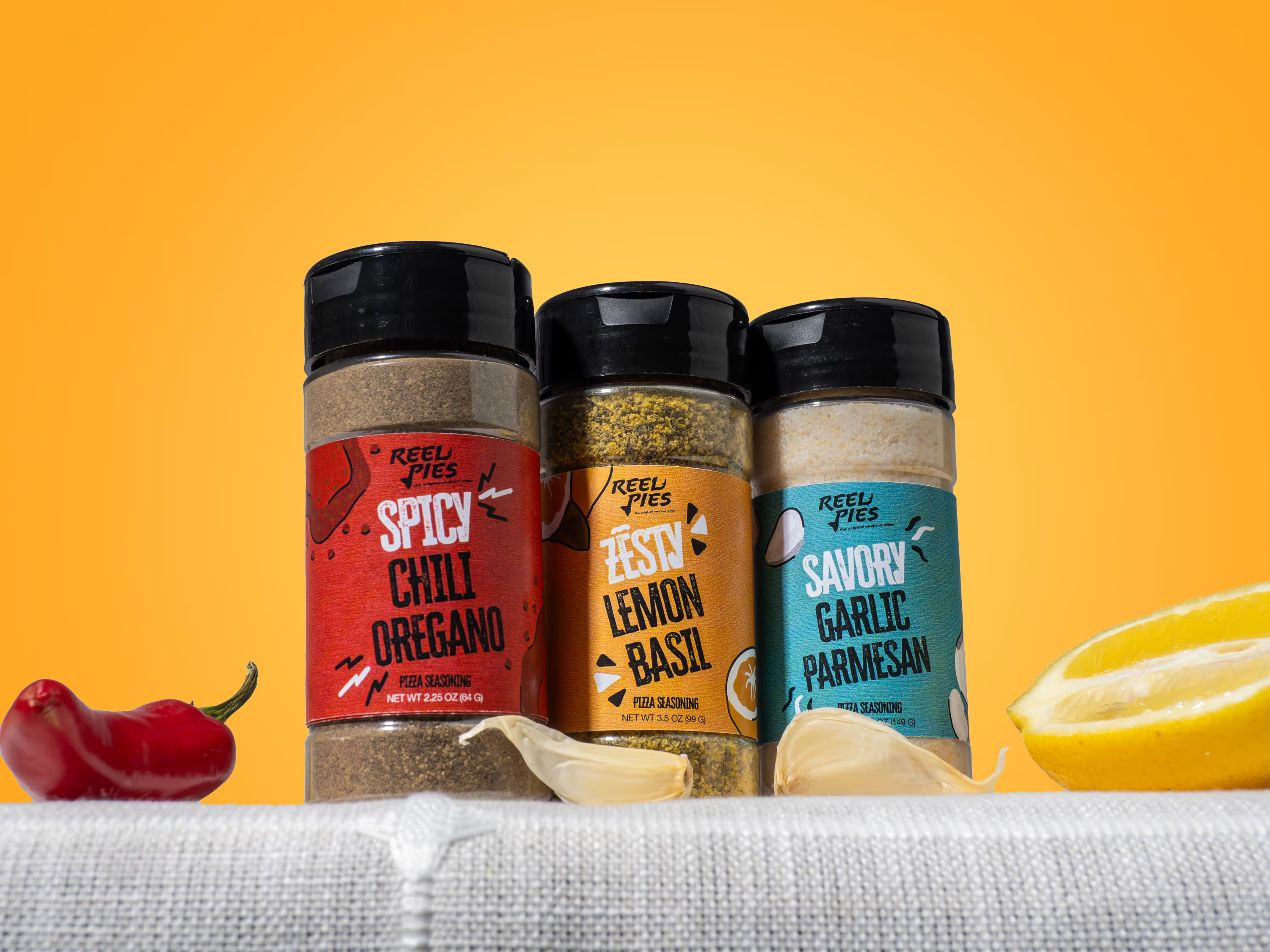
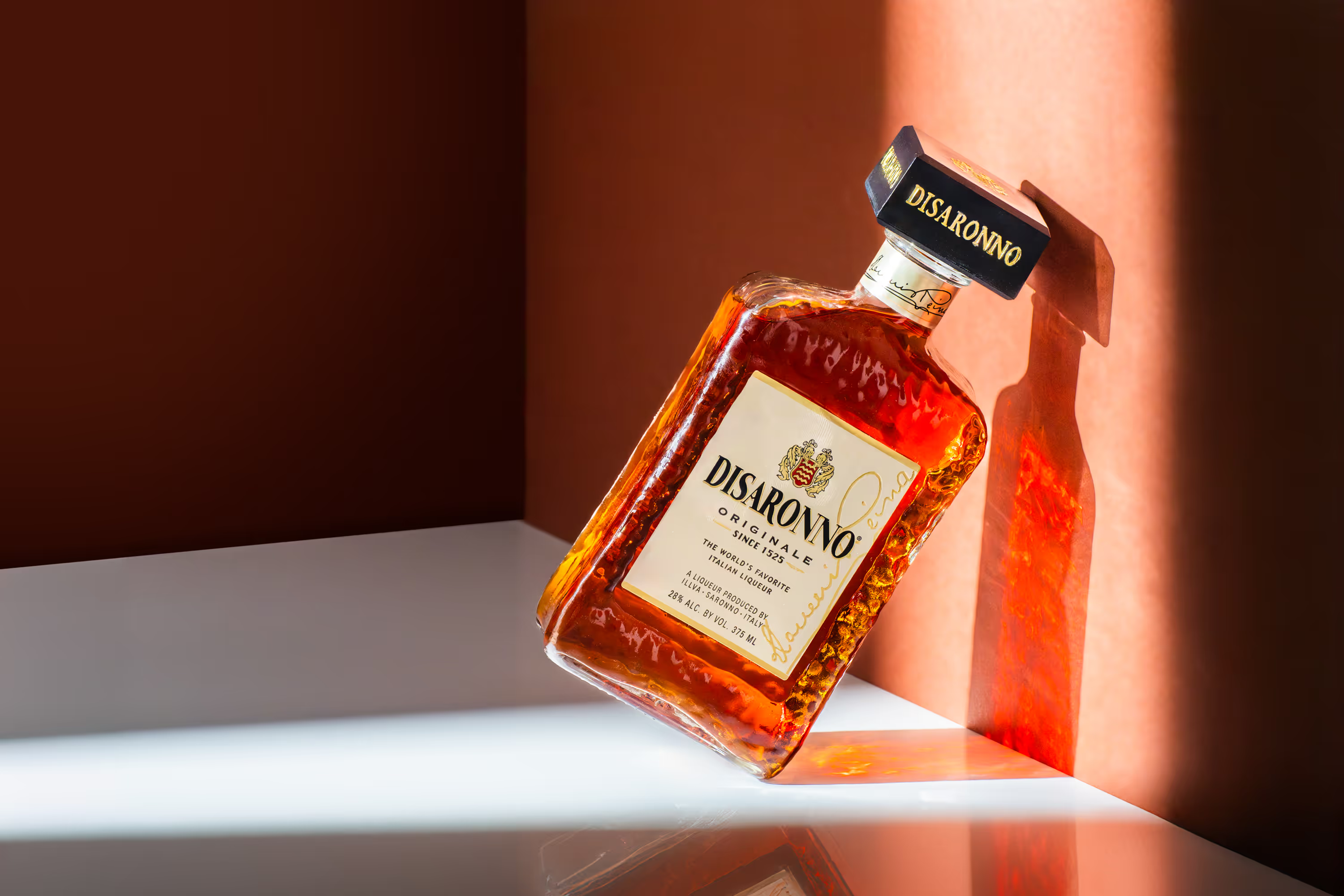
If you’re running a DTC brand, your product photos aren’t “nice to have.” They are your sales team. They’re doing the explaining, the trust-building, the persuading, and the last-second “yes” that gets someone to click Add to Cart. And when your imagery is even a little unclear (lighting feels off, packaging looks dull, details are missing), people hesitate… and hesitation kills conversion. The good news: improving product photos is one of the cleanest ways to optimize DTC ecommerce sales because it touches everything: your product page conversion rate, ad performance, email clicks, and brand trust. Let’s break down exactly how better product photos help you sell more—plus the specific photo upgrades that turn “pretty” into product photos that convert.
Why Product Photos Drive Sales (Even More Than You Think)
When someone lands on a product page, they usually don’t read first. They look first. In Baymard’s usability testing, product images are central to decision-making—one benchmark finding shows 56% of users’ first action on a product page is exploring the images. That’s why your photos impact more than just aesthetics. They directly affect:
- Trust (does this feel real and premium?)
- Clarity (do I understand what I’m getting?)
- Desire (do I want this right now?)
- Confidence (will it meet my needs?)
And small UX mistakes add friction fast. For example, Baymard reports 25% of e-commerce sites don’t provide product images with sufficient resolution or zoom, which is an easy conversion leak to fix.
The DTC Metrics Better Product Photos Improve
Here’s the marketing-friendly part: product photos don’t just “look better.” They push the numbers you actually care about.
Better photos can improve:
- Conversion rate (CVR): clear images reduce doubt and increase add-to-cart
- Click-through rate (CTR): stronger imagery stops the scroll in ads + social
- ROAS: better creative usually means better performance per dollar
- AOV: premium visuals support bundles, upsells, and higher price points
- Return rate: fewer surprises when details are shown properly
Think of it this way: when your imagery answers questions before someone asks them and automatically upsells the consumer, your product page becomes smoother. And smooth pages sell.
The “Photo Stack” That Optimizes DTC Ecommerce Sales
You don’t need 50 images per product. You need the right set of images, designed for buying decisions. Below is our go-to DTC photo stack – simple, scalable, and built for conversion.
1) Start With a Scroll-Stopping Hero Image
Your first image is the most important one on your entire site. It often becomes your collection page thumbnail, your social preview, your Google image result, or your “first impression” in ads.
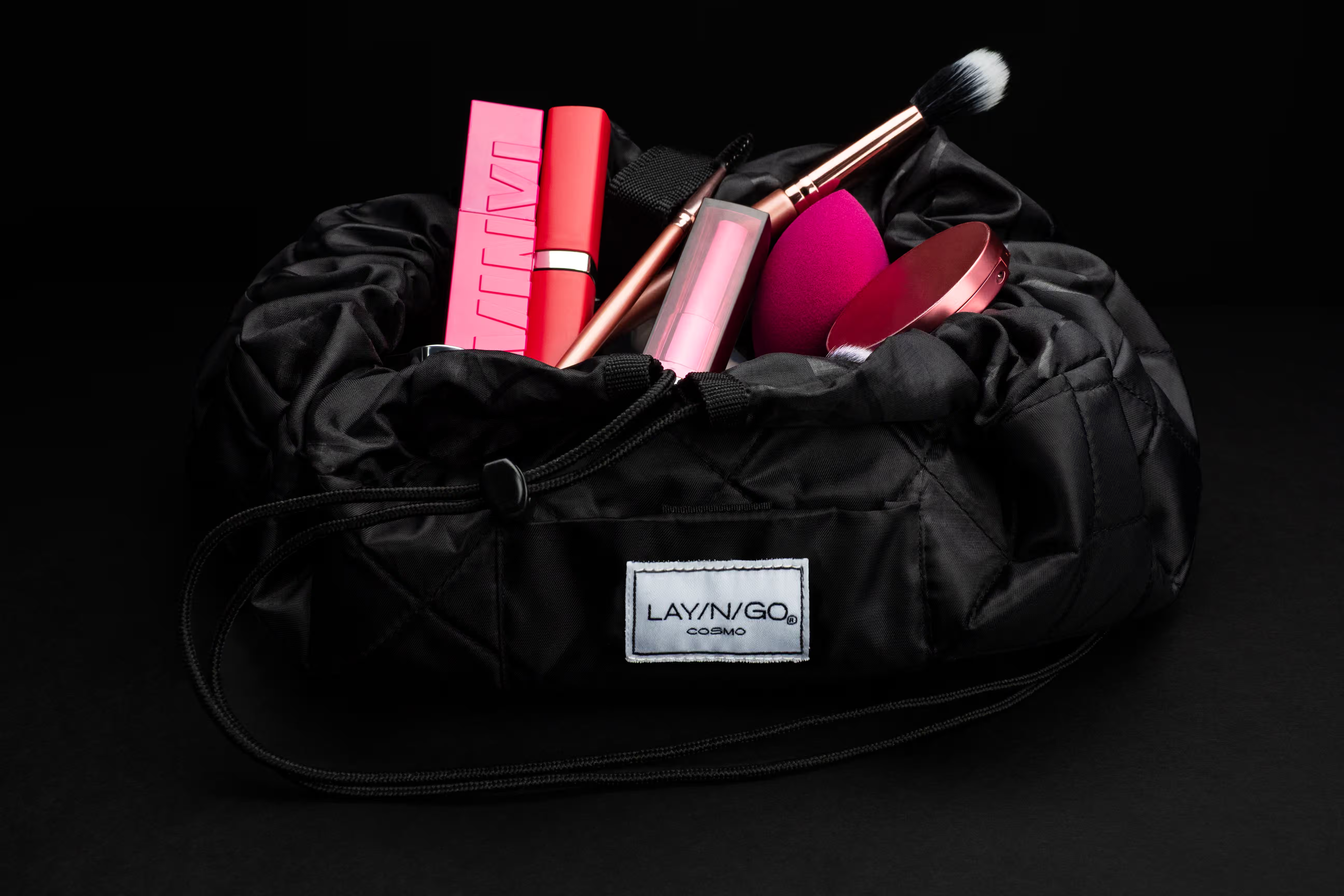
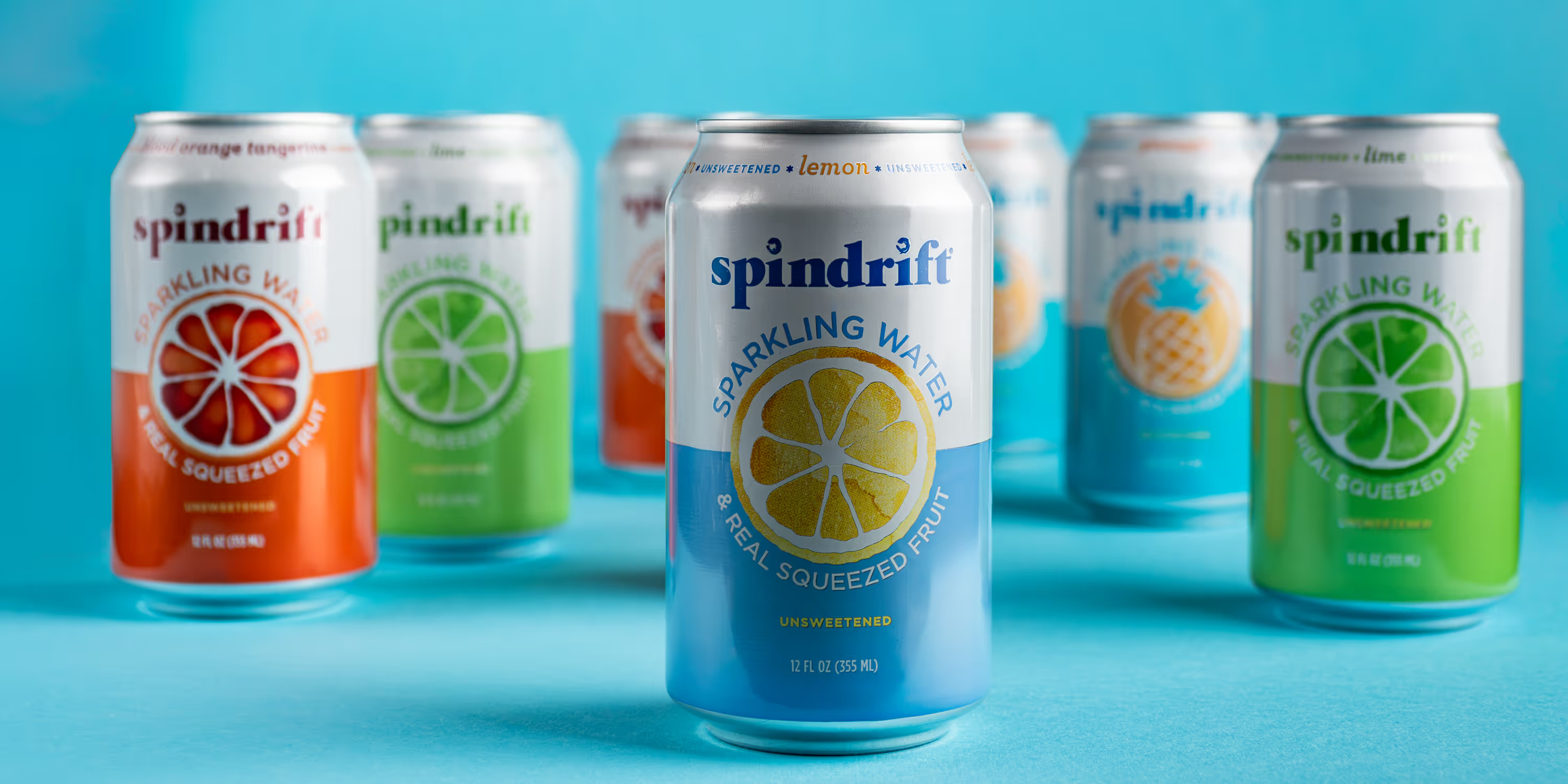
Your hero photo should be: clean, bright, and high-resolution, instantly readable at small sizes, cropped consistently across your whole catalog, and visually bold (without looking messy).
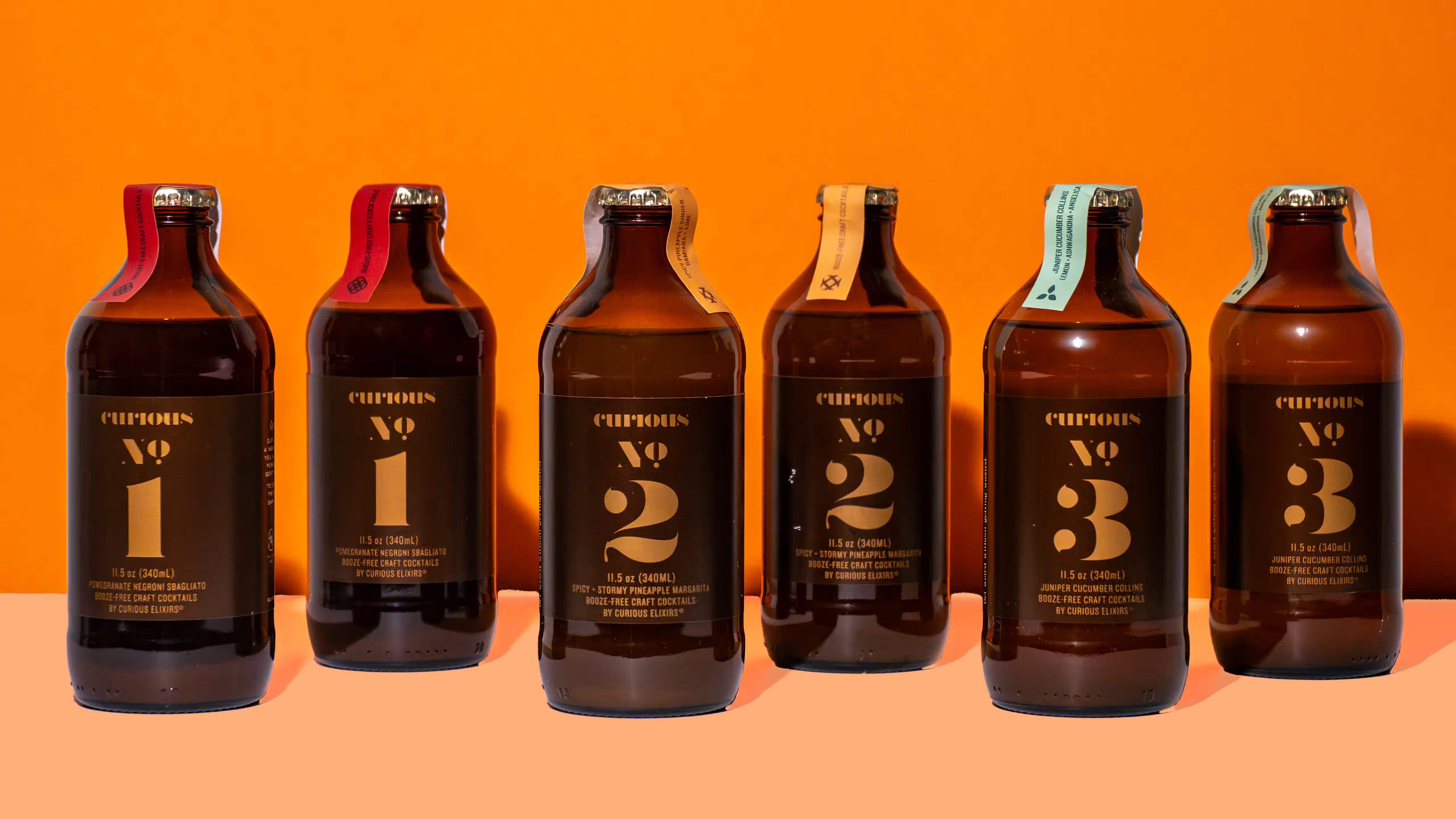
Pro tip: If your packaging has small typography, your hero image must be sharp enough that details don’t blur on mobile.
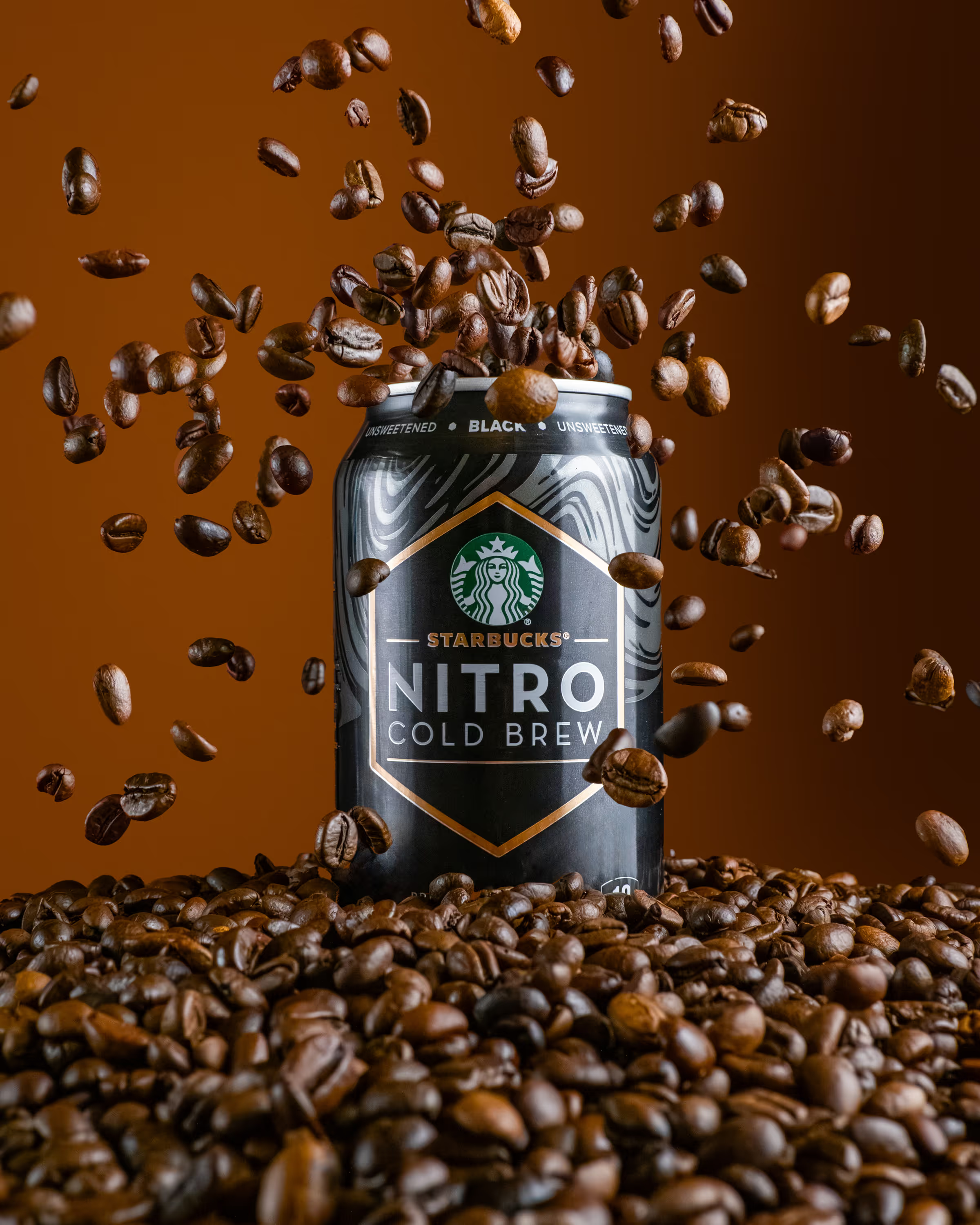
2) Add Zoom-Worthy Detail Shots (Trust Builders)
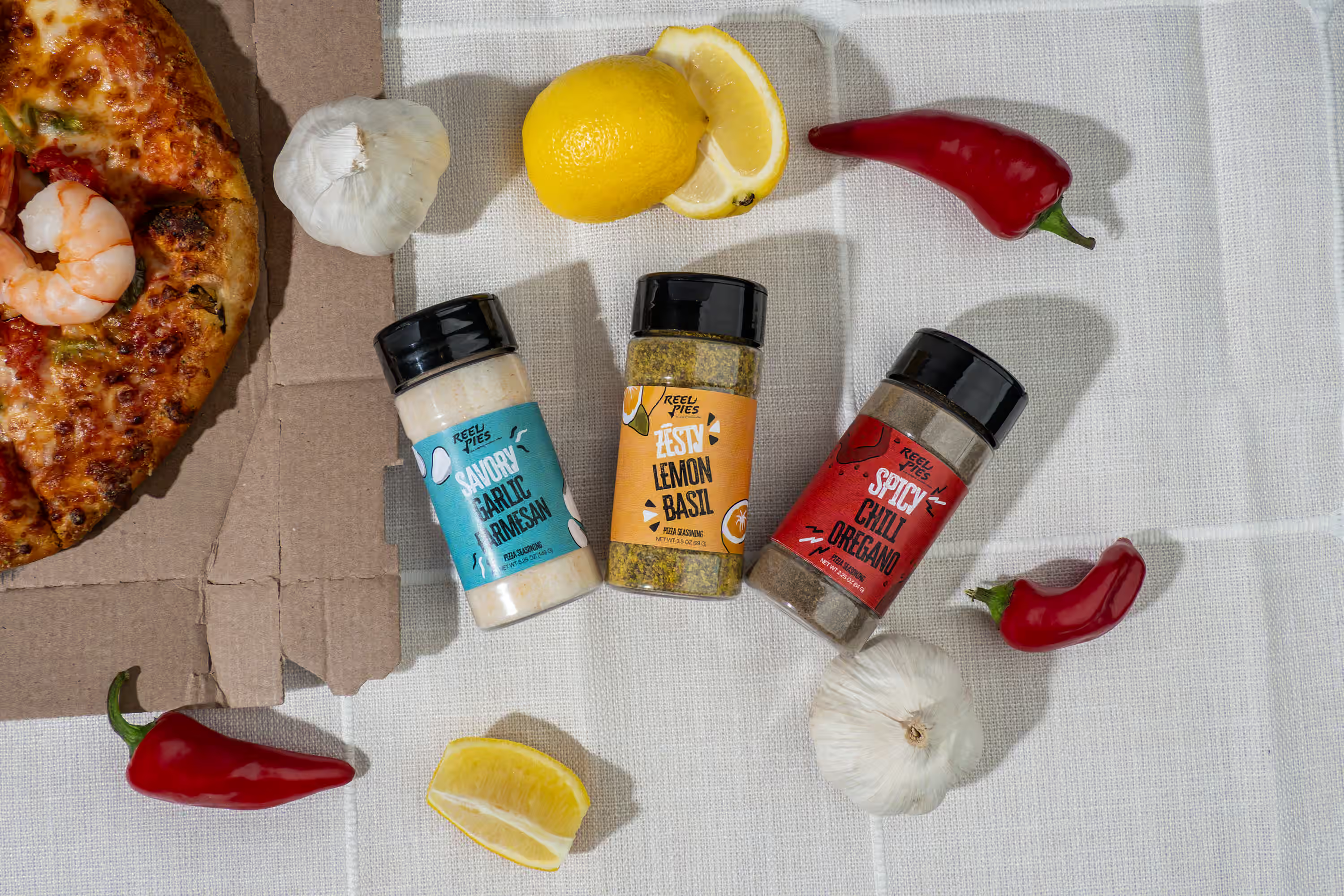
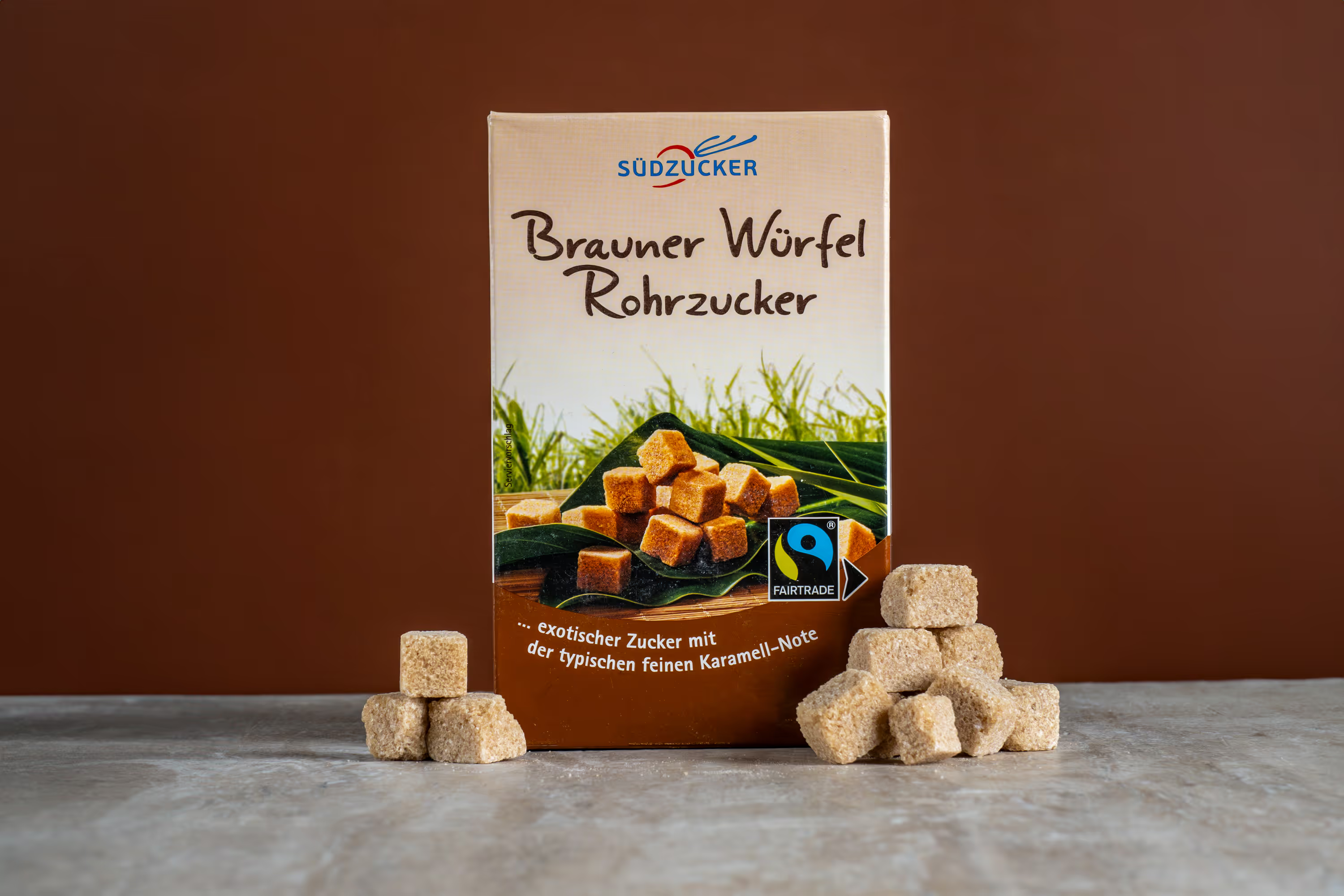
People want proof. They want to see texture, ingredients, labels, and quality. For DTC, detail shots are where trust gets built. Include close-ups of the label + claims (clean, readable), texture (powder, cream, snack surface), key differentiators (caps, seals, materials), and anything that reduces uncertainty for the consumer.
3) Include at Least One “In-Scale” Image
One of the fastest ways to reduce hesitation: show size. Baymard found 42% of users try to understand product size through product images, and missing that context creates unnecessary guesswork. Simple ways to show scale are showing the product in-hand, next to common objects (glass, plate, laptop), or being used naturally.
This is especially important for skincare + beauty, supplements, snack packs, and anything with “smaller than expected” risk.
4) Use Lifestyle Images That Match Your Customer’s Reality
Lifestyle doesn’t mean random. It means believable context. Your lifestyle image should instantly communicate when someone uses it, who it’s for, and what it feels like to own it.
Examples:
- hydration drink on a gym bench
- snack pack in a work bag
- skincare on a bathroom counter with morning light
This doesn’t replace studio shots. It supports them.
5) Add Motion: GIFs + Short Video = More Attention
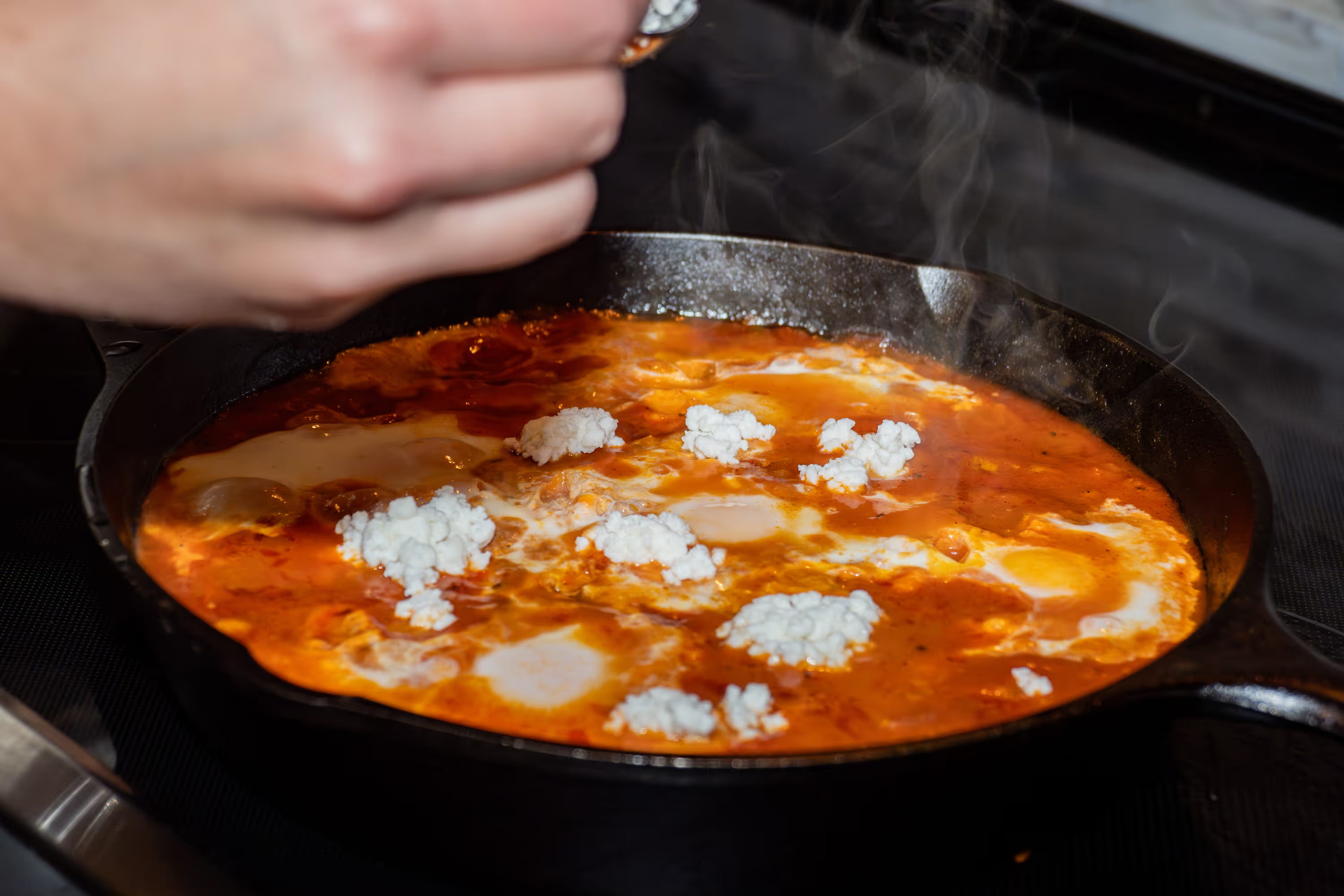
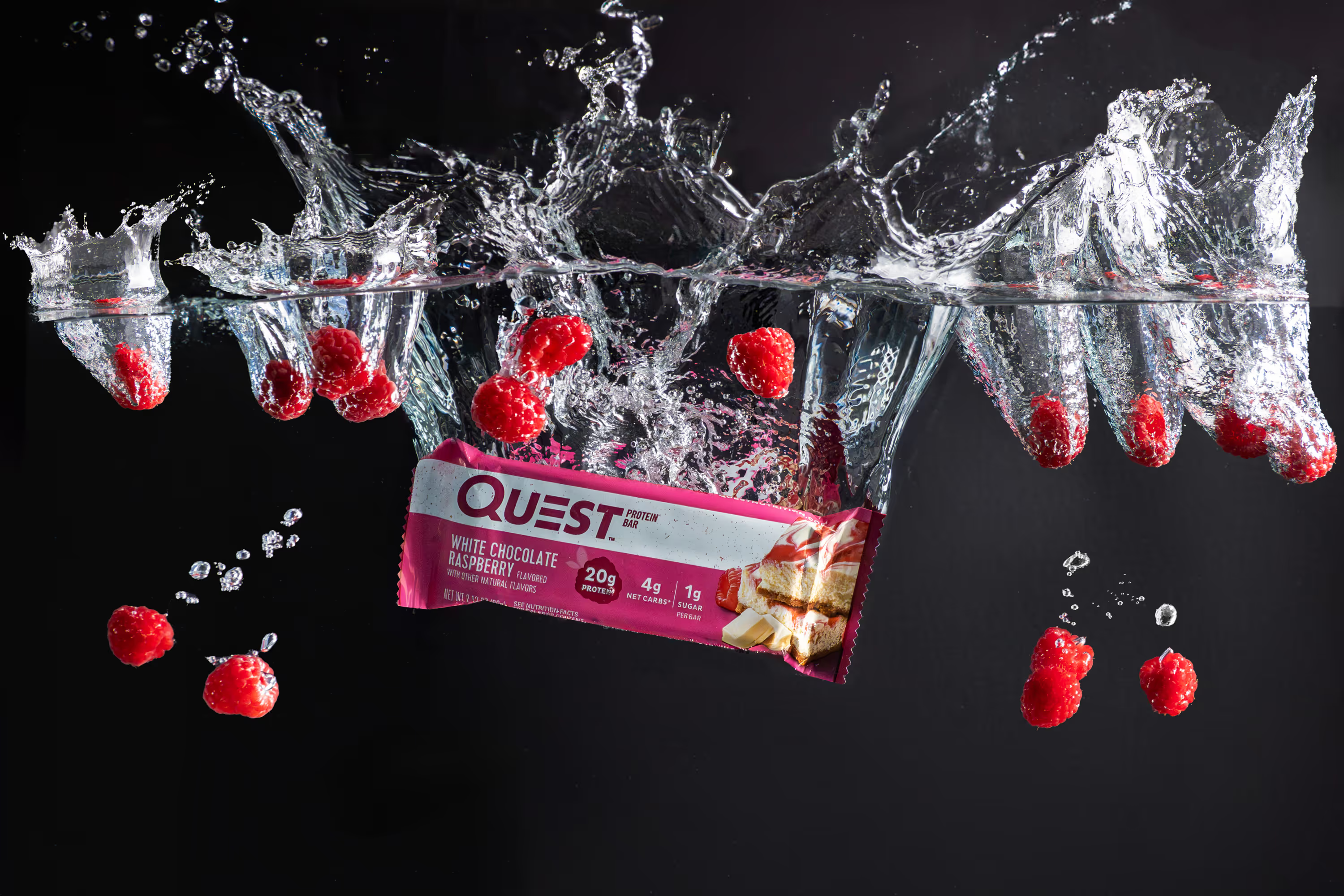
Motion is a cheat code for DTC. It shows how a product pours, opens, or applies, how texture behaves (sauce, foam, cream, crumble), how the package catches light, and how “premium” it feels in real life. And it creates content you can reuse everywhere (ads, email, PDP, social).

6) Make Your Product Page Feel Consistent (Catalog-Level CRO)
Great photos aren’t just single-image good. They’re system good. Consistency improves shopping speed and confidence. Aim for:
- same crop rules across SKUs
- consistent lighting and shadow style
- matching color and
- Blog Writing Guidelines for Pho…
- or variants
When everything looks organized, your store feels more premium, without changing anything else.
Quick win: Pick one “standard angle” and use it as the first image for every product. Shopify also recommends keeping your setup consistent while rotating the product to capture multiple angles cleanly.
7) Optimize Images for SEO (So They Sell and Rank)
Your photos can also bring organic traffic, especially through Google Images.
Google’s own guidance is straightforward:
- use descriptive filenames
- write helpful alt text
- place images near relevant on-page text
- have a low, yet high-resolution image size to minimize load speed
The Takeaway: Better Product Photos Reduce Friction and Increase Confidence
When your imagery is clear, high-end, and intentionally built for buying decisions, your store becomes easier to shop, and easier to trust. That’s how better product photos optimize DTC ecommerce sales:
less hesitation → more add-to-carts → more conversions → better ROAS.
If you want product photos you love and product photos that convert, we’d love to help. Let’s plan a shoot that fits your launch timeline, matches your brand, and upgrades your store’s performance—without you needing to micromanage the process.
FAQs
How do better product photos increase DTC sales?
Clear, high-quality images reduce hesitation by improving trust, clarity, and confidence—so more visitors move from “maybe” to Add to Cart.
How many product photos do I actually need per SKU?
Most DTC brands perform well with 7–10 strong images: a hero, a few detail shots, a scale shot, 1–2 lifestyle images, and (ideally) a motion asset.
What’s the most important image on a product page?
Your hero image, because it becomes the thumbnail, the first impression, and often the deciding factor for whether someone clicks into the product.
What’s the easiest way to reduce “smaller than expected” returns?
Include at least one in-scale image (in-hand, next to common objects, or in use) so buyers instantly understand size without guessing.
Can product photos drive organic traffic too?
They can, especially through Google Images, but only if you pair them with clean filenames, helpful alt text, and fast-loading, high-resolution exports so search engines can understand and surface them.