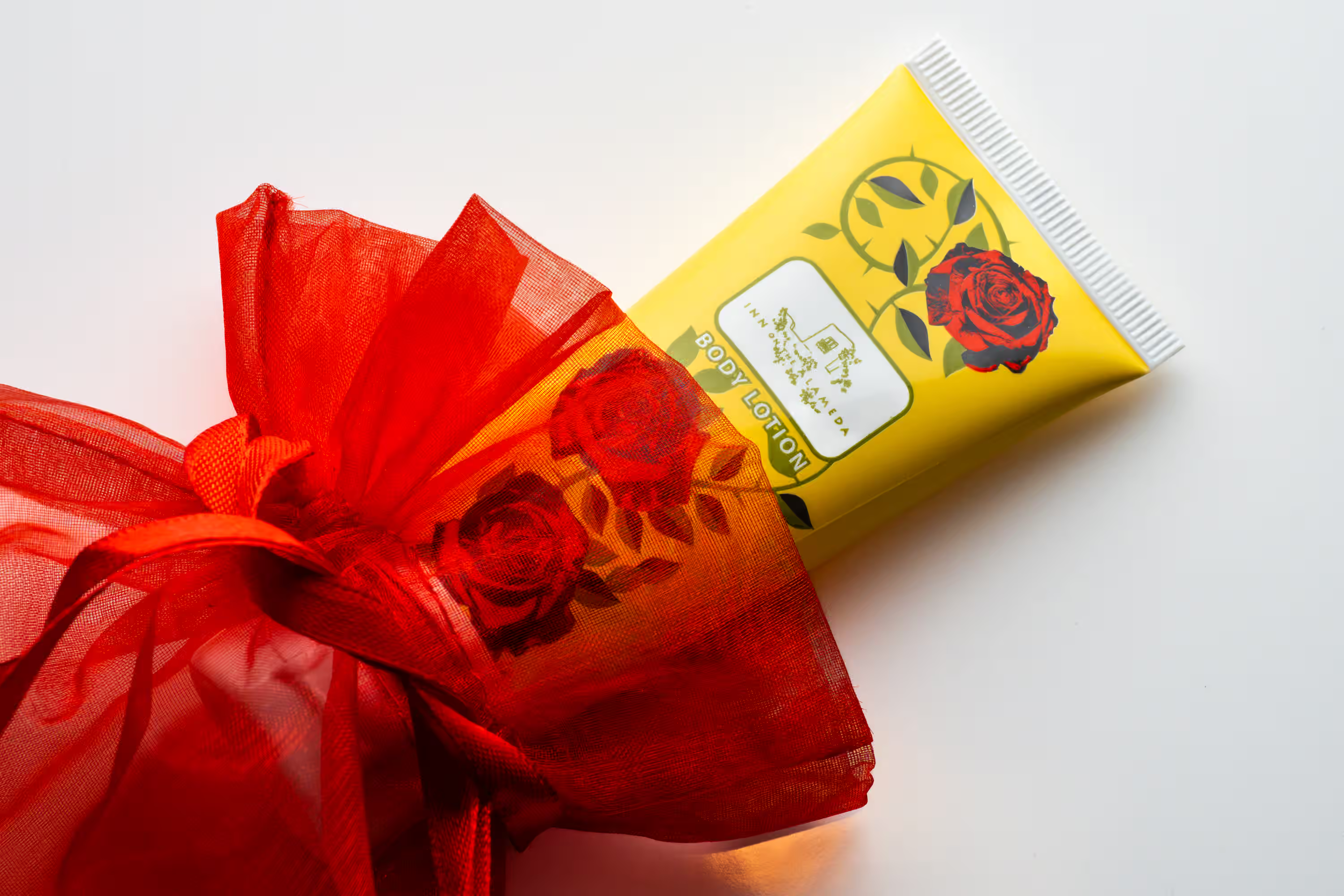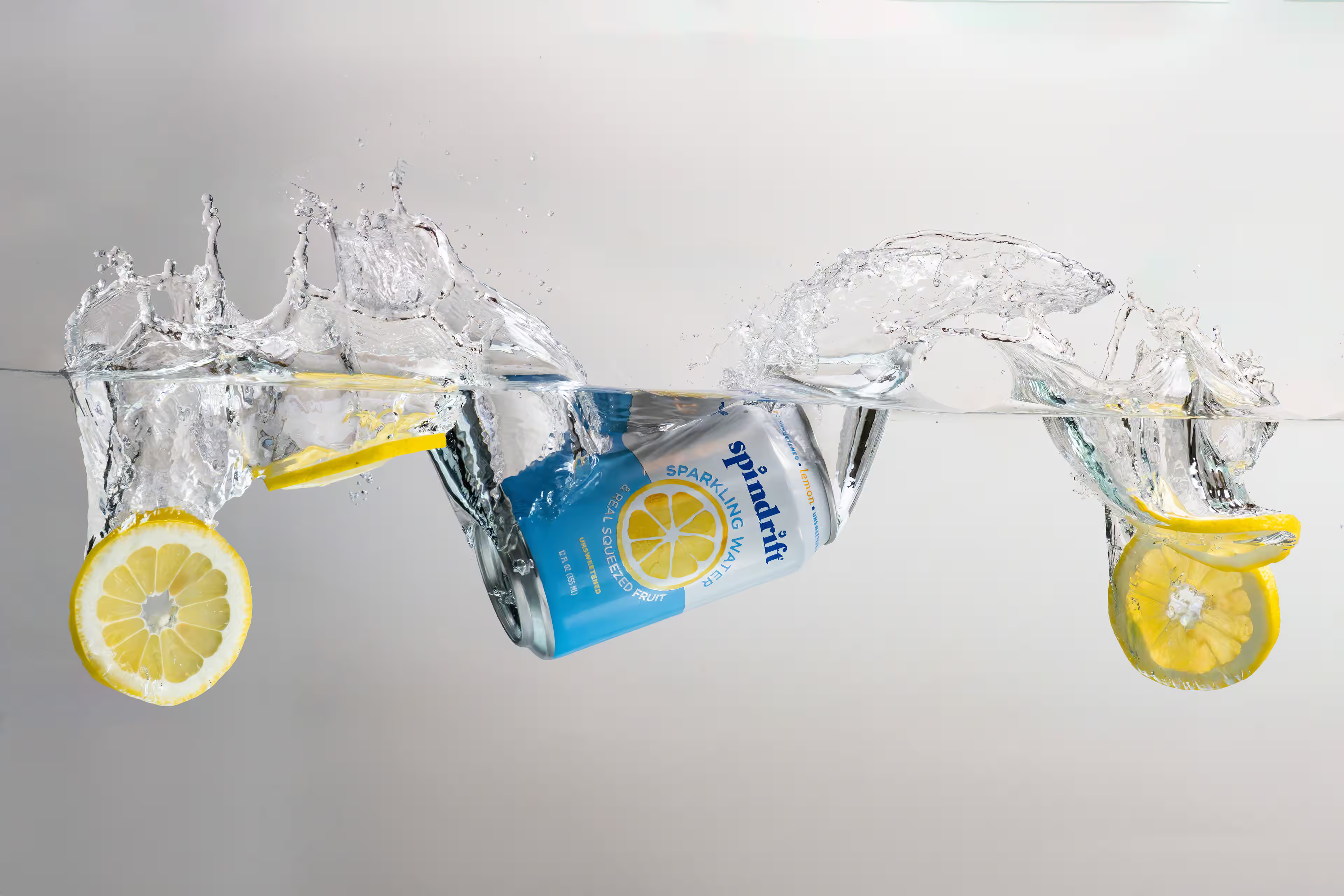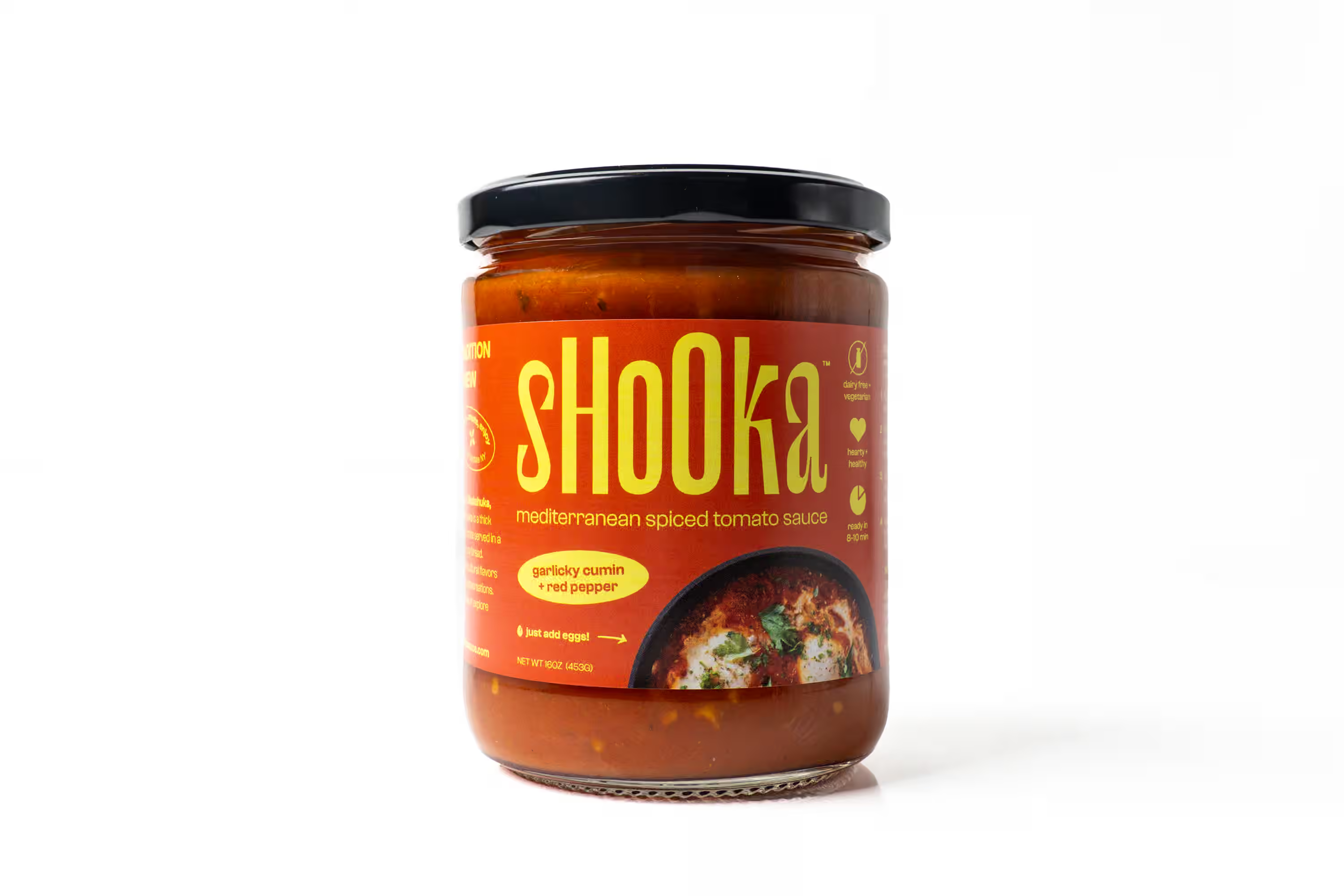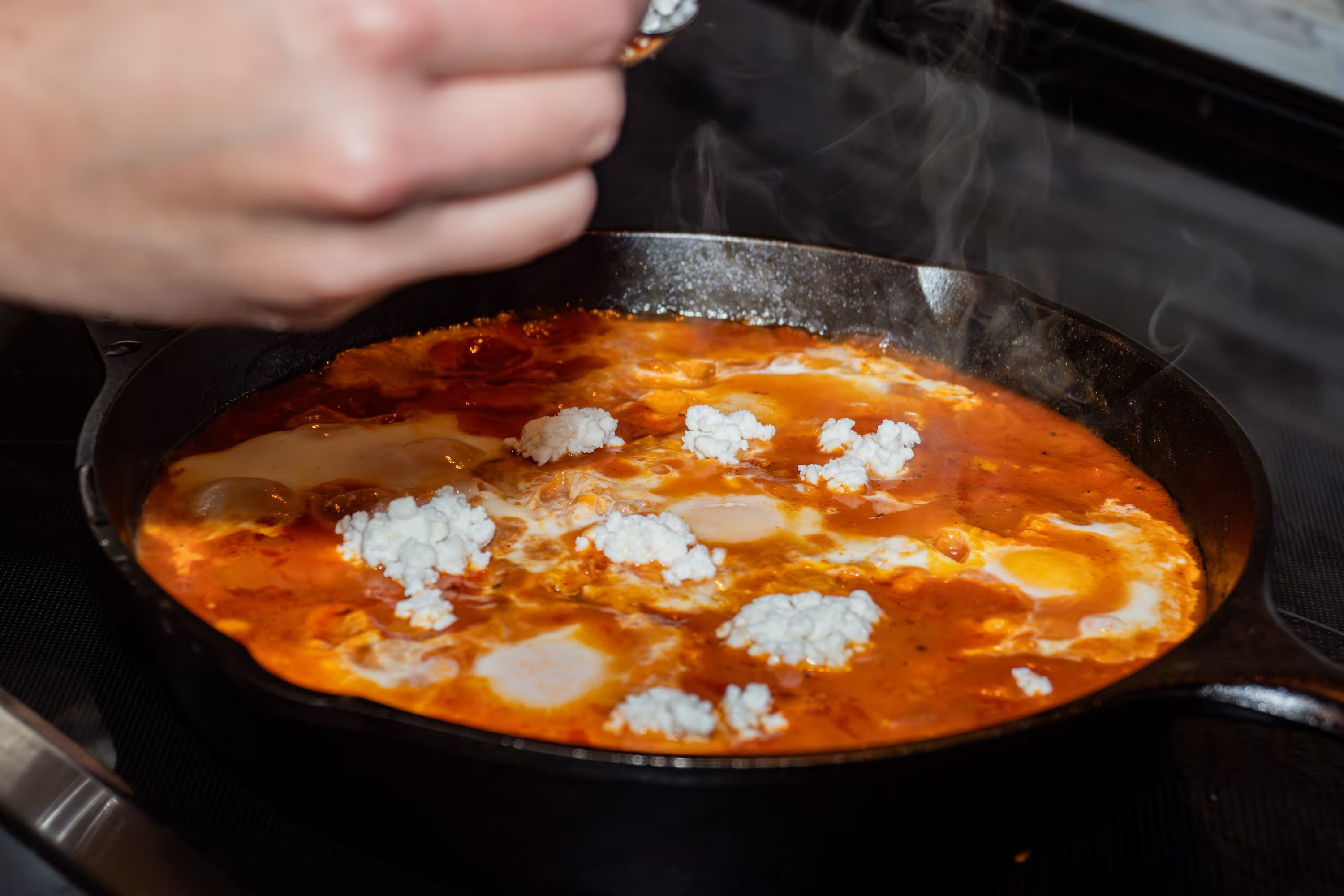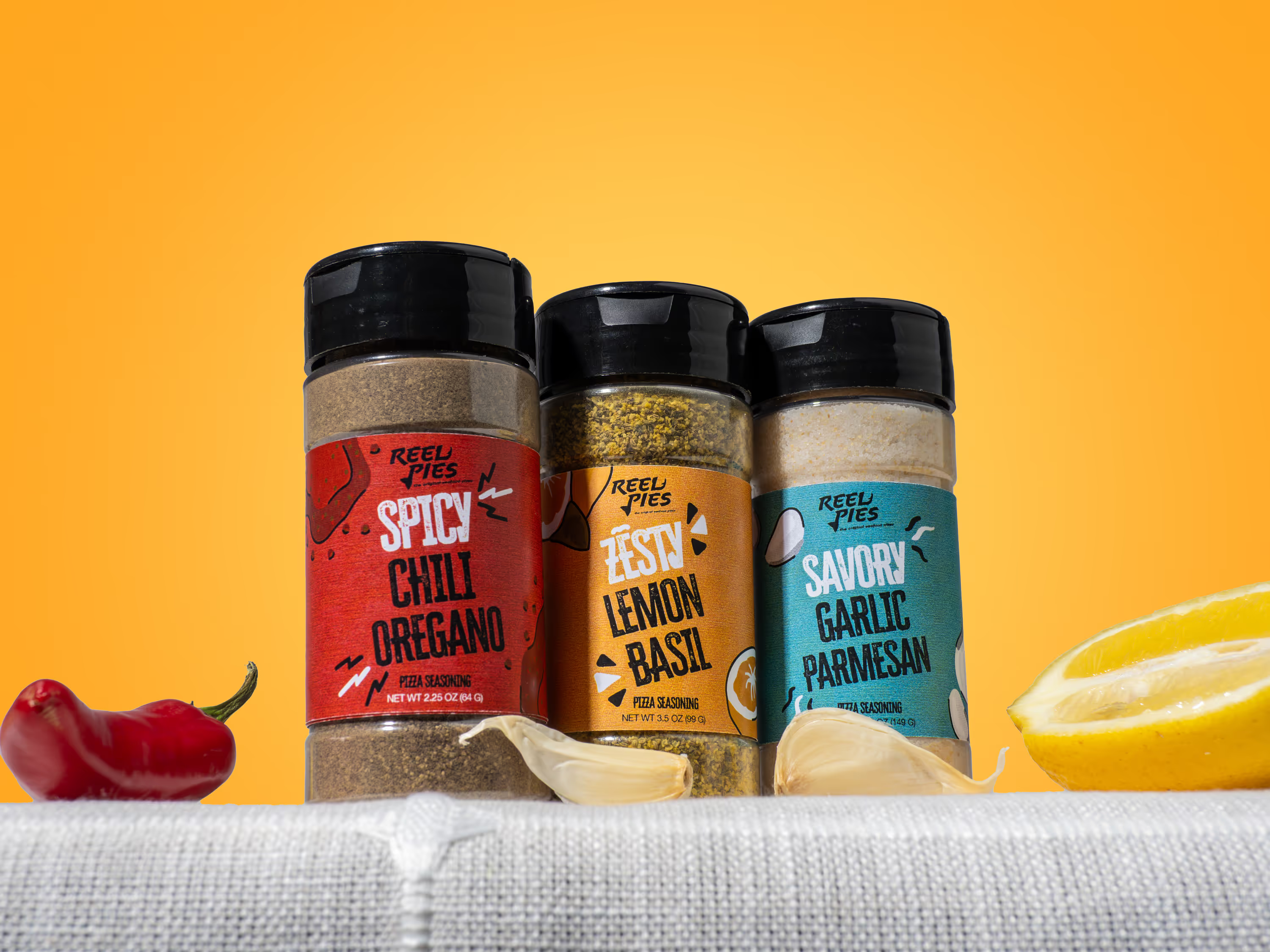
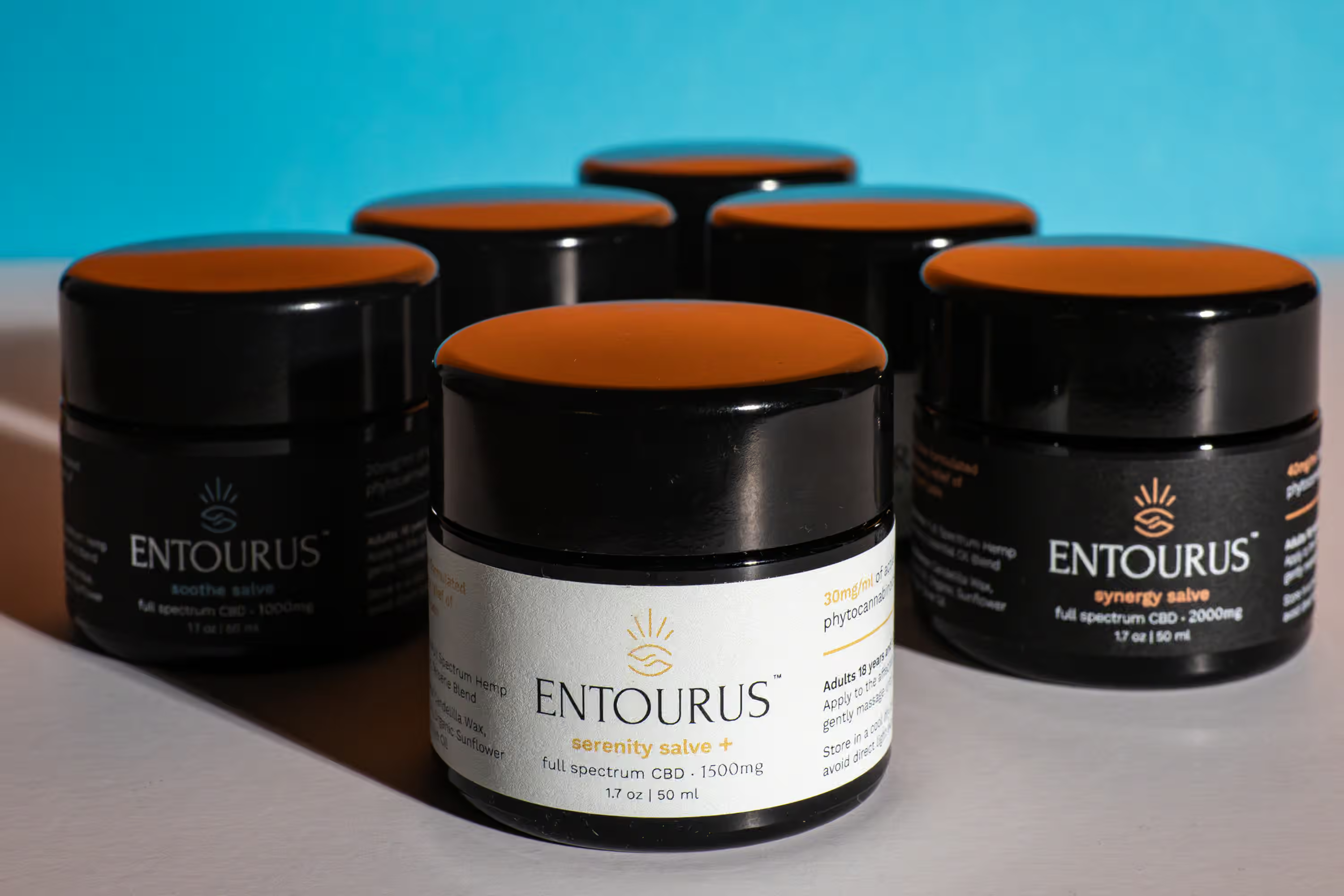
Details matter in product photography. Product photos with imperfect details cost you returns, lost trust, and a hard conversation with leadership you'd rather skip.
22% of online product returns happen because the item looks different from the photos. For a food or beverage brand, those returns add up fast. You need a product photography quality checklist you run through before any image goes live.
Does the Color Match What the Customer Will Receive?
This is the number one quality issue in CPG product photography. Your hot sauce looks deep red in person but orange on the website. Your matcha powder is vibrant green on the shelf but washed out on your product detail page (PDP).
These mismatches drive returns and destroy repeat purchase rates. Research from the European Journal of Marketing found 58% of consumers won't buy again from a brand after experiencing color inconsistencies. One bad color match, and over half your first-time buyers are gone.
Here's what to check: compare your final photos side by side with the physical product under neutral light. Look at the label colors, the product itself, and any accent colors on the packaging.
At Photos by Lars, we color-calibrate every shoot against a reference card and match to your brand's Pantone specs. The goal is photos looking like your product, not a version existing only on screen.
Are Your Labels Sharp and Readable?
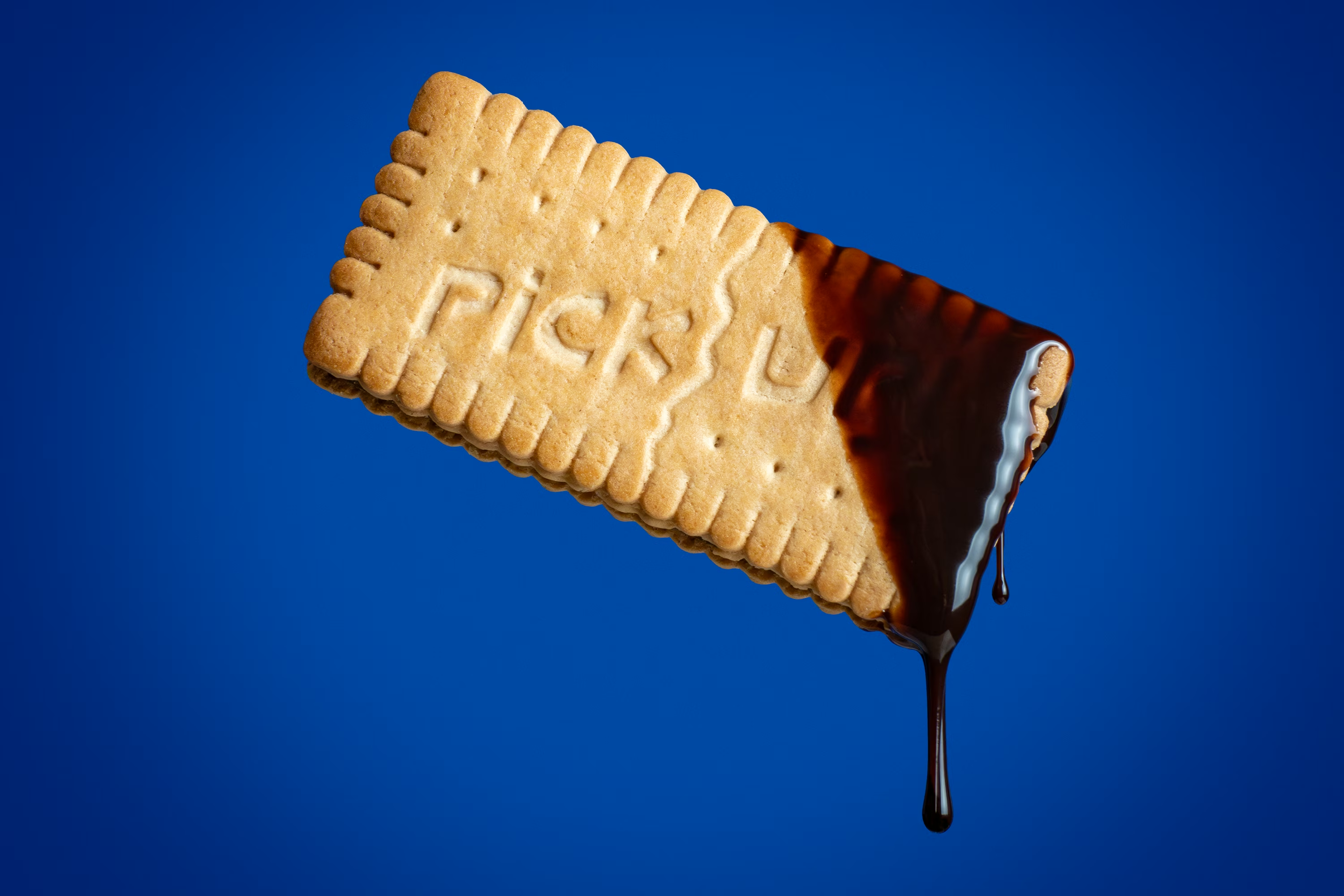
Your label is the first thing a shopper inspects when they zoom in. If the text is blurry, the nutrition facts are unreadable, or a certification badge looks smudged, confidence drops fast.
Not every label will be perfect, and small imperfections are sometimes fine. But you should know about them. Crooked text, slightly off colors, peeling edges, tiny scratches, these all show up on screen. Catch them before your photos go live, and your photographer fixes them in retouching. Miss them, and your customers won't.
Common label problems we catch during our CPG product photography review: the label is slightly crooked, the front text is sharp but the side panel is soft, glare washes out part of the text, or a wrinkle in the shrink wrap distorts the logo.
How Do You Handle Dust and Debris Without Over-Retouching?
Here's the tension: you want your product to look clean and polished, but you don't want it to look fake.
A speck of dust on a matte-finish pouch is distracting. But a product retouched so heavily it looks like a 3D render? Worse. Customers notice when something looks too perfect, and it signals "this isn't what I'm going to get."
The sweet spot is subtle. Remove dust, fingerprints, and any accidental marks. Keep the natural texture of the packaging. The product should look like the best version of itself on its best day, not like software created it. And here's what most people miss: removing one dust speck doesn't look like much. But when you clean up every small mark across the entire bottle, the whole product looks noticeably sharper.
We handle all retouching in-house at Photos by Lars as part of our end-to-end process, so you don't go back and forth with a separate editor. What you approve in the proof gallery is what goes on your site.
What File Size Is Right for Your Website?
A 15MB photo will slow down your product page. A 50KB photo will look terrible when someone tries to zoom in. Getting the middle ground right has a direct impact on your conversion rate.
According to the HTTP Archive, images still account for roughly 40% of a typical webpage's total weight, and Google's own retail data shows a one-second delay in mobile load time drops conversions by up to 20%. If your product photos aren't sized right, you're losing sales before the customer even sees the product.
Aim for hero images under 200KB for web display, saved in WebP or AVIF format. AVIF is a newer image format built for the web, delivering smaller file sizes with sharper detail than JPEG or PNG. Keep your original high-resolution files archived for print, wholesale decks, and Amazon zoom.
We deliver every image set in multiple formats and sizes: high-res for print, web-ready for your website, and social-ready crops. This is part of the product photography quality checklist we run on every order before delivery.
Does the Resolution Support Zoom?
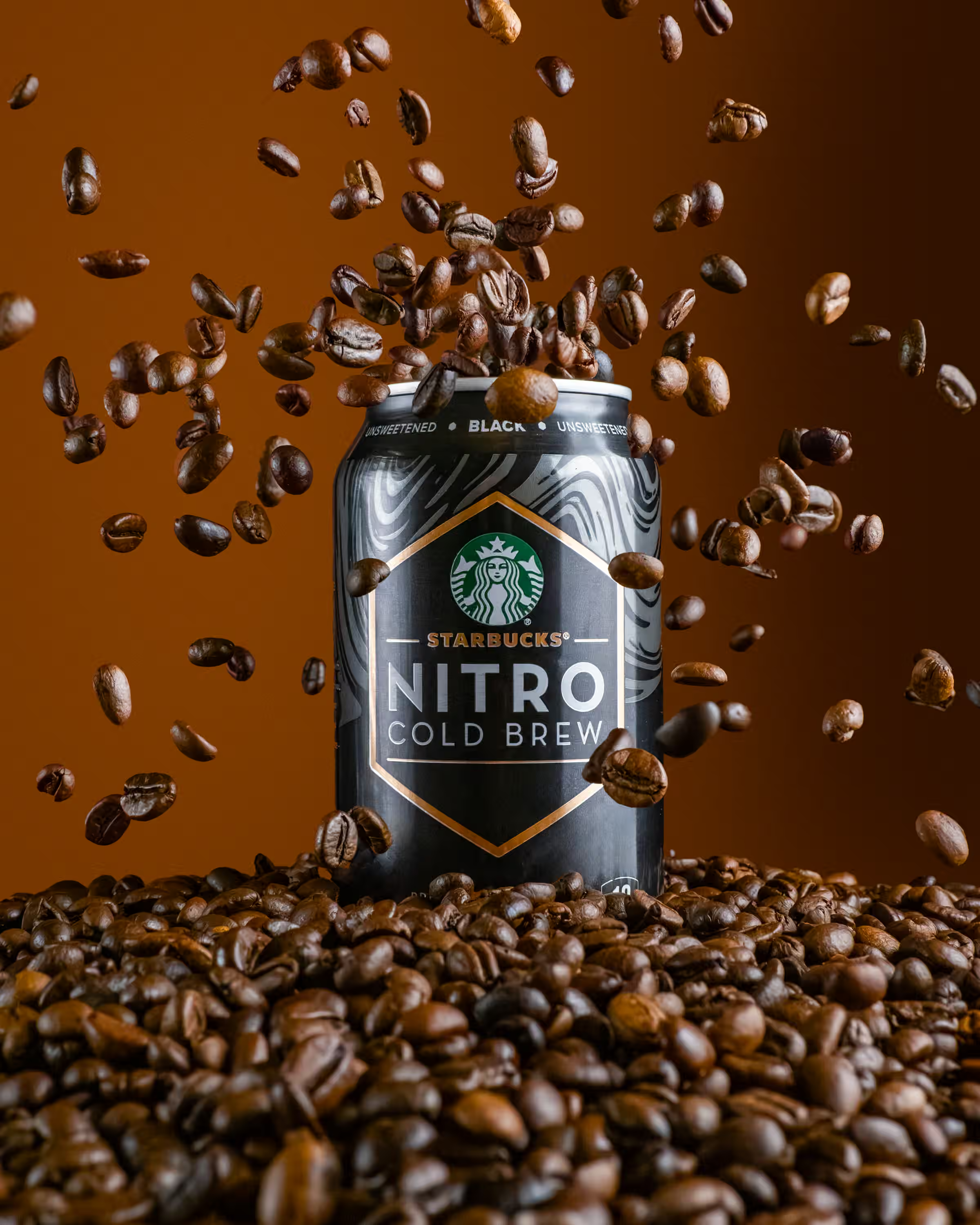
Shoppers zoom. On Amazon, on your website, on every marketplace listing. If someone pinches to zoom and the image turns blurry, they'll buy from the next brand in line.
Your product images need to be at least 2000 pixels on the longest side for zoom to work well on most ecommerce platforms. Brands with zoomable, high-resolution product images see conversion rates up to 33% higher. Amazon requires at least 1000 pixels but recommends 2000+ for their zoom feature.
Ask your photographer to deliver both: full-resolution masters for zoom and web-ready versions for fast loading. If your current photographer hands you one set of files and says "good luck," look for a new one. At Photos by Lars, we deliver 3-5 business days after the shoot, with every file exported in the right resolution and format for your channels.
Is Every SKU Consistent?
Pull up your product collection page right now. Do all your SKUs look like they belong together? Same lighting direction, same shadow style, same background tone, same crop?
For clean, white-background product shots, consistency is non-negotiable. When your original flavor has warm lighting and your new seasonal flavor has cool lighting, it signals "different shoots, different standards." And inconsistency doesn't stay on your website. It shows up in retail pitch decks, wholesale presentations, and paid ad carousels where mismatched images kill credibility.
Lifestyle and creative shots are a different story. An outdoor golden-hour shoot will look different from your studio hero shots, and it should. The key is consistency within each type. Your white-background images match each other. Your lifestyle images share a similar mood.
At Photos by Lars, we shoot with a style guide locked in before the first frame. Lighting angles, background tones, crop ratios, and shadow direction stay the same across every SKU, even months apart. We keep your product photography quality checklist on file so every future shoot matches your existing library.
The Quick-Reference Checklist
Before you approve any product photo, run through these seven questions:
1. Color accuracy: Does the photo match the physical product under neutral light?
2. Label sharpness: Is every line of text readable when you zoom in?
3. Dust and debris: Are accidental marks removed without making the product look fake?
4. Retouching balance: Does the product look real and touchable, not rendered?
5. File size: Are web images under 200KB without losing clarity?
6. Resolution: Are images at least 2000px on the longest side for zoom?
7. SKU consistency: Do all products look like they belong to the same brand?
Run this list on every batch of photos before they go live.
Common Questions
What's the Biggest Quality Mistake in CPG Product Photography?
Color inaccuracy. It causes the most returns and the most customer complaints. If your hot sauce looks orange online but red in person, you lose the sale and the customer's trust. Every shoot should start with a color calibration step.
How Do I Know If My Product Photos Are Too Retouched?
Show the photo to someone who hasn't seen the product, then hand them the real thing. If they say "this looks different," your retouching went too far. The goal is to remove distractions without changing the product's texture, finish, or color.
What Image File Size and Format Should I Use for My Website?
Keep your main product images under 200KB for fast loading. WebP and AVIF are the best formats for web right now, delivering smaller files with sharper detail than traditional JPEG or PNG. Archive full-resolution originals separately for print and wholesale.
How Often Should I Re-Shoot My Product Line?
Reshoot whenever your packaging changes, even for small updates like a new logo placement or revised nutrition facts. Review your full image library every 6-12 months against your current physical products, and schedule a reshoot for anything looking off.
Do I Need Separate Photos for Amazon vs. My DTC Site?
There's overlap, but you won't use everything from Amazon on your DTC site, and you won't use everything from DTC on Amazon. Amazon requires pure white backgrounds, the product filling 85% of the frame, and a minimum of 1000px. Your DTC site needs lifestyle shots, motion content, and creative angles on top of the basics. Photos by Lars covers both in a single shoot: clean hero shots for Amazon and brand-forward content for your own site.
We put together a free Brand Visual Scorecard showing where your current visuals stand across the details on this checklist. It takes two minutes, and you'll walk away knowing what to fix first.