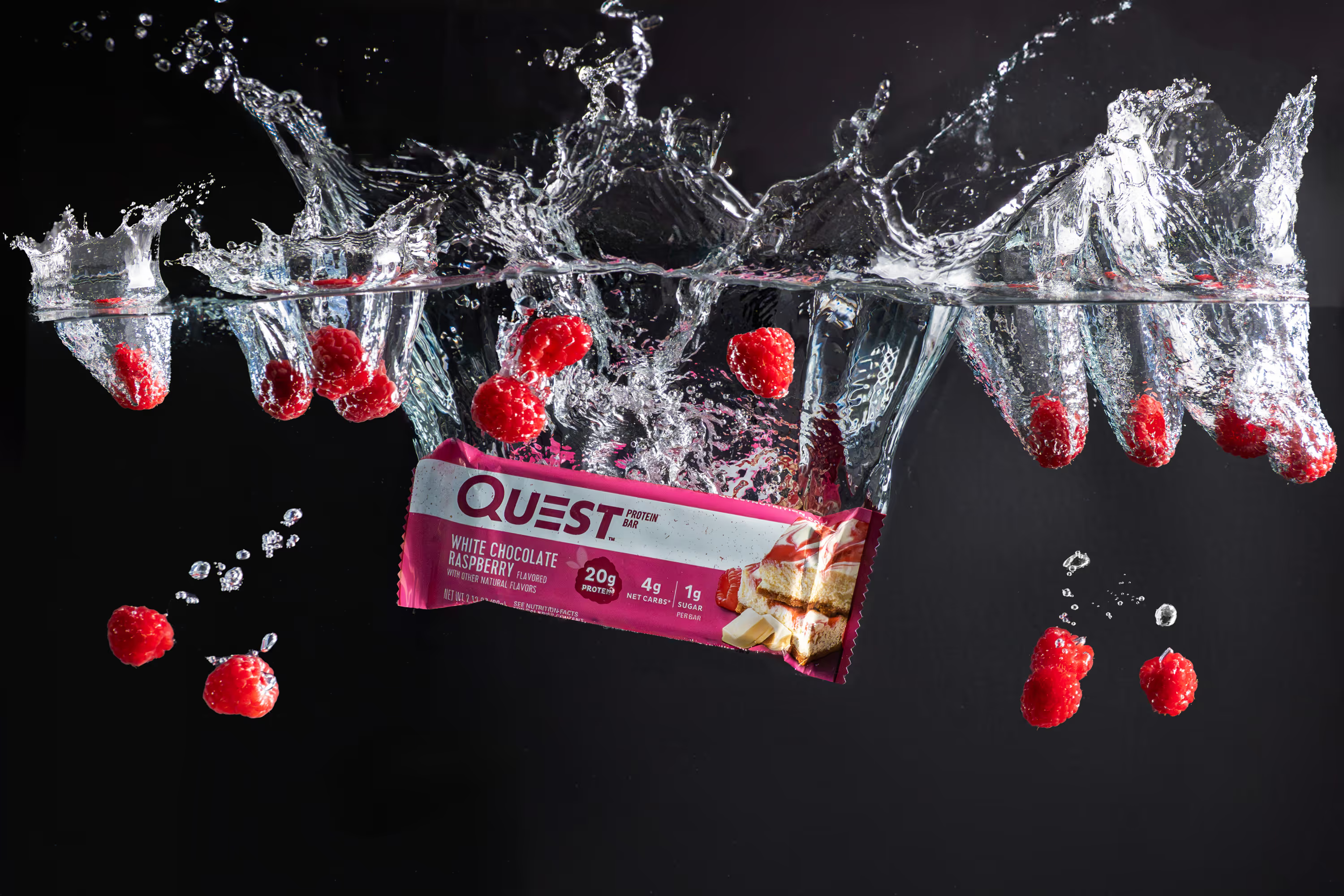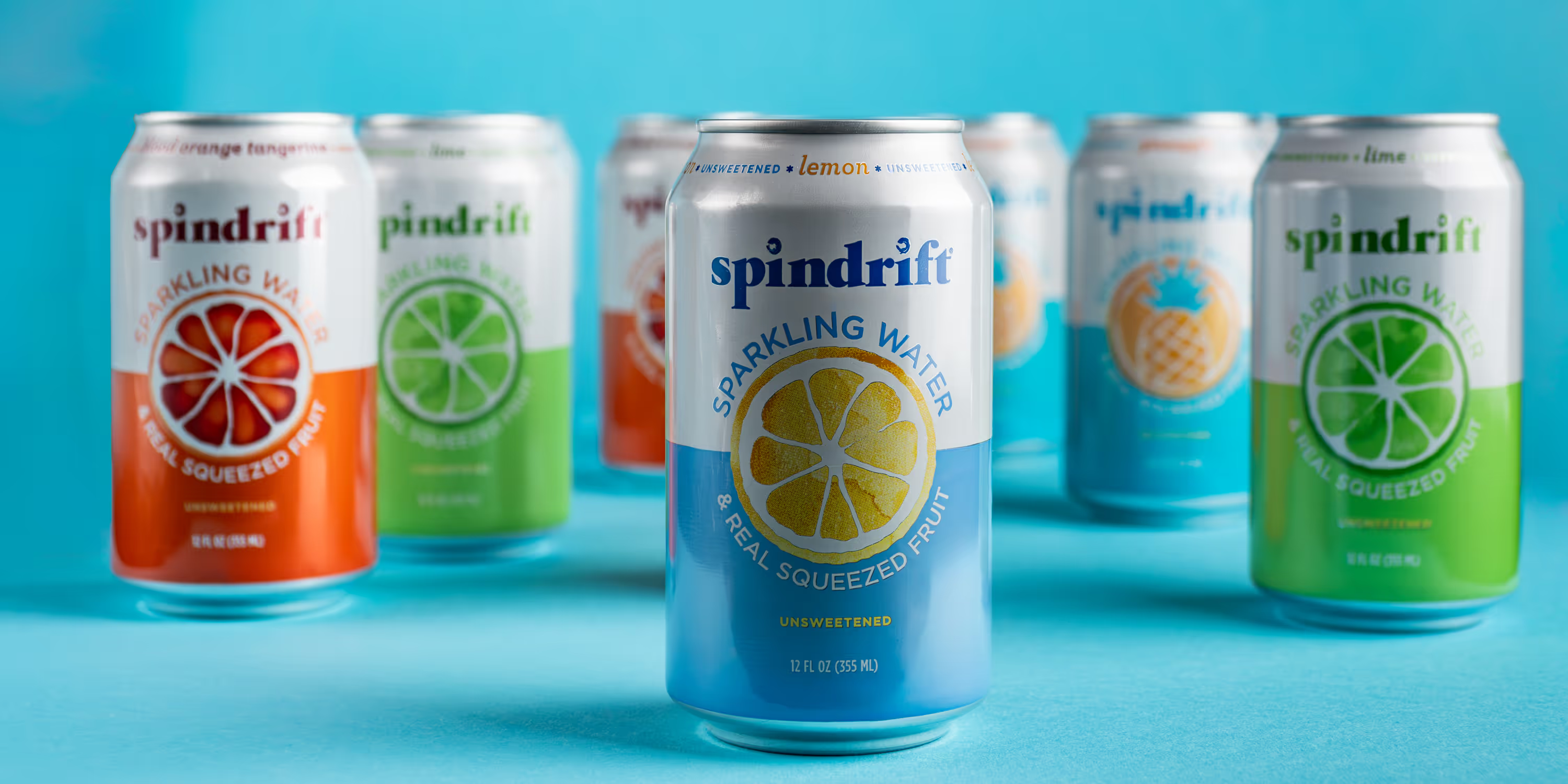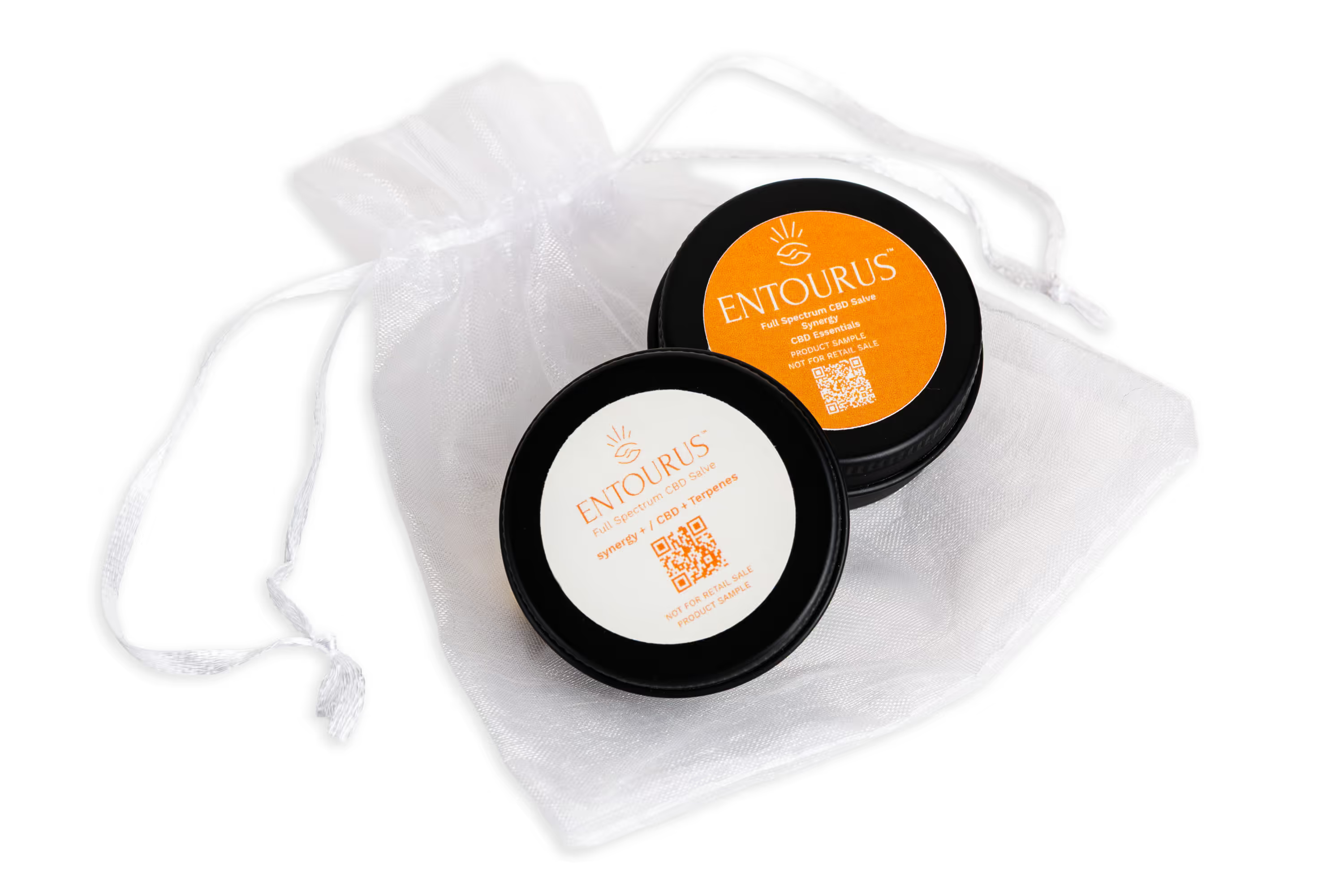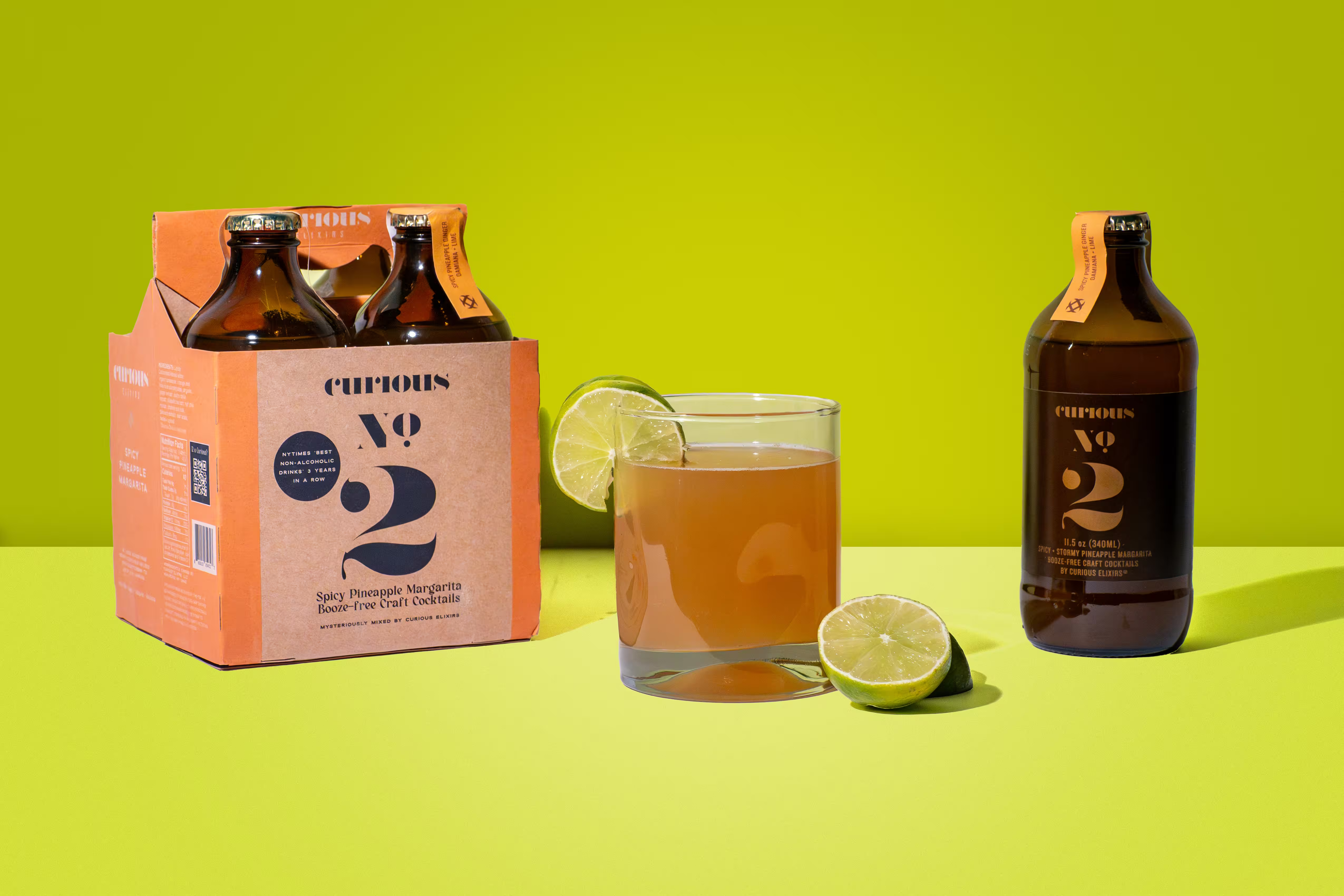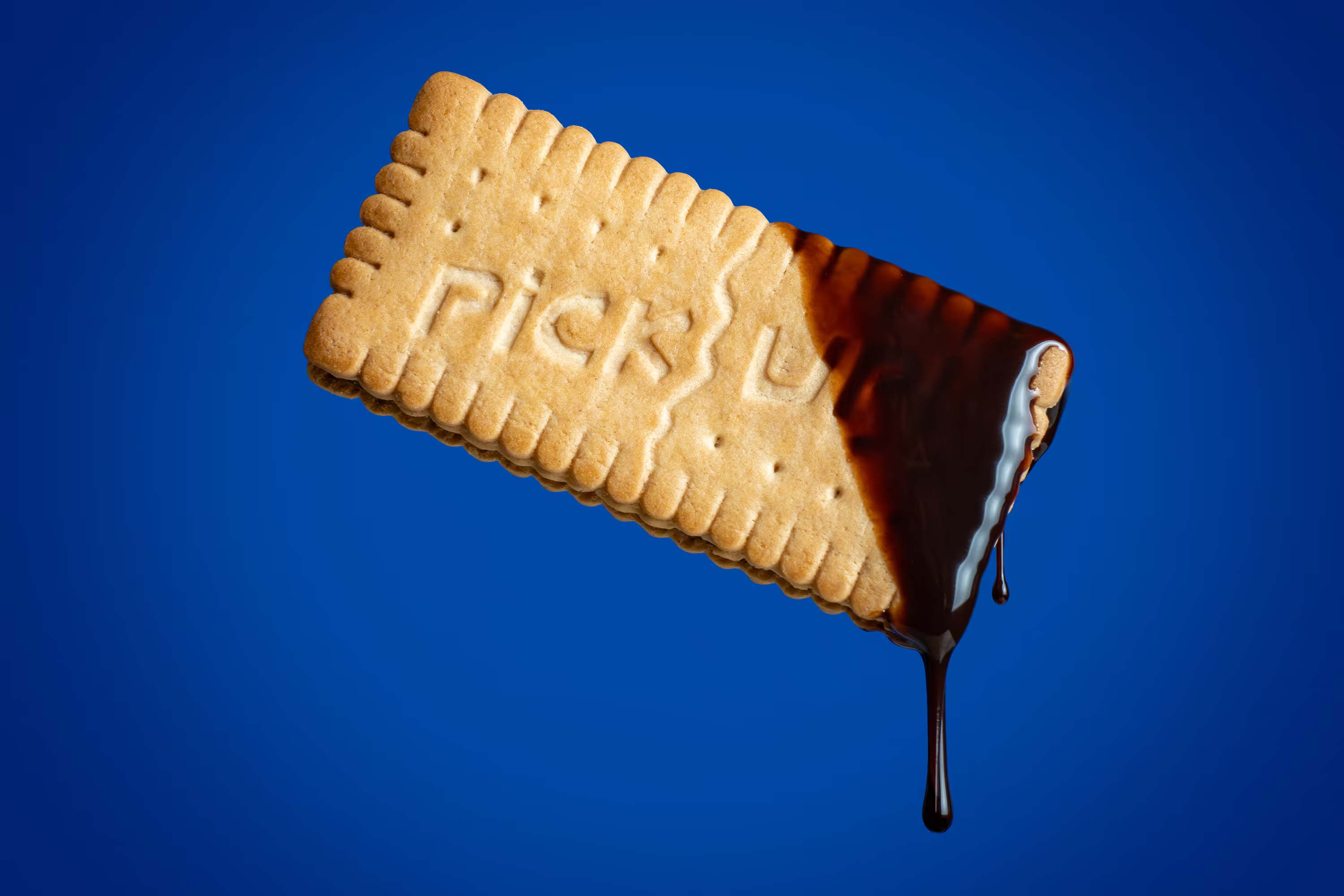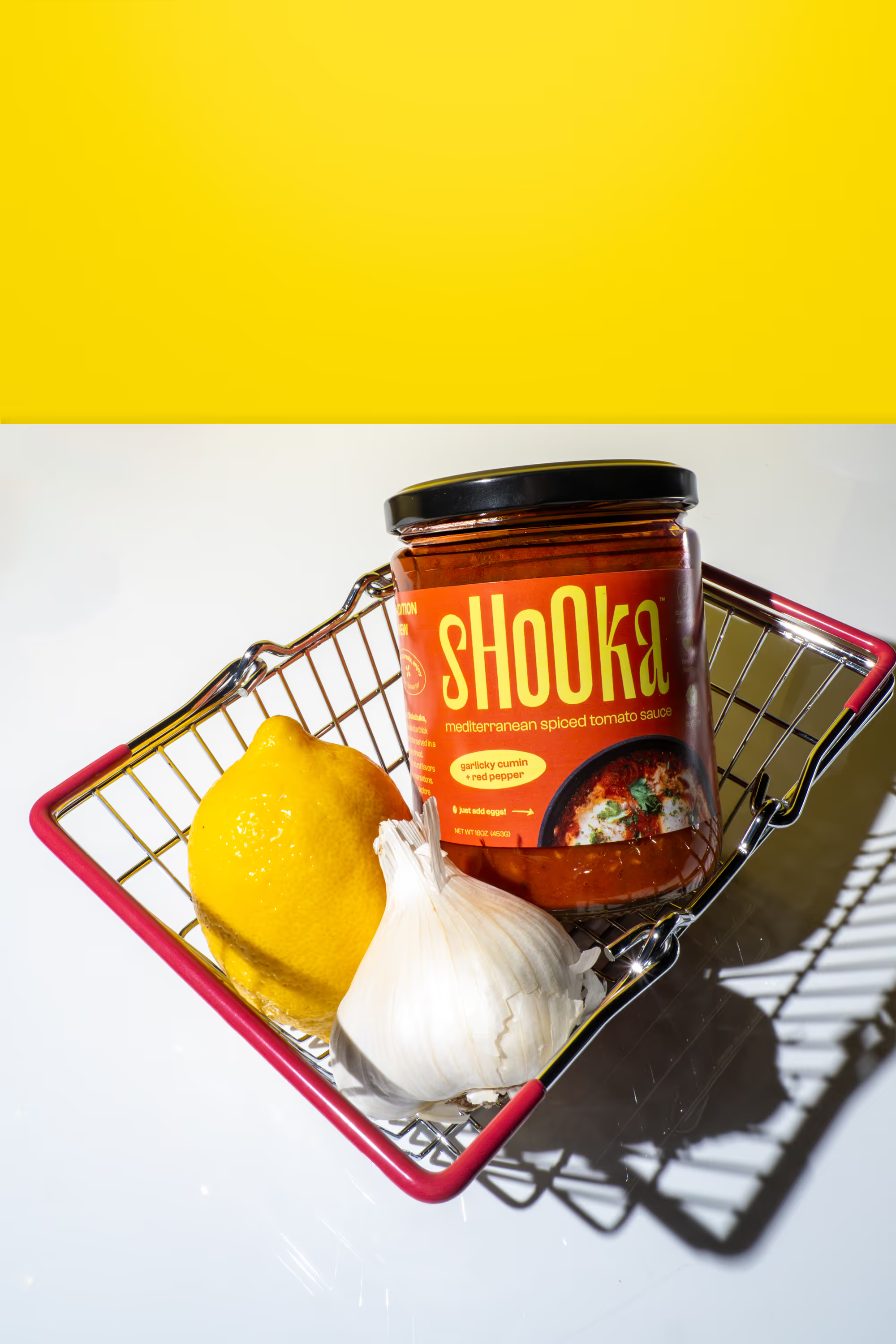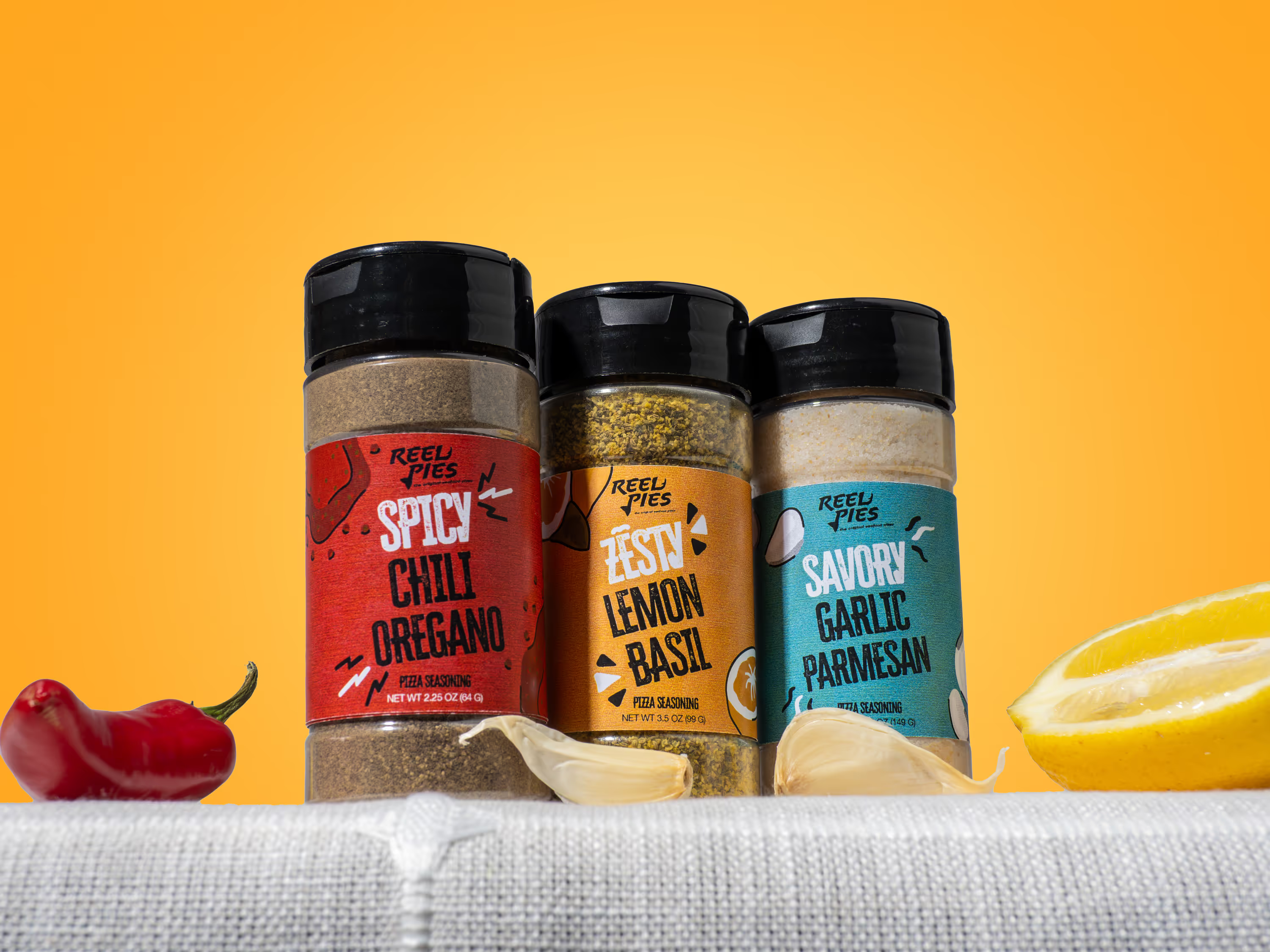
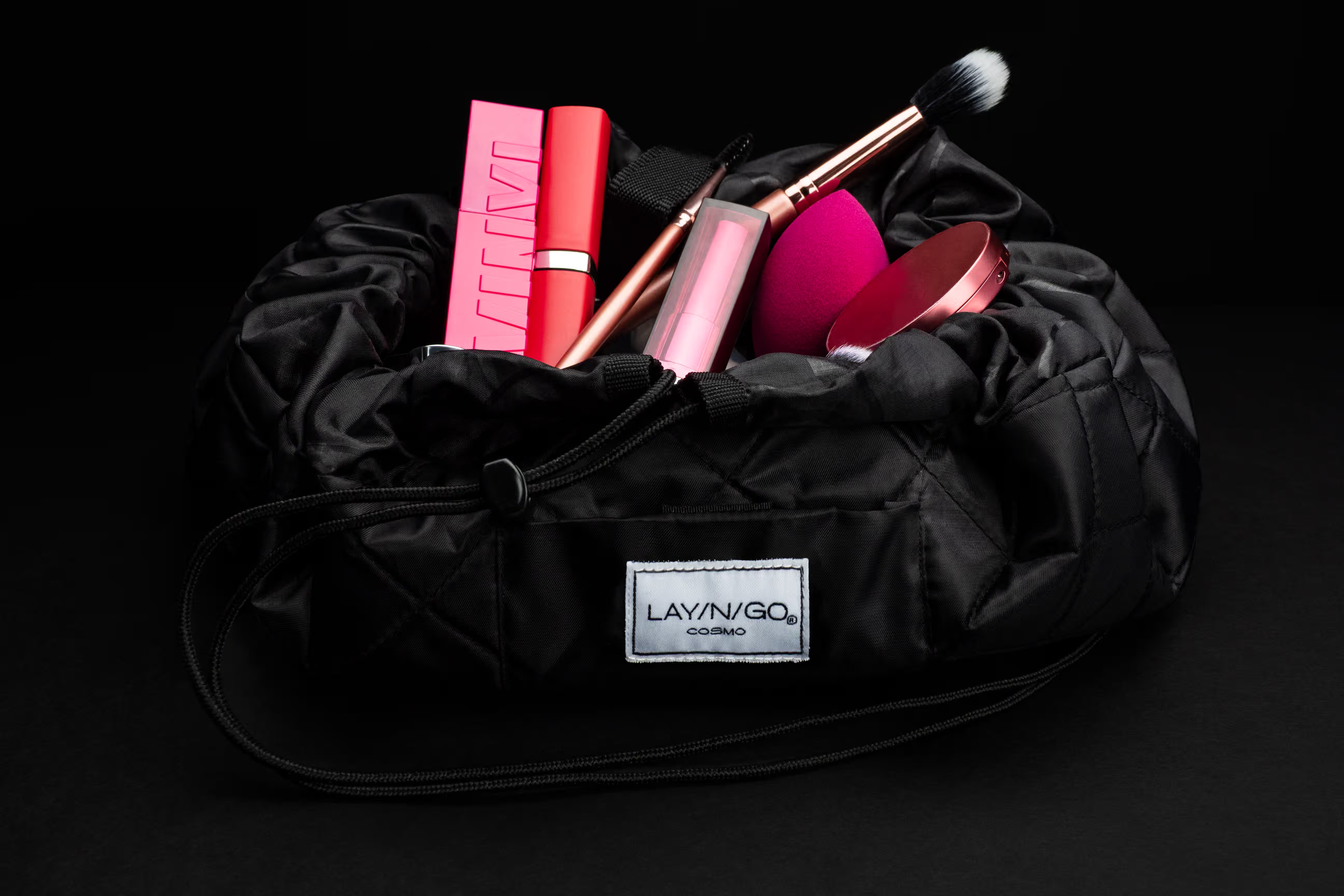
You paid for a full product shoot and now half the images don't fit your Instagram grid, your website hero banner, or your Amazon listing. Not a design problem. It's a product photo sizes problem, and it's fixable before a single photo gets taken.
Most brands treat image sizing as a post-shoot problem. Resize it later. Crop it in Canva. Make it work.
But forcing a horizontal image into a vertical frame means you lose product detail, cut off key elements, or end up with awkward white space. Every one of those compromises costs you clicks.
According to Shopify, product images are the number one factor in purchase decisions for online shoppers. When your team crams images into the wrong format, your conversion rate takes the hit. Plan your product photo sizes before the shoot, not after.
What Product Photo Sizes Do You Need for Each Platform?
Here are the five aspect ratios covering 90% of the product photo sizes a food or beverage brand needs across all channels:
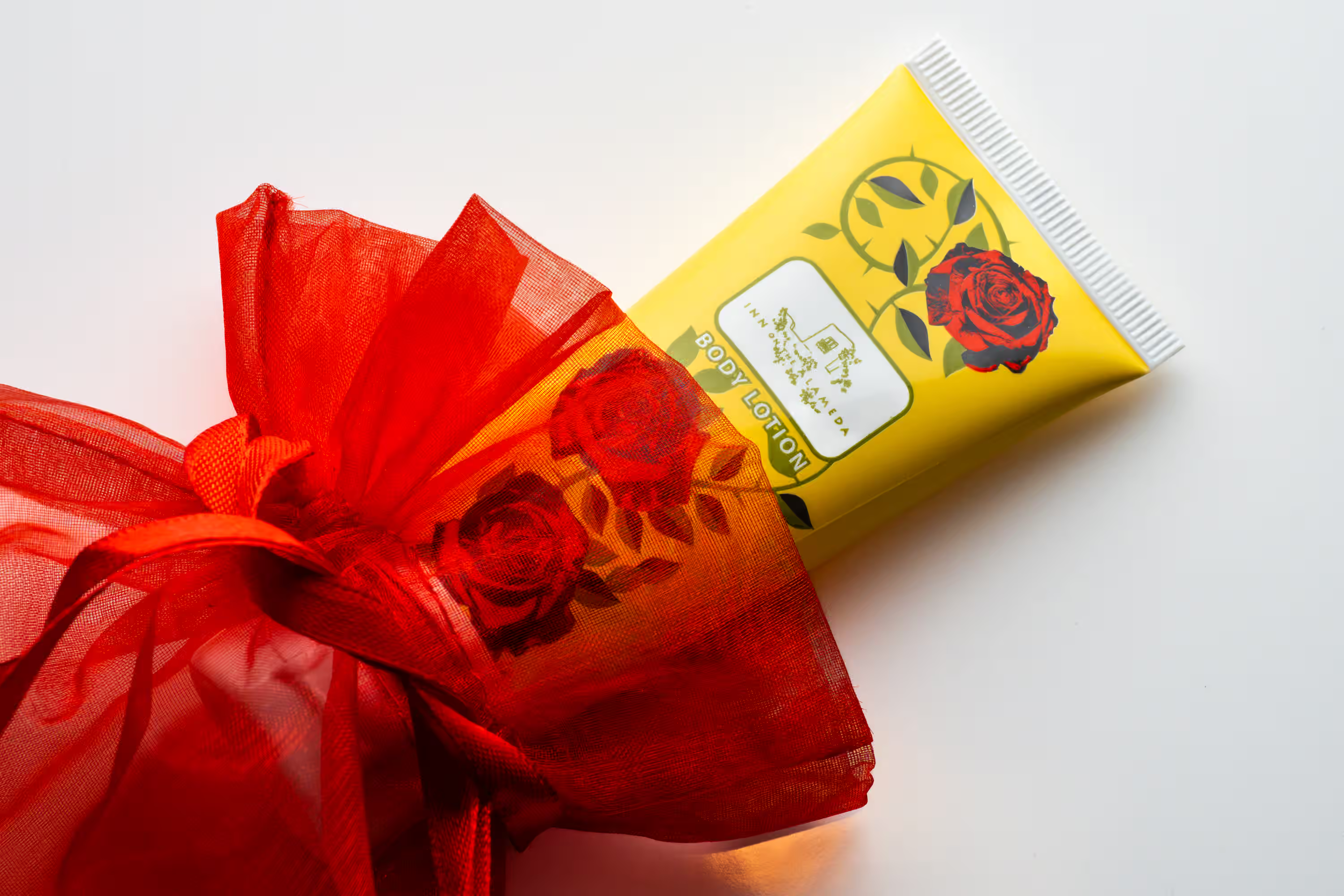
4:5 (vertical). This is your workhorse for Instagram feed posts, Pinterest pins, and product detail pages. It fills more screen space on mobile than any other format, which means more attention on your product. At Photos by Lars, this is the ratio we shoot most often for CPG product photography.
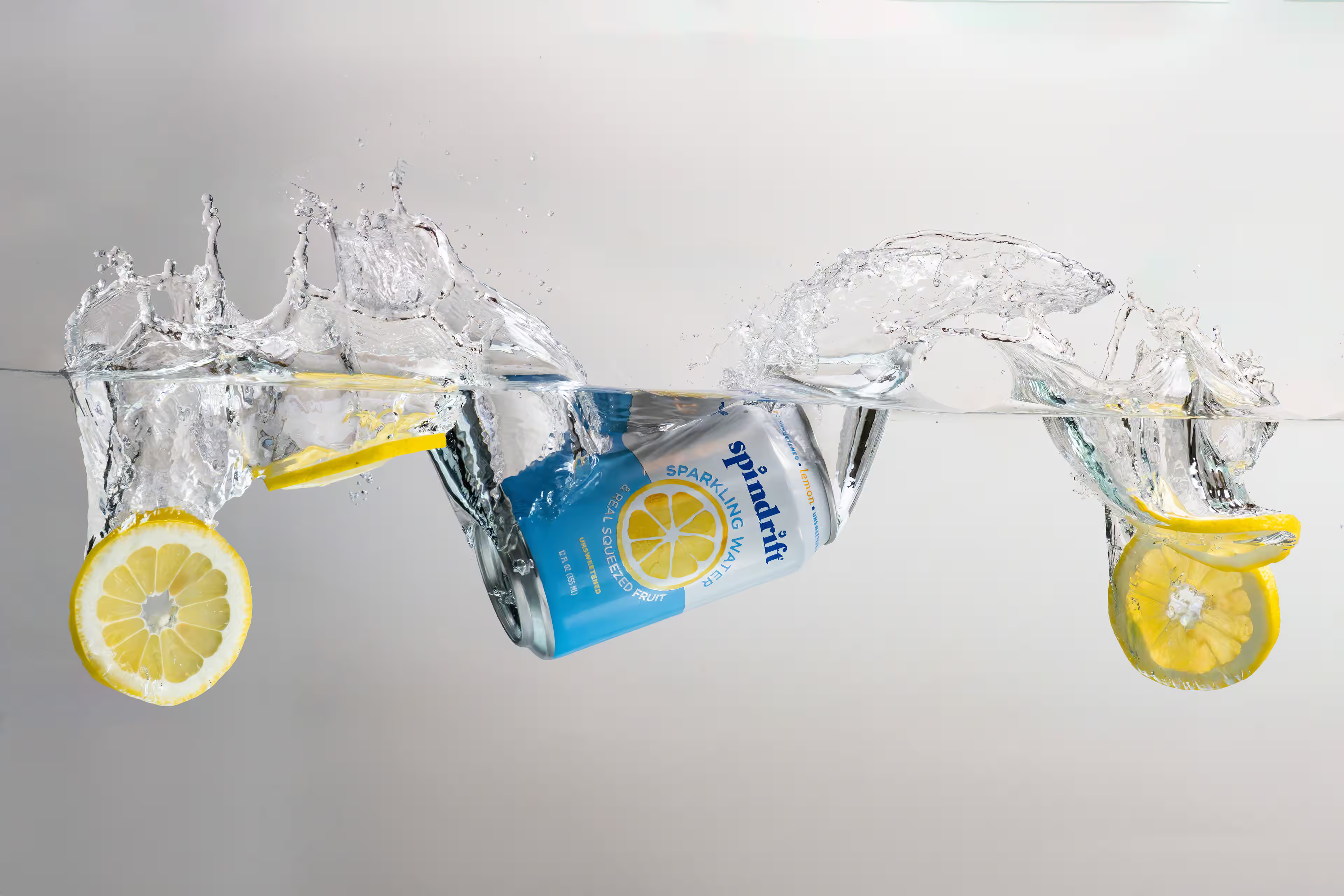
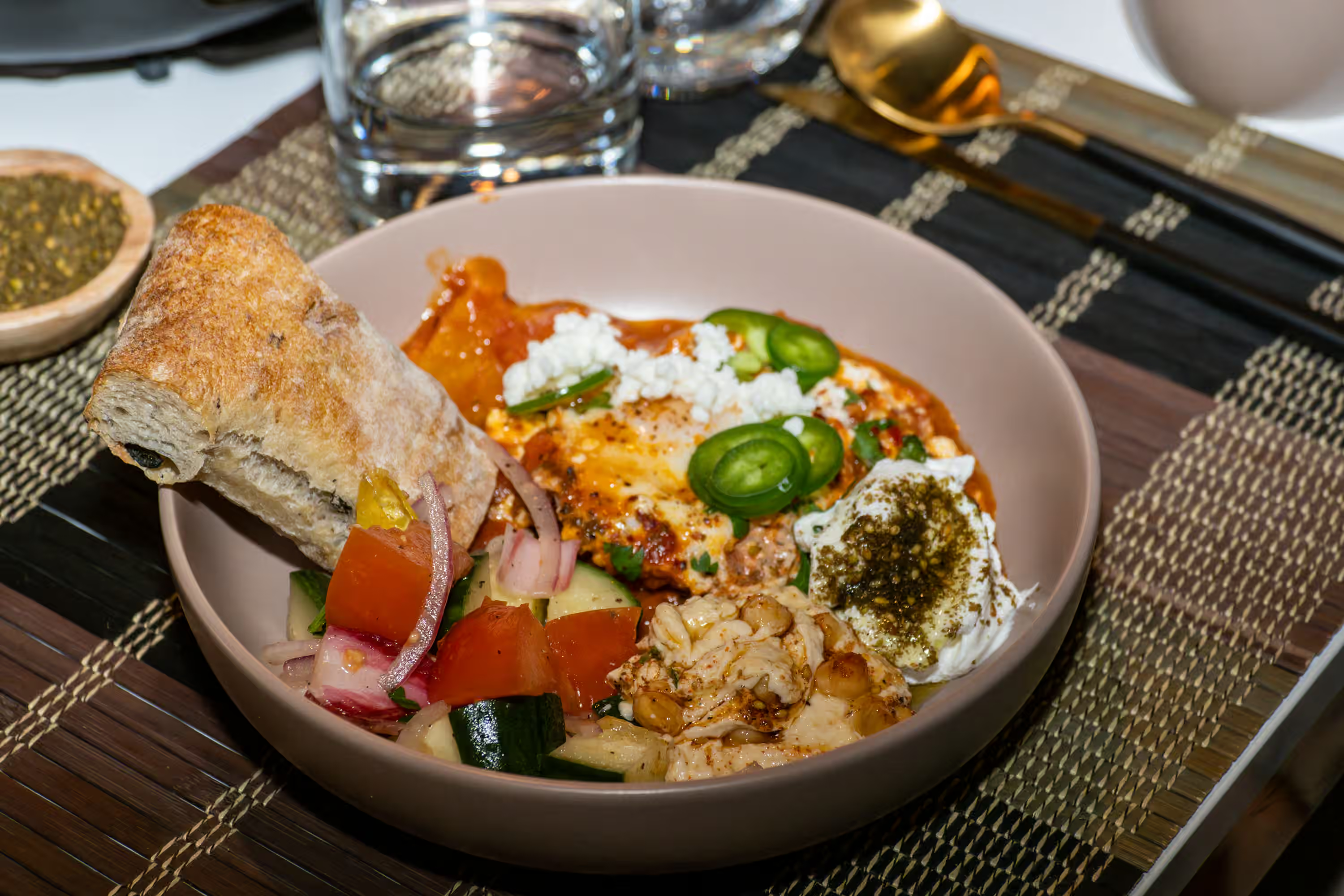
3:2 (horizontal). The go-to for website lifestyle banners, blog post headers, and email marketing images. It has a natural, editorial feel, perfect for food and beverage photography where you want to show context around the product.
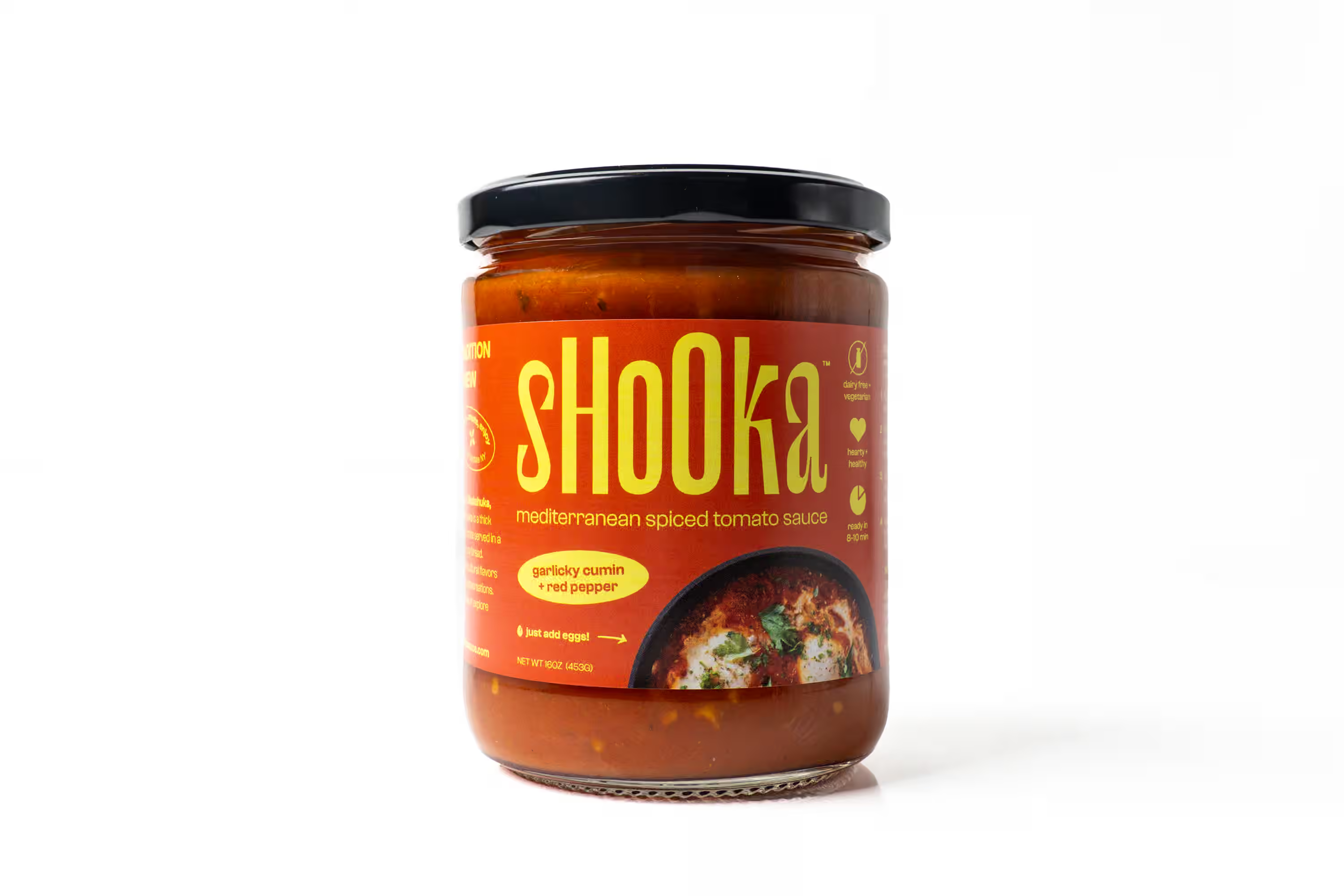
1:1 (square). White background product shots for ecommerce listings, Amazon main images, and Shopify product pages. Clean, centered, no wasted space. Amazon's image requirements call for at least 1000x1000 pixels on a white background, so this ratio is non-negotiable if you sell on marketplaces.
16:9 (wide horizontal). Landing page hero sections, YouTube thumbnails, and website banners. This opening shot sets the mood when someone lands on your site. Think of it as your brand's first impression.
9:16 (full vertical). Instagram Reels, TikTok, and Stories. If your brand runs any short-form video content, make sure your photographer frames images and clips for this ratio too.
The key insight: when your photographer shoots with enough negative space (room around the product on all sides), a single setup gives you three or four of these crops from one frame. Five separate shots aren't necessary. One well-composed shot with breathing room does the work.
How Do You Plan a Shoot to Cover Every Channel?
This is a collaborative process between you and your photographer. Start with a simple content audit. Before your shoot day, list every place your product photos will live over the next 60-90 days: your website, Amazon, Instagram feed, Instagram Stories, email campaigns, paid ads, retail sell sheets. Write down the required image format for each one.
Then share the list with your photographer and build the shot list together around those formats, not around individual photos. For each setup or scene, map out which crops you need from it. The right photographer will plan compositions with enough breathing room to deliver multiple formats from every setup. If you're new to building a shot list, our guide on planning your first product shoot walks you through it step by step.
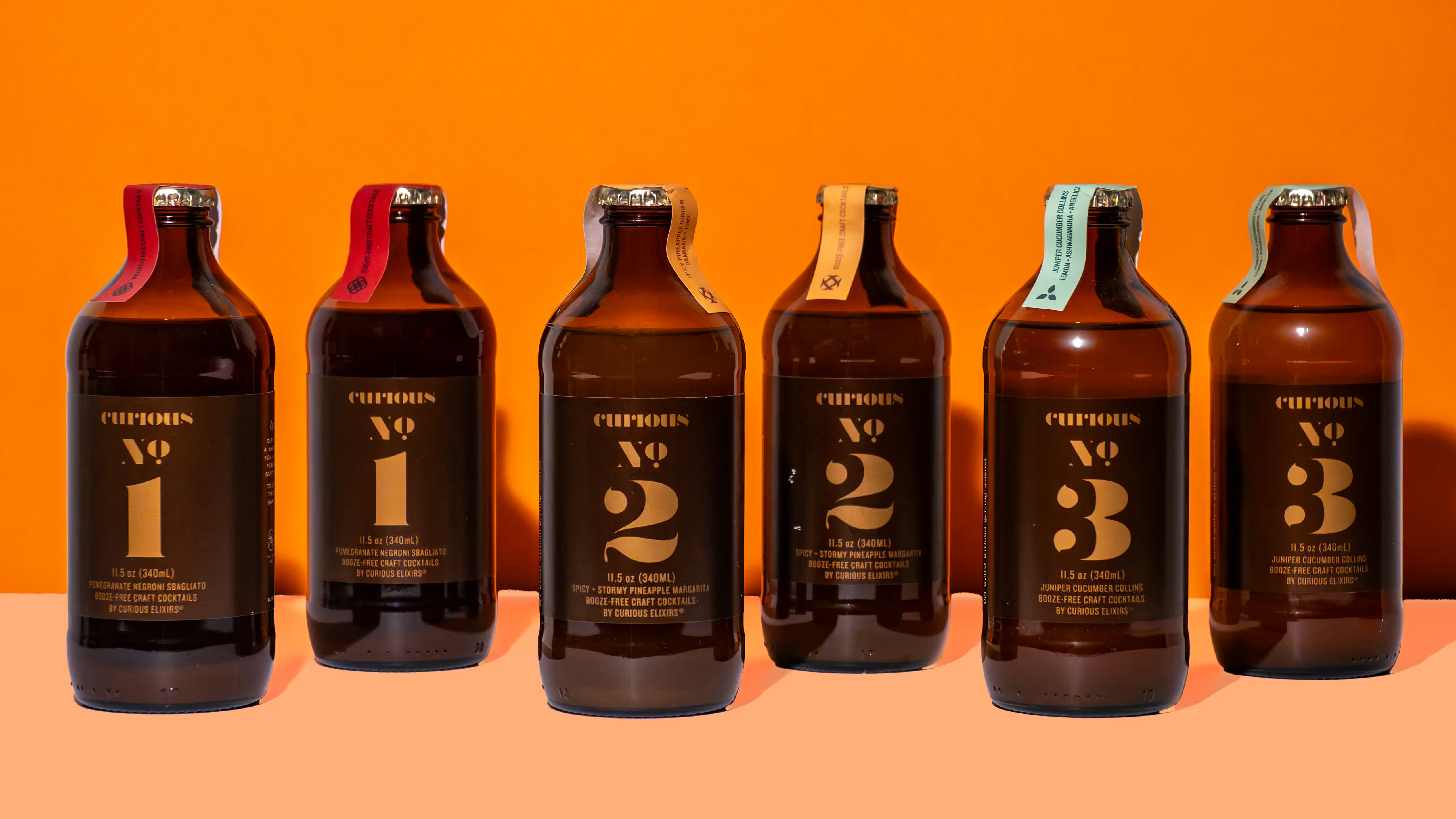
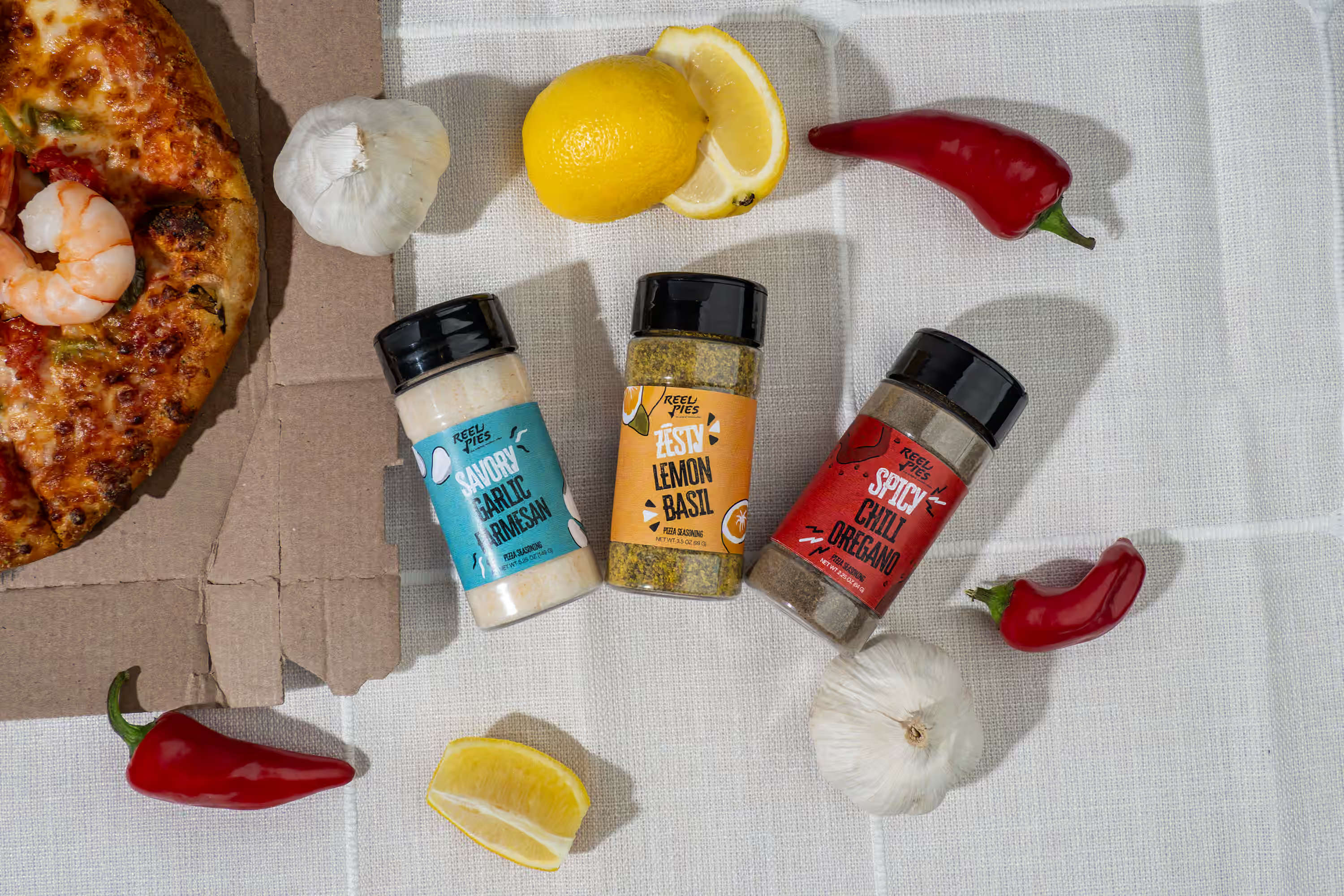
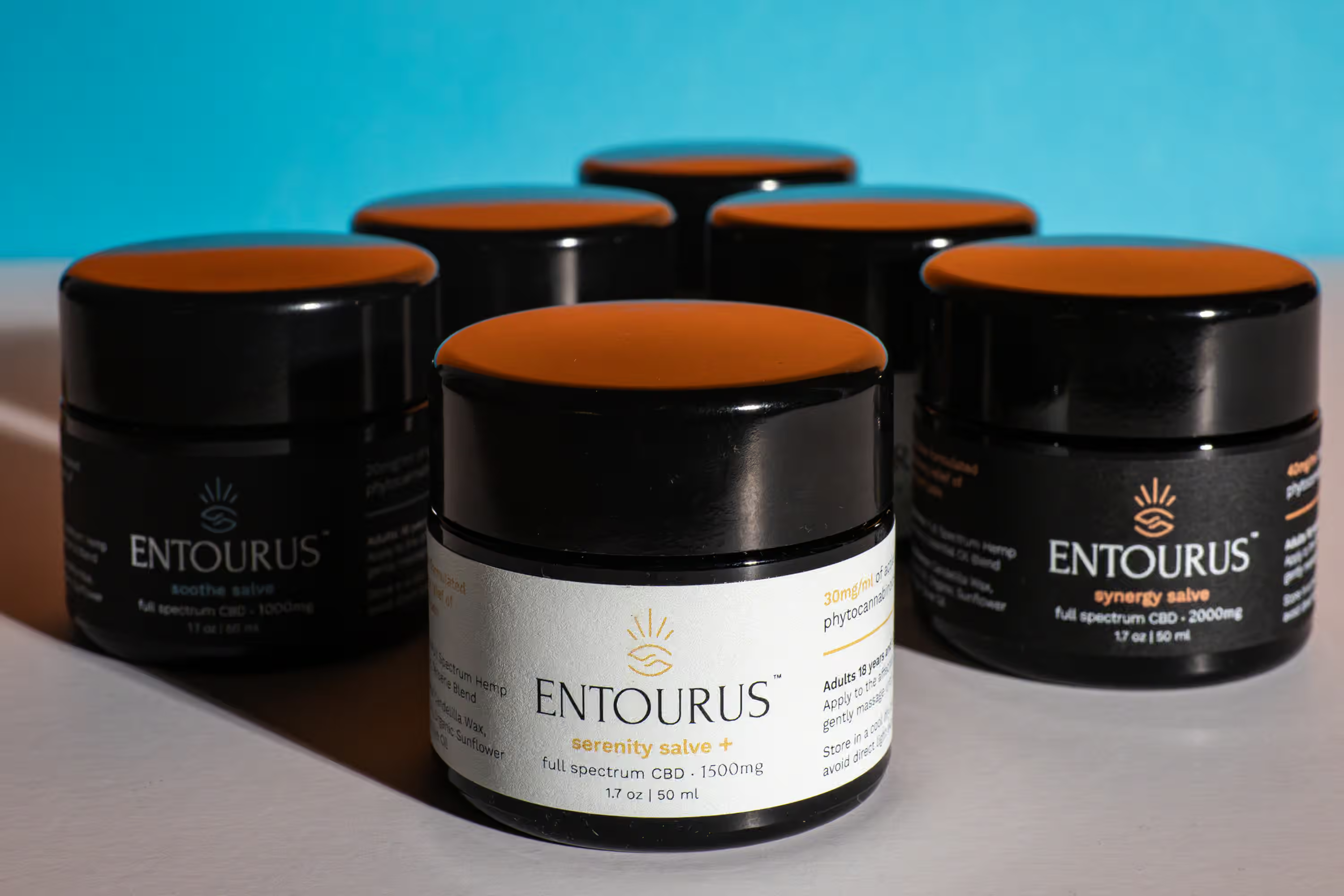
Here's how it works in practice: we photograph 10 unique compositions, but we frame each one with enough space to the sides and top to pull multiple crops. Those 10 setups turn into 34 unique assets across all five aspect ratios. They won't be as strong as 34 individually composed images, but it's a great way to stretch your budget. Your team gets content for every channel from one shoot day.
At Photos by Lars, we build this into our process from day one. You tell us where your images need to go, and we handle the rest. No surprises when your designer tries to fit a landscape shot into a vertical ad and the product gets cut in half.
With delivery in 3 to 5 days, you get platform-ready files without the back-and-forth. We take care of the heavy lifting so you focus on your launch.
Why Does Planning Product Photo Sizes Save You Money?
When you don't plan for multiple crops upfront, the gaps show up a few weeks later. Your designer needs a vertical for an ad campaign, but every image you have is horizontal. Your Amazon listing needs a square packshot, but the shoot was framed tight for lifestyle. The fix at this point is usually a reshoot, and reshoots eat into your timeline and your budget.
Planning crops upfront typically increases your usable image count by 40-60% from the same shoot day. This is not a small efficiency gain. It's the difference between a photo budget stretching across Q3 and one running dry in July.
Research from BigCommerce confirms having the right number and quality of product images drives a measurable lift in add-to-cart rates. More platform-appropriate images means more touchpoints with the right visuals, which means better performance on your DTC ecommerce site and across every channel.
And if something from the shoot isn't working for you, we offer free reshoots. No awkward conversations, no surprise invoices. We want you to feel confident about every image before it goes live. Ask your photographer to deliver a full crop set for each setup as a standard part of the project. At Photos by Lars, multi-crop delivery is built into our services.
Common Questions
How many aspect ratios should I ask my photographer to cover in one shoot?
Five is the sweet spot for most CPG brands: 4:5, 3:2, 1:1, 16:9, and 9:16. These cover Instagram, your website, Amazon, email, and short-form video. If you sell on a platform with unique requirements (like Walmart Marketplace), add those specs to the list before the shoot.
Do I need to reshoot if my images don't fit a specific platform?
Not always. If the original image has enough negative space around the product, a skilled editor will pull a clean crop in the new ratio. The problem happens when the photographer framed images too tight, leaving nowhere to go. If you're unsure whether your current images have room for new crops, our Brand Visual Scorecard gives you a quick read on where your visuals stand.
What's the best image ratio for food and beverage products on Instagram?
4:5 takes up more screen real estate than square (1:1) or landscape (3:2) images, so it stops the scroll longer. For Stories and Reels, 9:16 fills the entire screen. Plan for both when briefing your photographer on your next food and beverage shoot.
Should white background shots always be square?
For Amazon and DTC product pages, yes. Square (1:1) white background shots display consistently across devices and fit within platform image galleries without cropping. But having a 4:5 and 3:2 version of the same clean product shot gives you flexibility for ads and email too.
How do I communicate aspect ratio needs to my photographer?
Share a simple spreadsheet listing each platform, the required aspect ratio, and where you plan to use each image. A good photographer will build the shoot plan around it. If you'd rather skip the spreadsheet, we put the plan together for you. Book a call and we'll map out the formats your brand needs before shoot day.
Next Steps
Not sure which product photo sizes your brand is missing? We put together a free Brand Visual Scorecard showing where your visuals stand across your website, Amazon, social, and ads. It takes two minutes and gives you a clear picture of what's working and where the gaps are.
If you'd rather talk it through, book a call and we'll map out a crop plan for your next shoot. Check out our portfolio to see how we deliver platform-ready content for food and beverage brands.